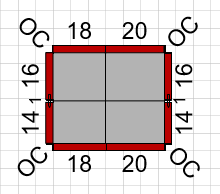
The Shape Data popup is a convenient and easy-to-use tool for setting Pilaster elevations.
To open the Shape Data popup:
Right-click the Pilaster shape and select Shape Data from the Data sub-menu.
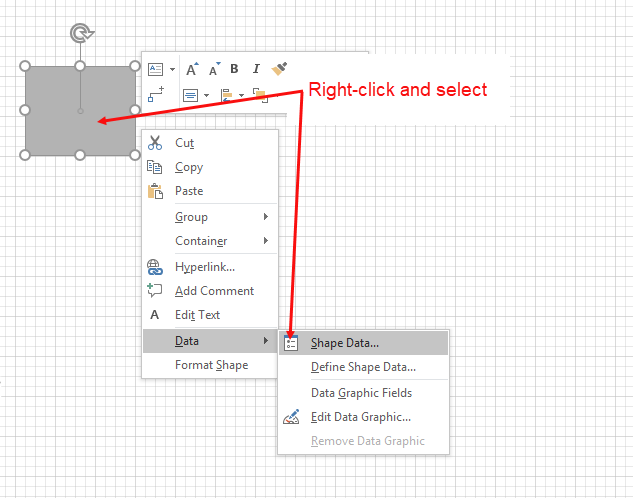
The Shape Data popup appears.
As necessary:Click in the Top elevation text field and enter a new value
Click in the Bottom elevation text field and enter a new value.
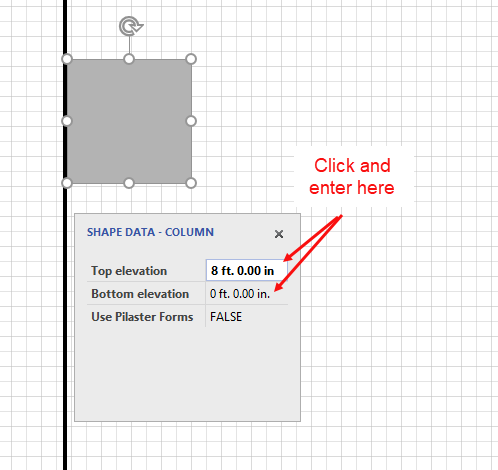
Note: By default, Pilaster shapes use Pilaster forms. If you change the value in the Use Pilaster Forms dropdown from True to False, the shape becomes a rectangular Column.
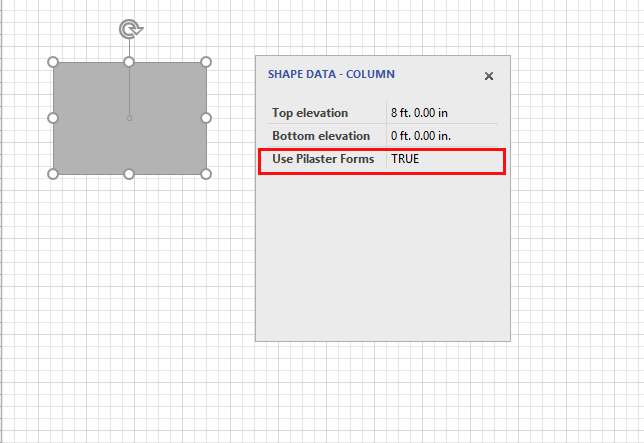
Note: If Formwork design dictates splitting a Column into several parts, the design may sometimes include Ties.