Like any other drawing shape, Pilasters have handles that you can click and drag to resize the shape.
To use the shape handles to resize a Pilaster:
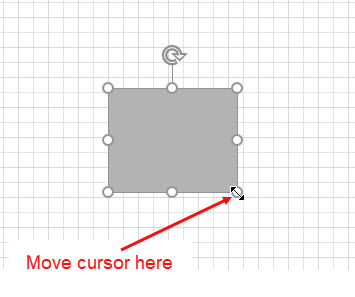
- Click the Pilaster and move your mouse across one of the shape handles until the cursor changes to a double arrow, as seen below.
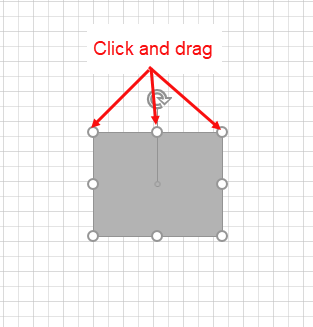
- Click and drag your mouse to stretch or shrink the shape using the handles.
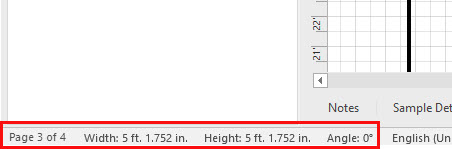
As you are resizing, notice the Pilaster size change in the left-hand section of the Status Bar. You can use this as a guide to help you resize the Pilaster as needed.