Quantify enables you to view each change made to the price of each product in a Rate Profile.
To view the change history of a Rate Profile:
- Click Rate Profiles.
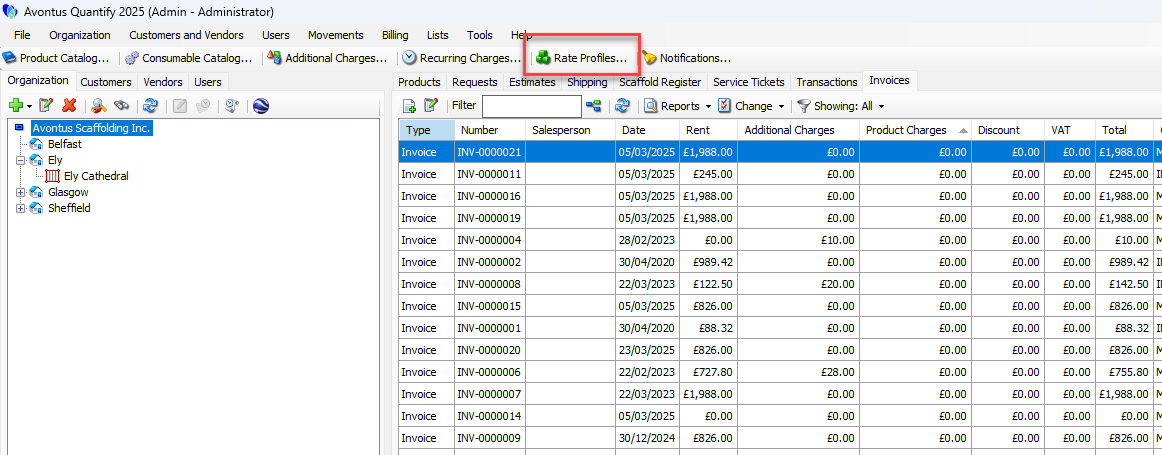 The Rate Profiles dialog appears.
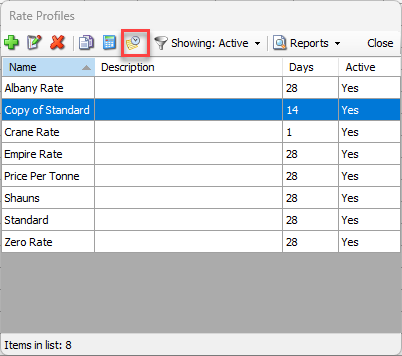
 - Click the appropriate Rate Profile, then click the View history of changes to the selected profile button (
 ).
).
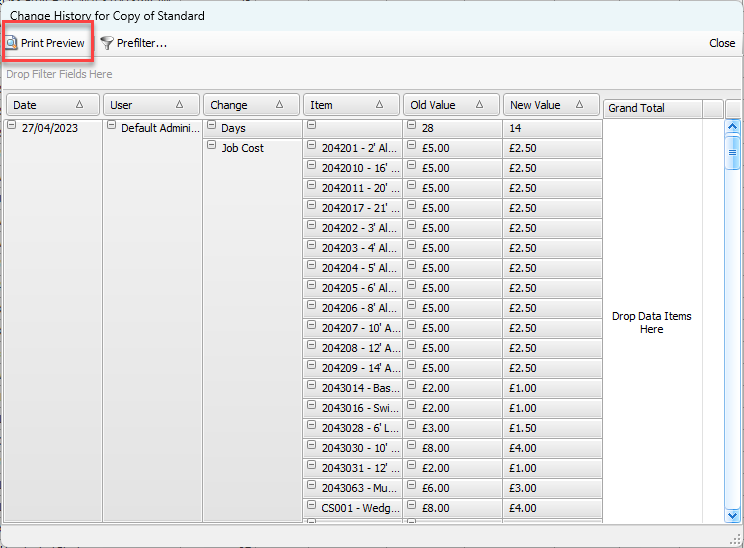
The Change History pivot report appears. - As necessary, make changes to the pivot report. For instructions, refer to Editing, Saving and Viewing Pivot Reports.
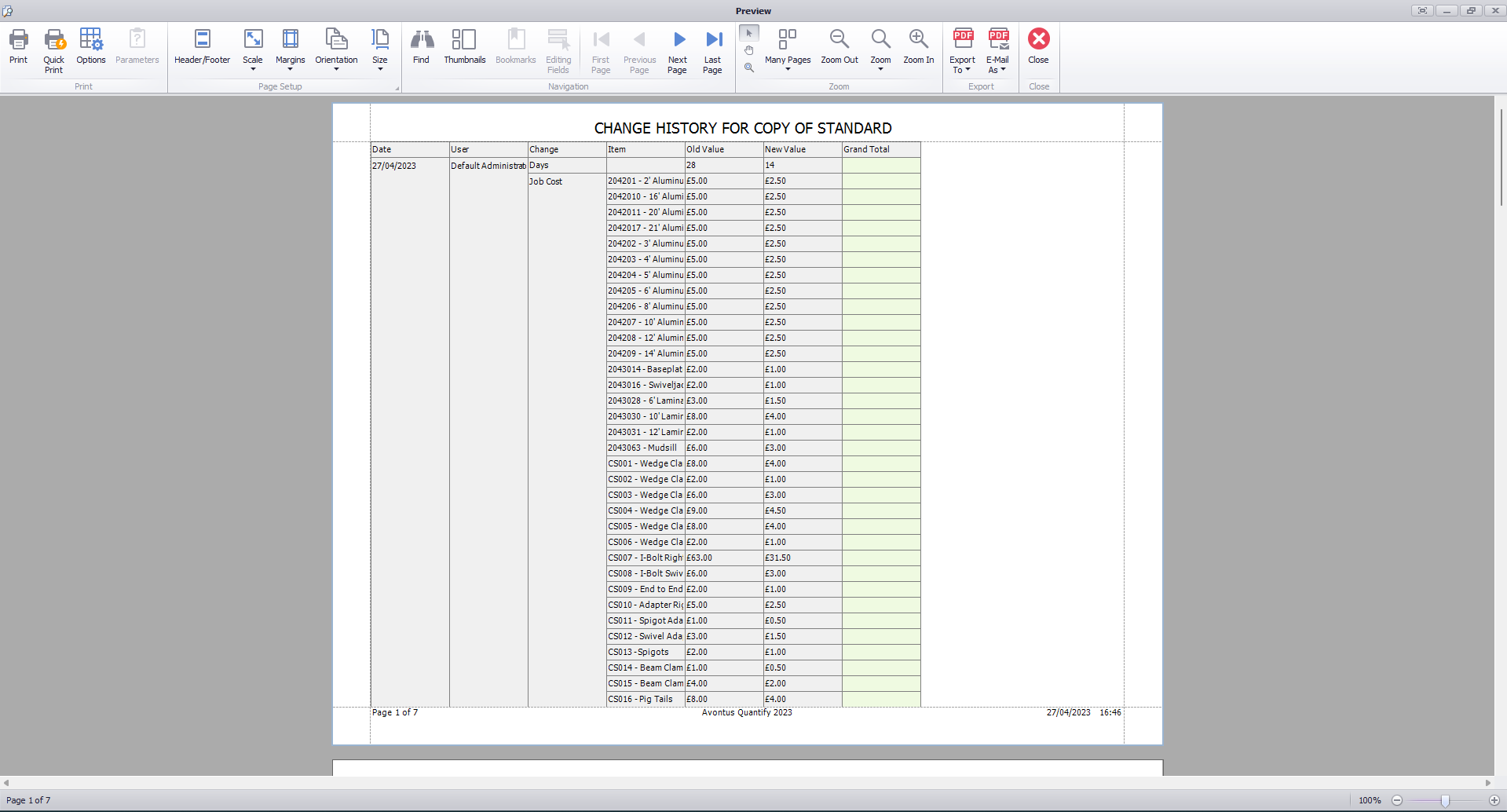
- To preview the report, click Print Preview.
The Preview dialog appears.