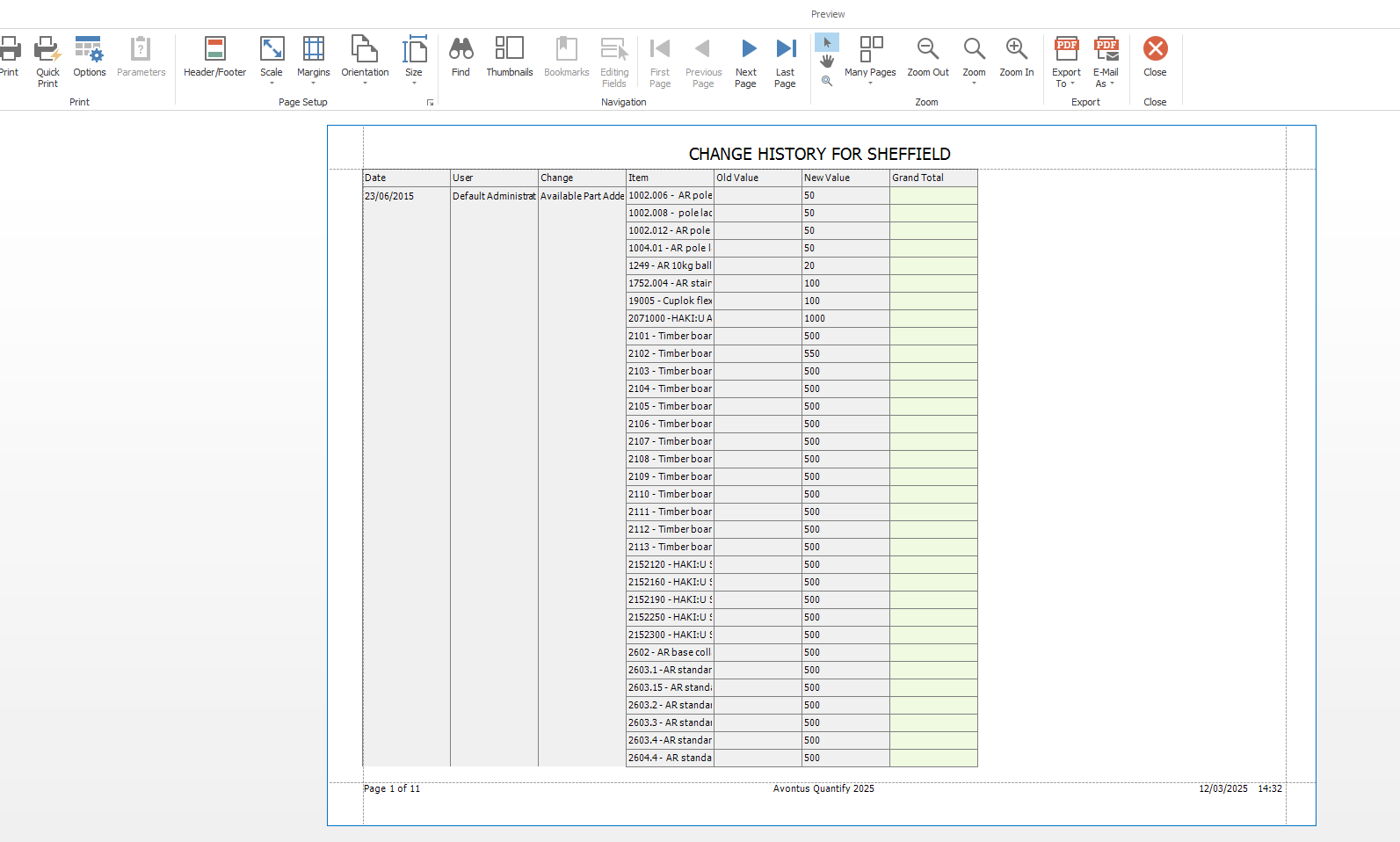
Quantify tracks the history of Product count updates that occur. You can easily view this information through the History button in the Organization tab. The History report displays adjusted Product count history for a selected Branch Office.
To view the History report:
Locate and click the appropriate Branch Office, then click the History button (
 ).
).
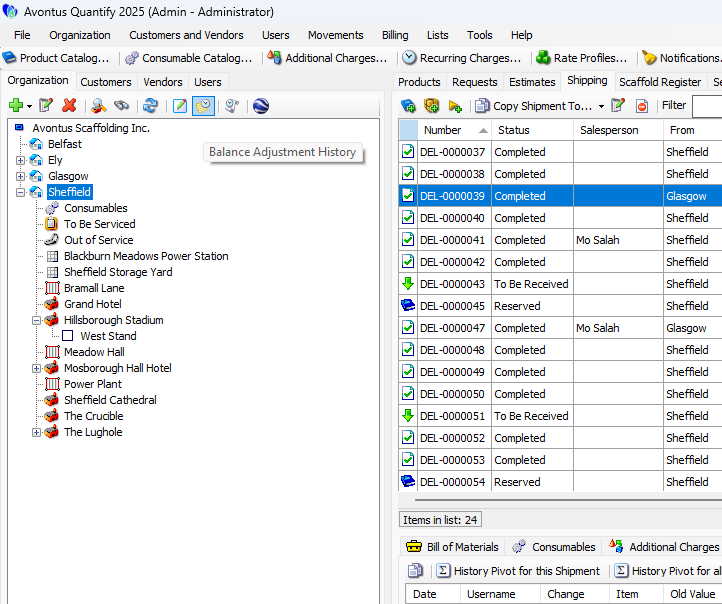
The Change History for Branch pivot report appears.Arrange data fields as desired.
For information about Pivot Reports, refer to Creating and Managing Pivot Reports.Click Print Preview.
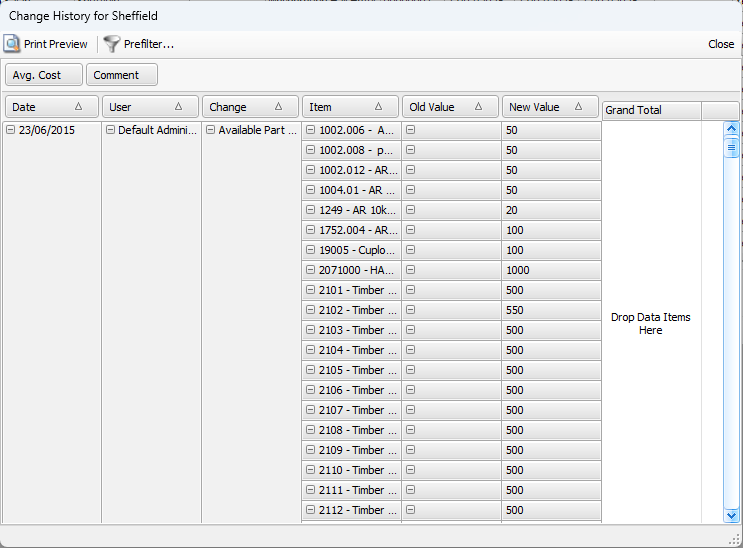
The Change History report appears in Print Preview.