When you void a Shipment, Quantify adjusts quantities at both locations. You cannot void a Shipment if it has been invoiced.
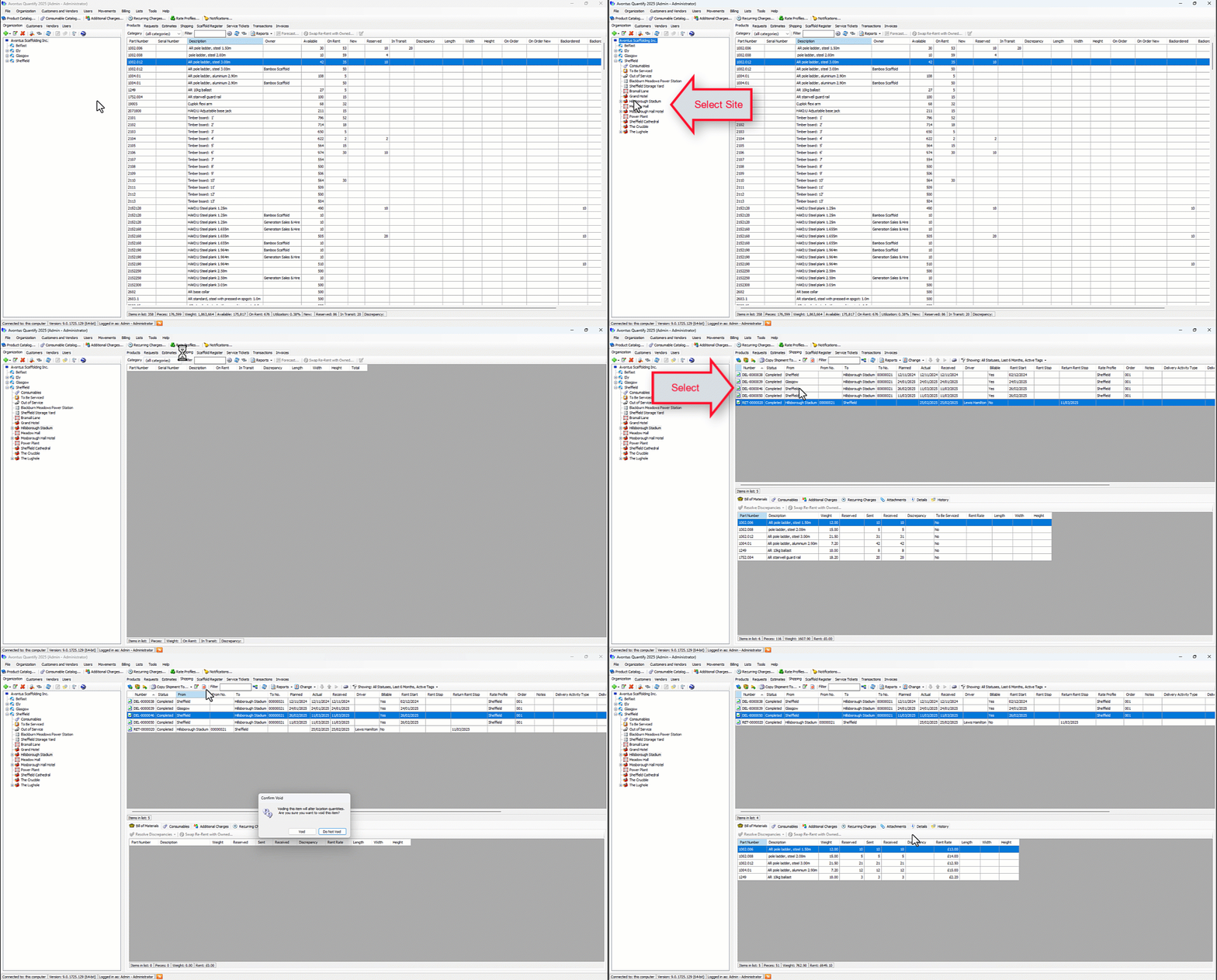
To void a Shipment:
Locate and click the appropriate location and click the Shipping tab.
Click the appropriate Shipment(s), then click the Void Shipment button.
The Confirm Void dialog appears.Click Void.
The shipment will be voided and removed from the Shipment tab.
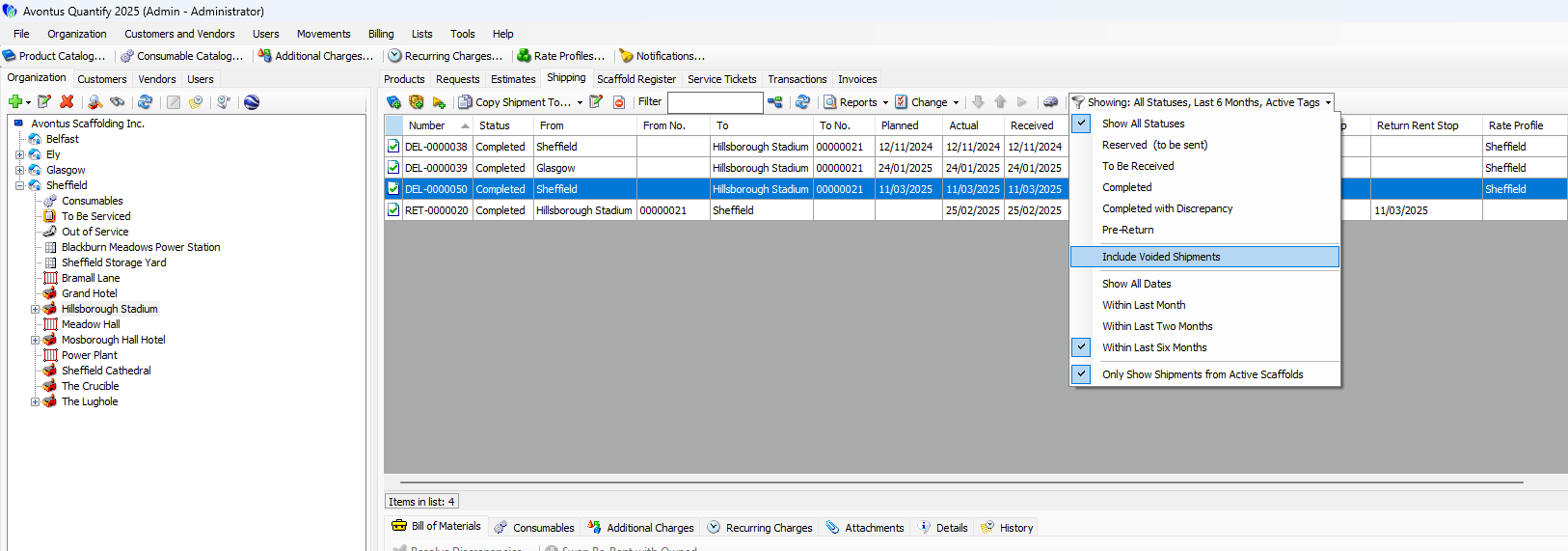
You can select to include Voided Shipments in the Filter drop-down.