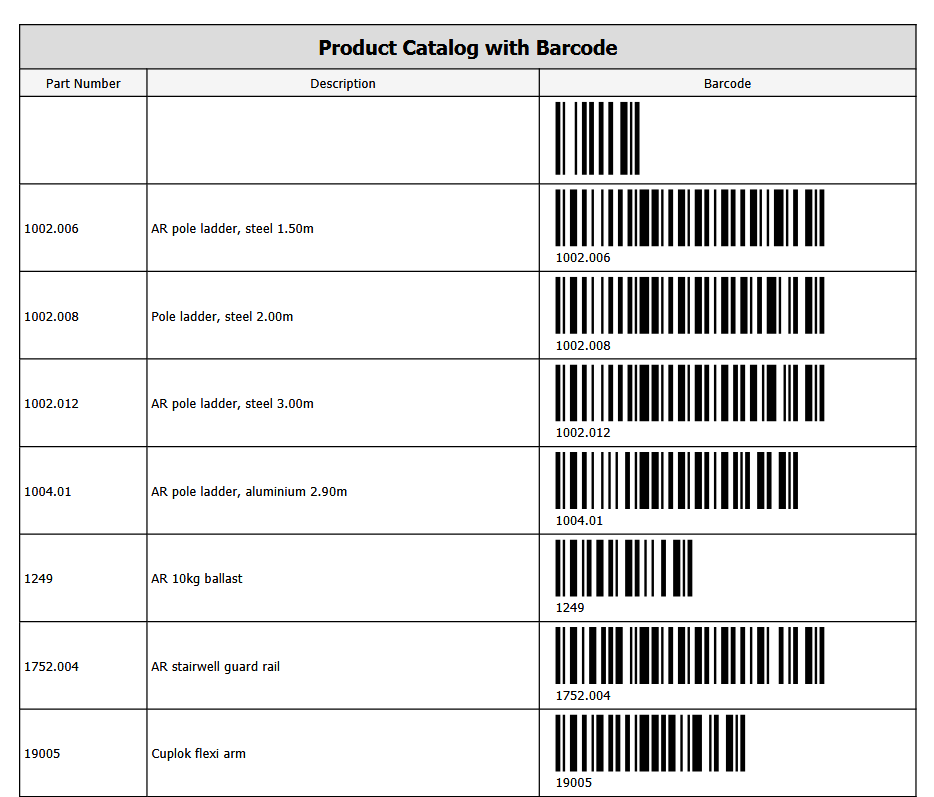
Every Part in Quantity has a barcode, which can be viewed in the Product Catalog, printed, and then attached to the physical part. As parts are sent from Job Site or Job Site, or Branch Office, these barcodes can be scanned, saving on-site workers time as they do not need to manually enter each part.
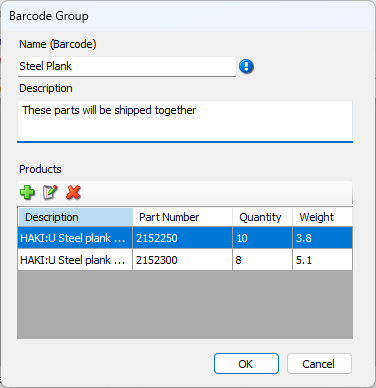
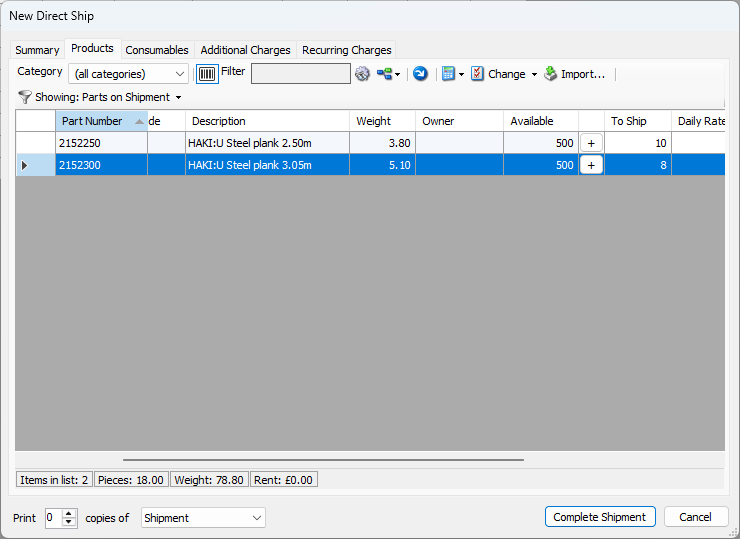
You can also create Barcode groups that, when scanned, will populate the relevant field with the parts in that group.
|
|
|---|
Notes:
When receiving a shipment, barcode scanning will ignore serialised parts (serialised parts already have quantities) and a message will be displayed with that information.
Consumables cannot currently be included in barcode groups
A product must first be deleted from a barcode group before it can be deleted or moved to inactive in the main catalog