The Corporate Structure ( ) is a primary organizational entity in Quantify. This location helps organize company reports, enabling you to run one report for the entire organization, or by a specific region. Each Quantify installation has at least one top-level Corporate Structure, under which all other locations are created. You can create as many Corporate Structures as necessary under it. You can only create Branch Offices under a Corporate Structure. The number of Branch Offices you can create is limited by your license.
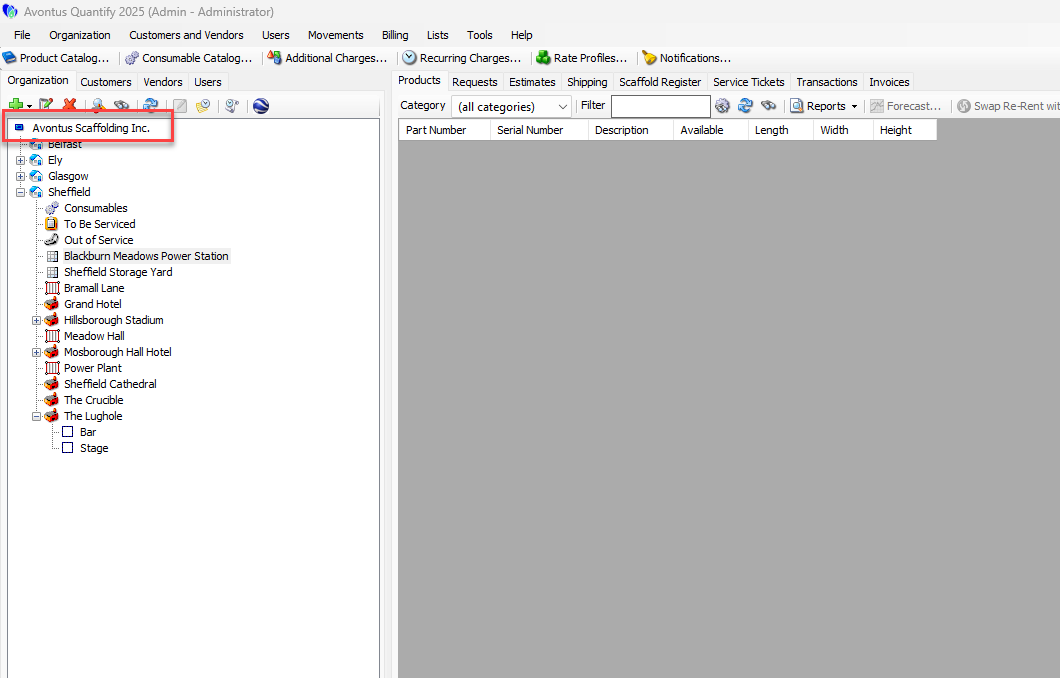
Creating a Corporate Structure
While Quantify only allows one top-level Corporate Structure, you can add as many sub-Corporate Structures as necessary to suit your needs.
To add a Corporate Structure:
Click the top-most Corporate Structure in the Organization Tree.
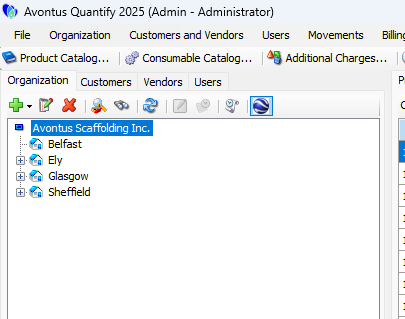
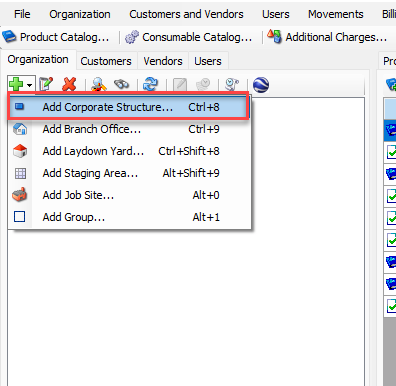
Click the Add button (
 )
)Select Add Corporate Structure from the dropdown that appears.
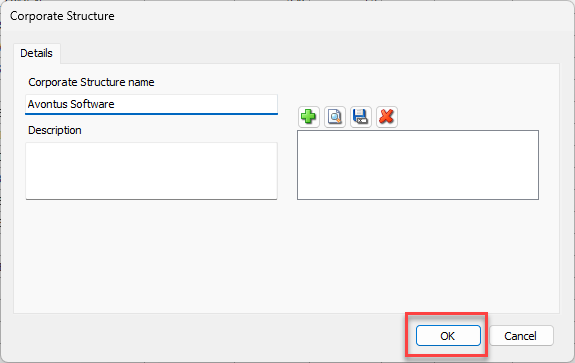
The Corporate Structure dialog appears. Corporate Structure Name is the only required field.Click in the Corporate Structure Name text field and enter the name of the new Corporate Structure.
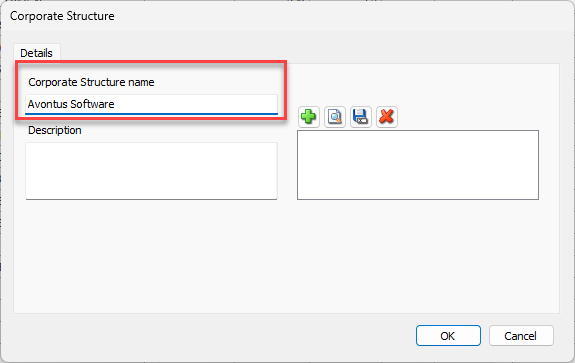
Click OK .
The new Corporate Structure appears in the list of entities.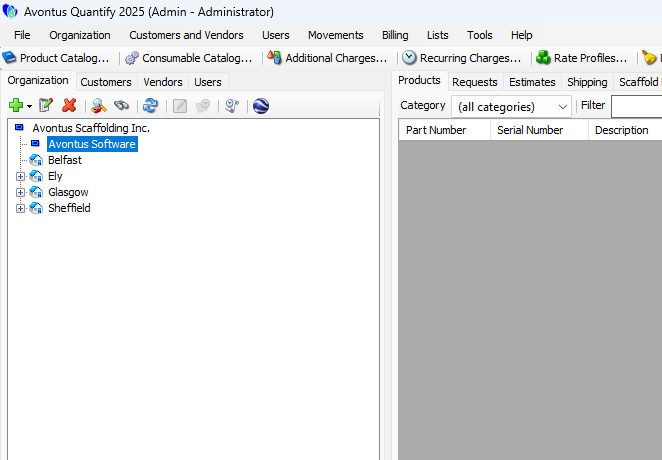
If necessary, you can drag existing Branch Offices under the newly added Corporate Structure, as displayed below.