Branch Offices and Sub-Branch Offices (also known as Laydown Yards) are stocking locations for your Organization. These locations manage unused inventory, such as Available Products and Reserved items. Branch Offices and Sub-Branches are licensed locations in Quantify and require additional licenses prior to adding to your Quantify database. To purchase additional licenses, please contact sales@avontus.com.
For information about features and options for the different stocking locations, refer to Comparison of Branch Office, Sub-Branch and Staging Area.
About the Branch Office Node
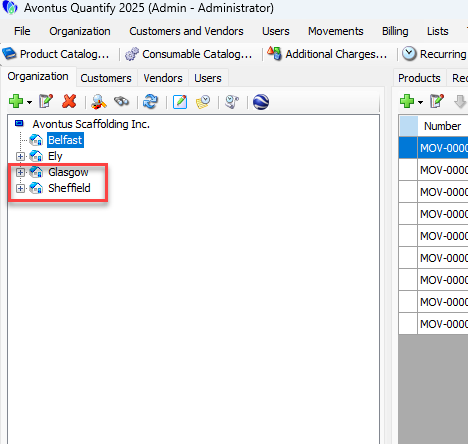
A Branch Office is a main location for a company, a region, an area, etc. Being the main stocking, maintenance and shipment/delivery locations for a company, they are the company’s main hubs of activity. These locations manage unused inventory (such as Available Products and Reserved items) and handle the invoicing of customers.
Branch Offices are also the places where off-rent and/or damaged materials tend to be stored and shipped to/from. Each Branch Office has options to turn on tracking of Consumables, parts To Be Serviced, and parts that are Out of Service node.
Tracking Consumables helps you track consumable inventory
Tracking To Be Serviced helps you track all maintenance on equipment through the use of service tickets
Tracking Out of Service helps you segregate damaged material and track lost material
You can generate reports for the Branch Office and all its sub-entities.
Quantify requires at least one Branch Office location. However, Branch Office locations are tied to licensing. They cannot exceed the number of locations licensed and require additional licenses prior to adding to your Quantify database. To purchase additional licenses, contact sales@avontus.com.
For information about features and options for the different stocking locations, refer to Comparison of Branch Office, Sub-Branch and Staging Area.
The Consumables Node
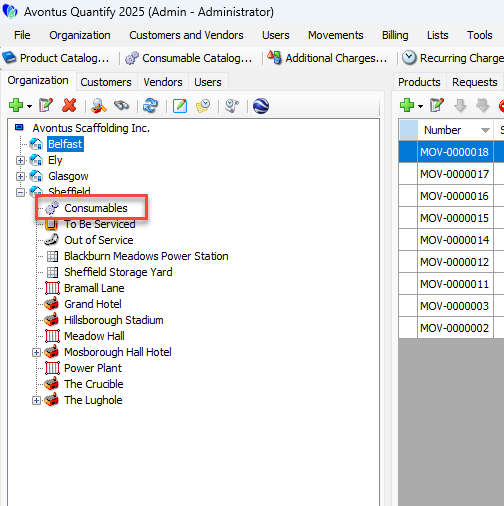
Consumables are items that leave inventory when they are used (consumed). Quantify enables you to track consumable items separately from regular inventory. You can track consumables at the Branch Office level by enabling Consumable tracking at individual Branch Offices then stocking these locations with Consumables.
Set up Consumable items in the Consumable Catalog, at which point they may be added to shipments. When a consumable item is shipped, Quantify removes the quantity from inventory at the Branch Office, but does not show it at the Job Site.
Rate Profiles can be configured to include Consumable sell rates. Once configured, you can bill consumables to a customer and Quantify will show it in the Product Charges section of an invoice. For more information, refer to Working with Consumables.
The To Be Serviced Node
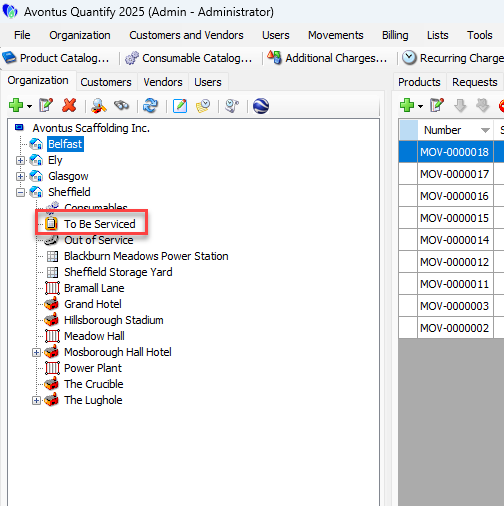
Enabling the To Be Serviced Feature
You can return items that need repair, inspection, routine maintenance, etc. after use to a To Be Serviced node. You can then create Service Tickets and charge the associated costs to service the product to the Job Site. Quantify deducts the consumable items used during servicing from the branch consumable stock, thus maintaining an accurate inventory of these items.
You can move items from Out of Service to To Be Serviced and vice versa. Refer to Working with To Be Serviced Inventory and Servicing and Inspections for more information on the To Be Serviced option.
To enable the To Be Serviced feature:
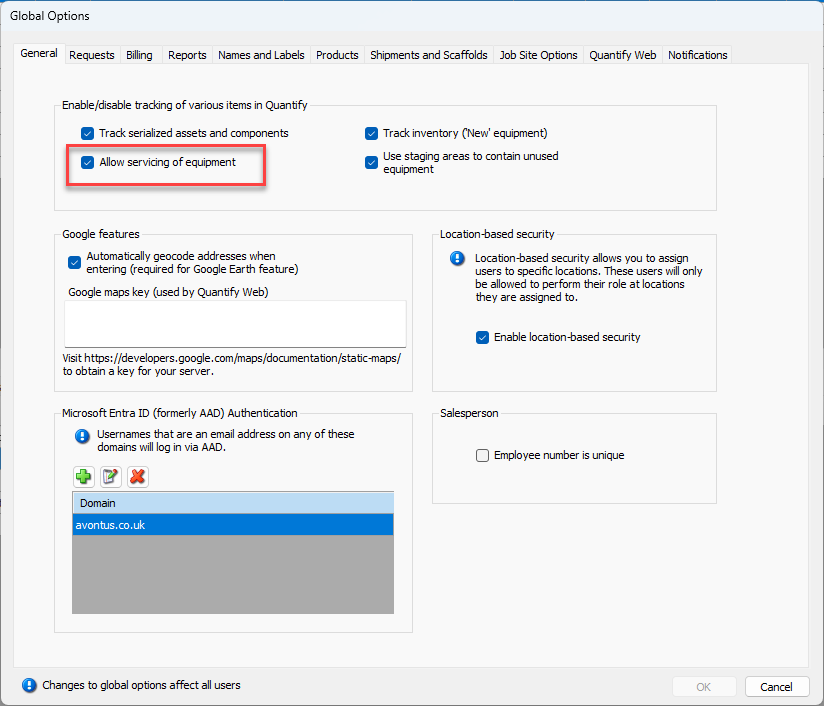
Click the Tools menu and select Global Options.
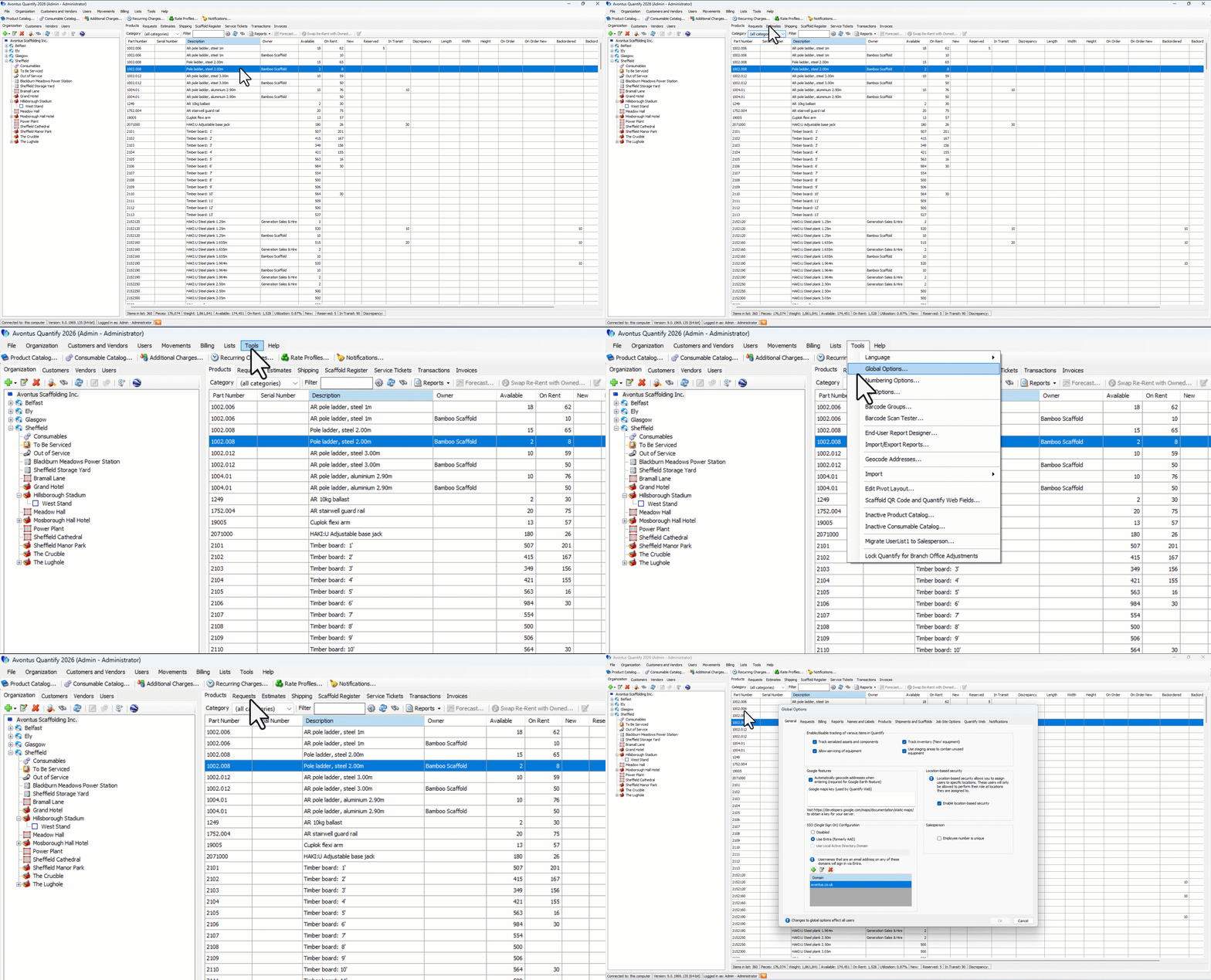
The Global Options dialog appears.Click the Allow servicing of equipment checkbox, to put a check in it.
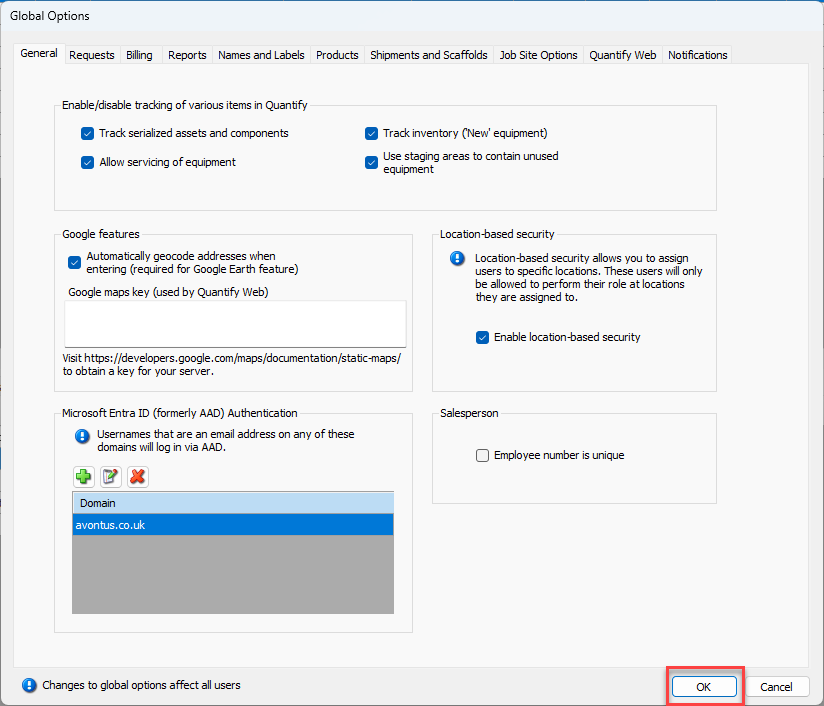
Click OK.
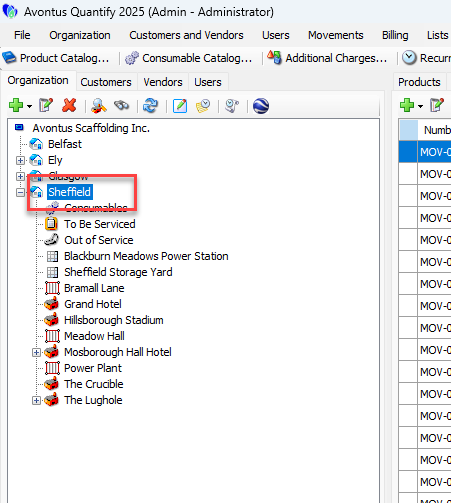
Double-click the icon for the Branch Office that will be tracking servicing of equipment.
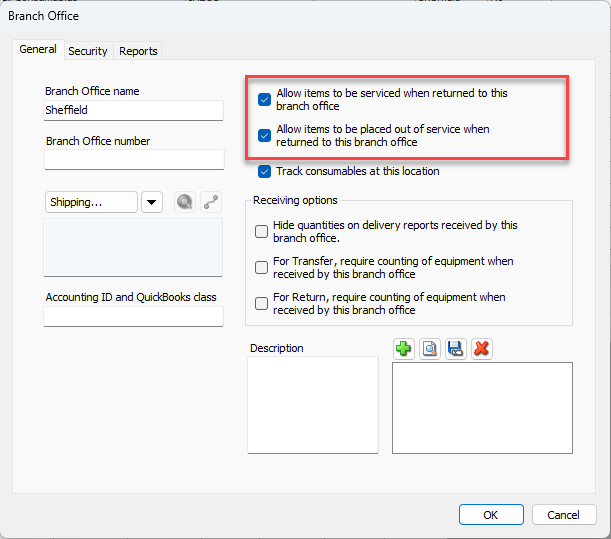
The Branch Office dialog appears.Click the Allow items to be serviced when returned to this branch office and Allow items to be placed out of service when returned to this branch office checkboxes, to put checks in them.
Click OK.
Now the selected Branch Office has To Be Serviced and Out of Service nodes.
The Out of Service Node
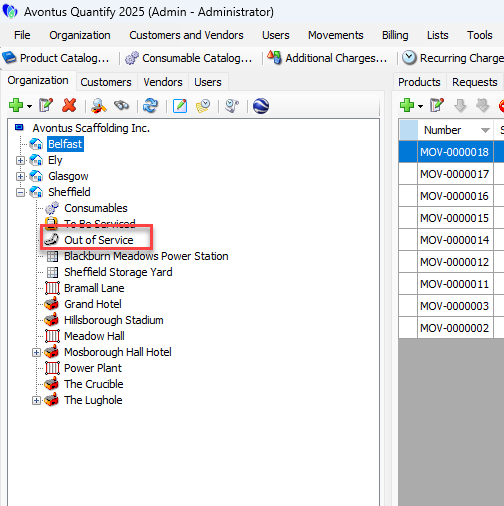
When products are found to be damaged beyond repair, returned damaged or lost/missing, you can move those products from the Branch Office to the Out of Service queue.
When creating return shipments, if any of the products were damaged or missing, the products can be returned in Out of Service status. In this case, these quantities are sent directly to the Out of Service queue. Items returned Out of Service can be billed to the Job Site.
Items can remain in the Out of Service queue until found, serviced (by moving to the To be Serviced queue) or moved back to the Branch Office.
You can move items from Out of Service to To Be Serviced and vice versa. Refer to Working with Out of Service Items.
About the Sub-Branch Node
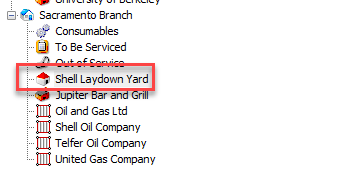
Sub-Branches or Laydown Yards are stocking locations that manage unused inventory, such as available products and reserved items. They have all of the functionality of a Branch Office. However, the Sub-Branch is a child location of a Branch Office, making them very useful for organizing the corporate structure of a company.
Sub-Branches are tied to licensing. The number of Sub-Branches cannot exceed the number of locations licensed and requires additional licenses prior to adding to your Quantify database. To purchase additional licenses, contact sales@avontus.com.
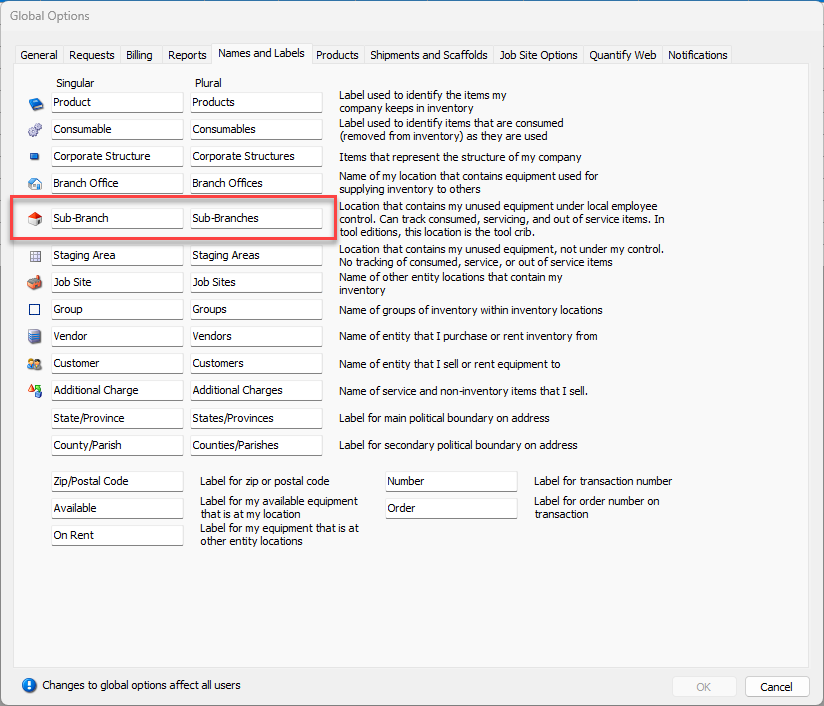
Note: You can change the label of a Laydown Yard/ Sub-branch in the Names and Labels tab in Global Options
For information about features and options for the different stocking locations, refer to Comparison of Branch Office, Sub-Branch and Staging Area.