By default, you will have a safety document set up for you, however you can modify and change this by adding, editing or removing sections, adding relevant people, severities, and probabilities.
To do this
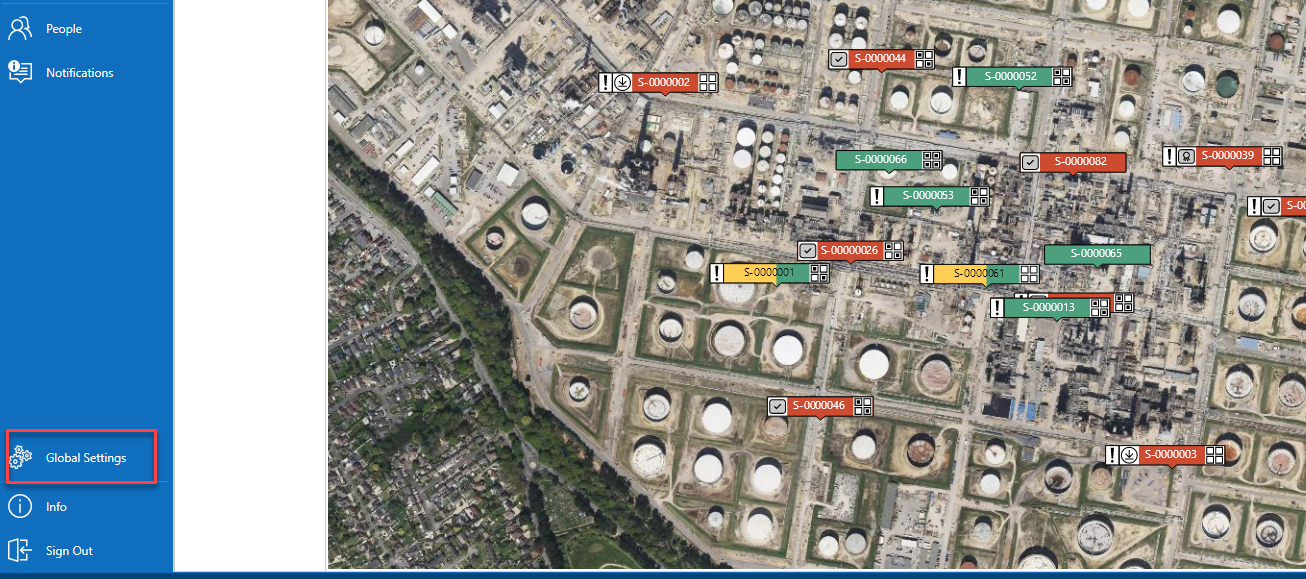
Select Global Settings
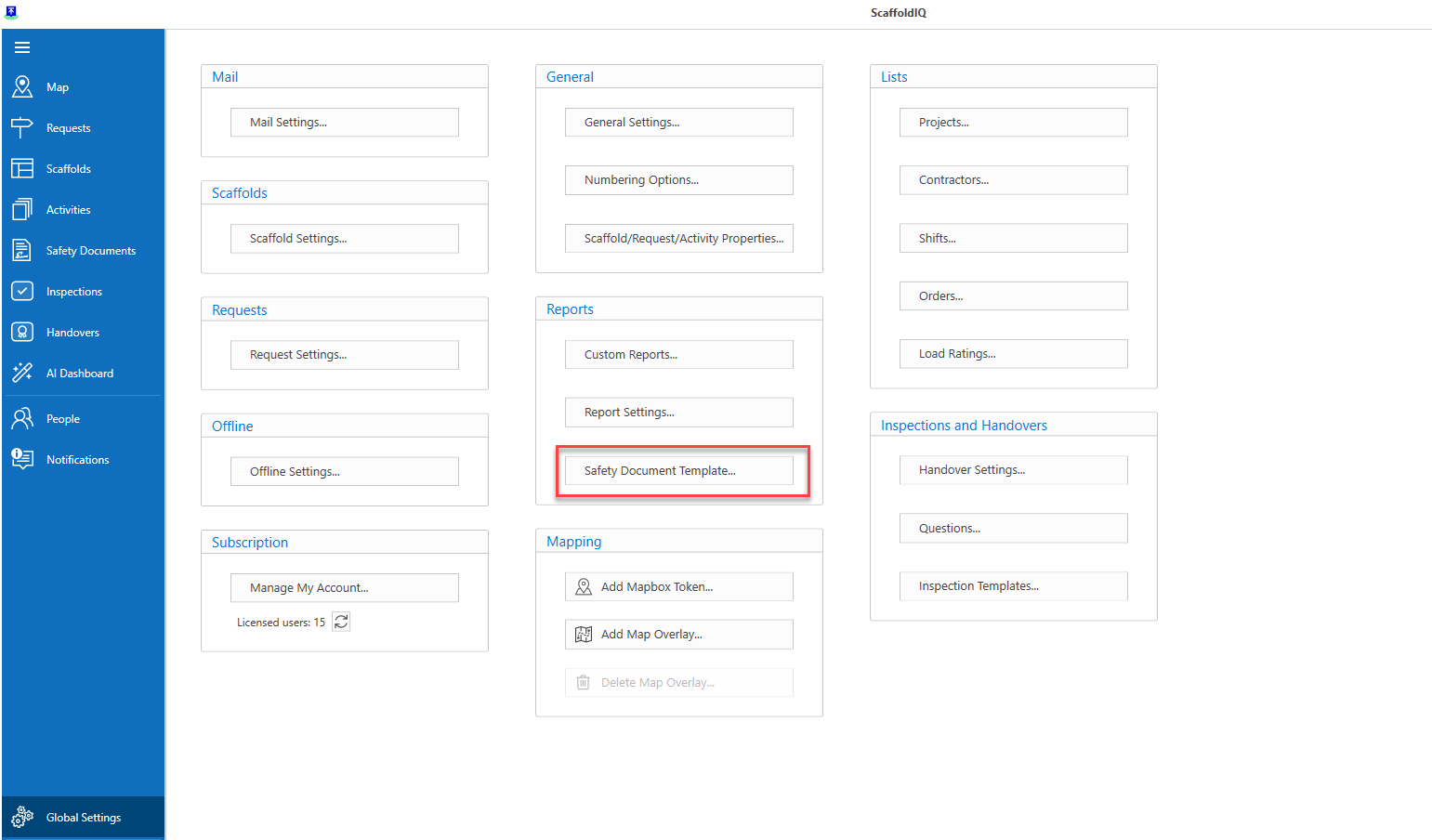
Select Safety Document Template
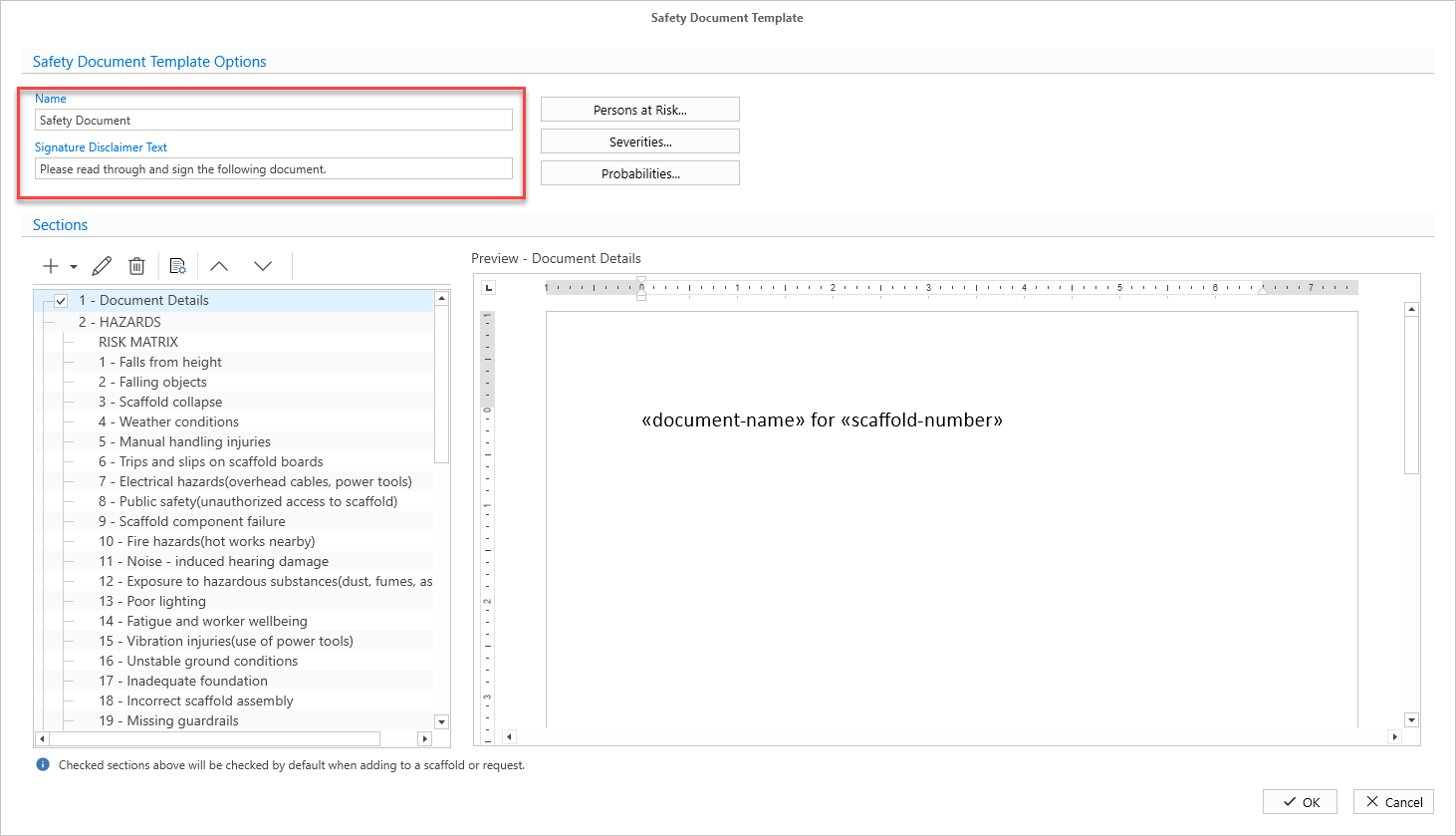
The Safety Document Template will appear.
Enter the Name and provide the Signature disclaimer text
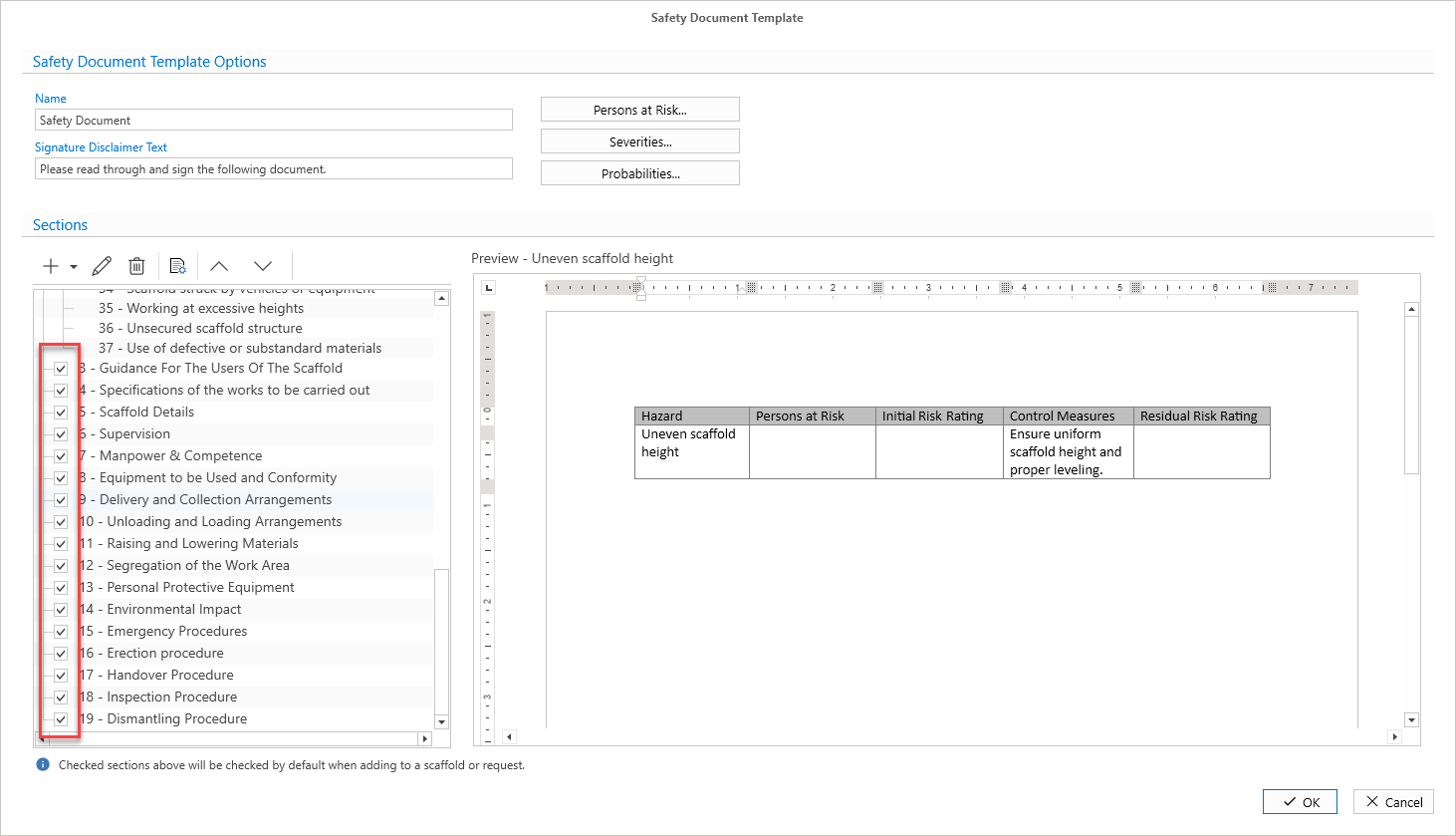
Add or edit sections as required
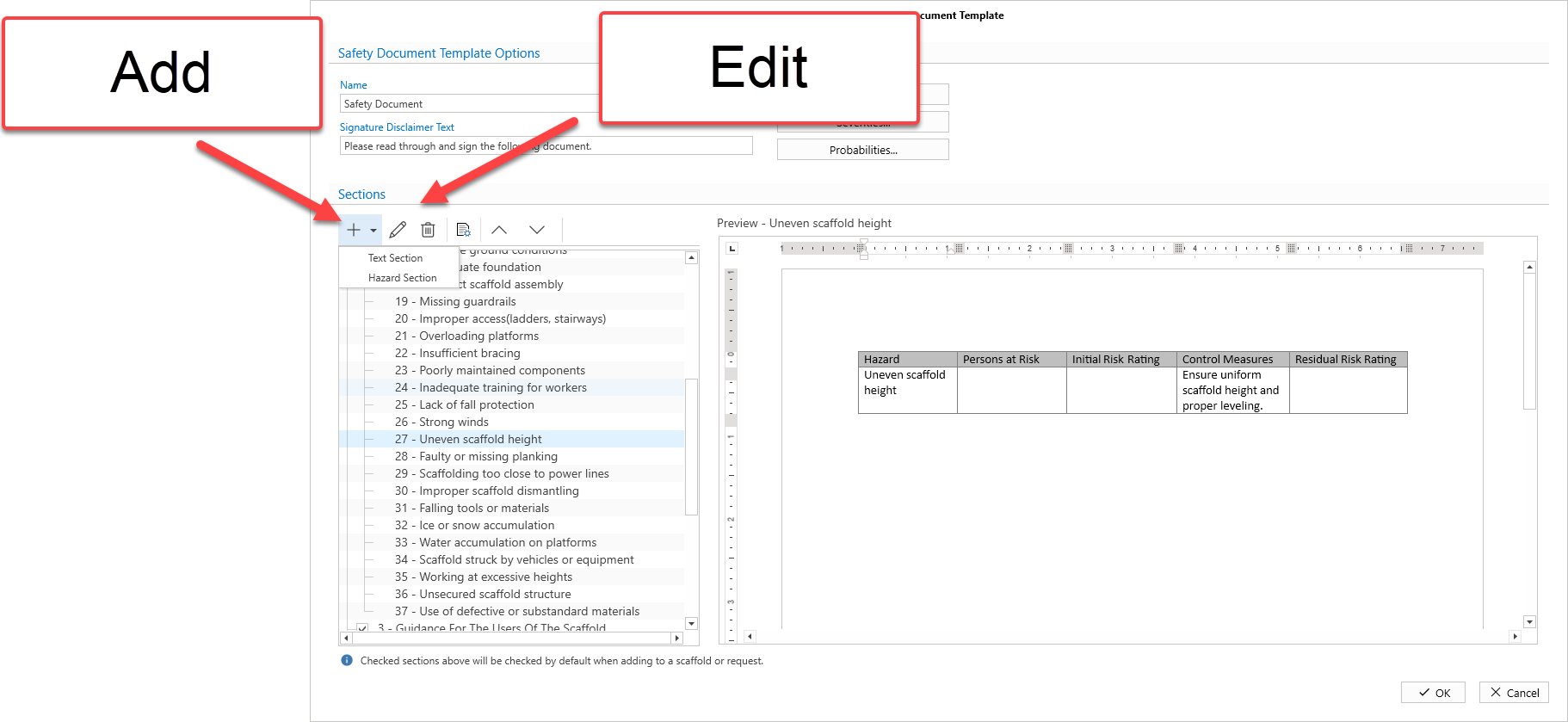
You can add text or hazard sections.
Text sections can be disabled by removing the check from the checkbox.
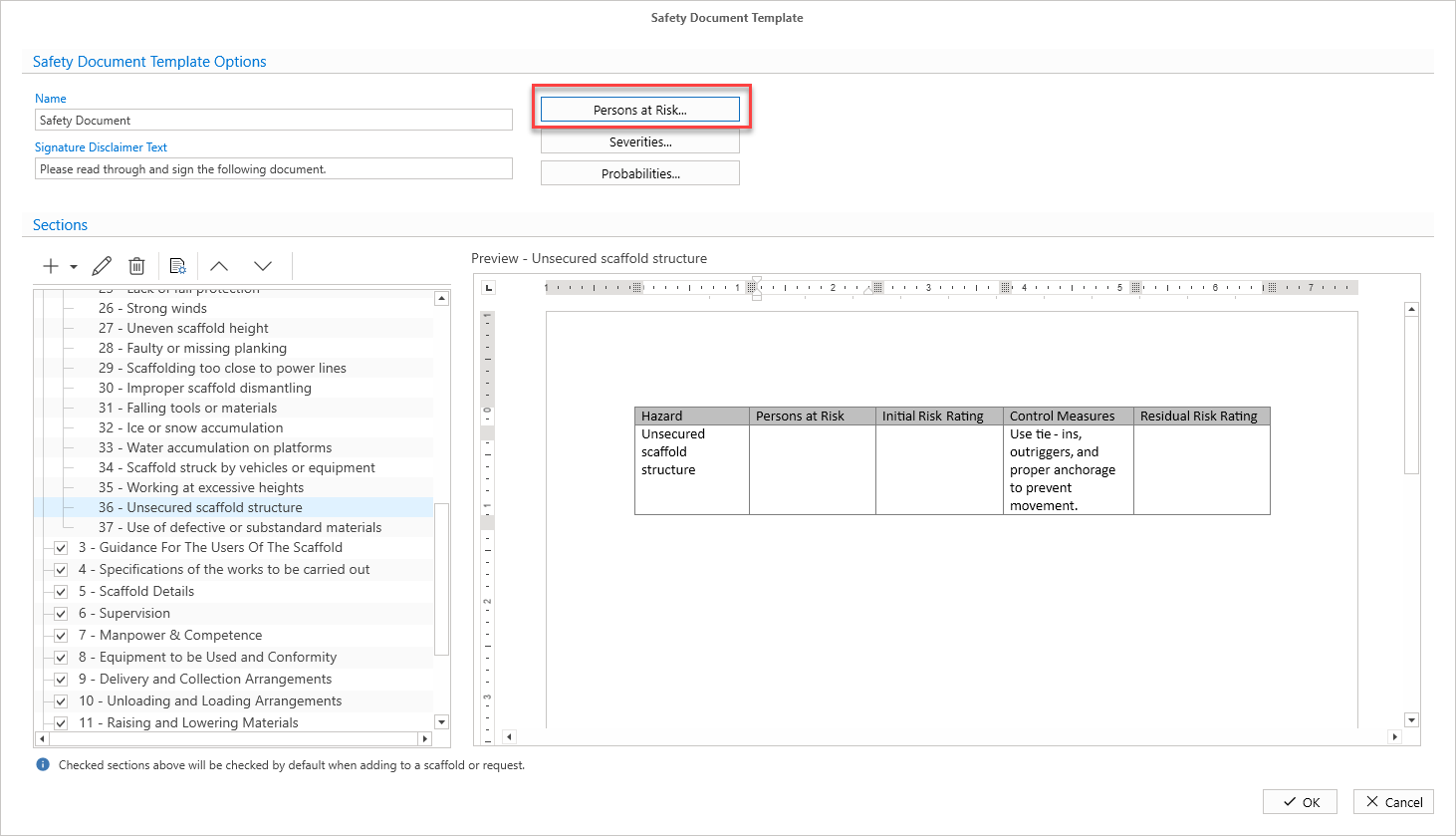
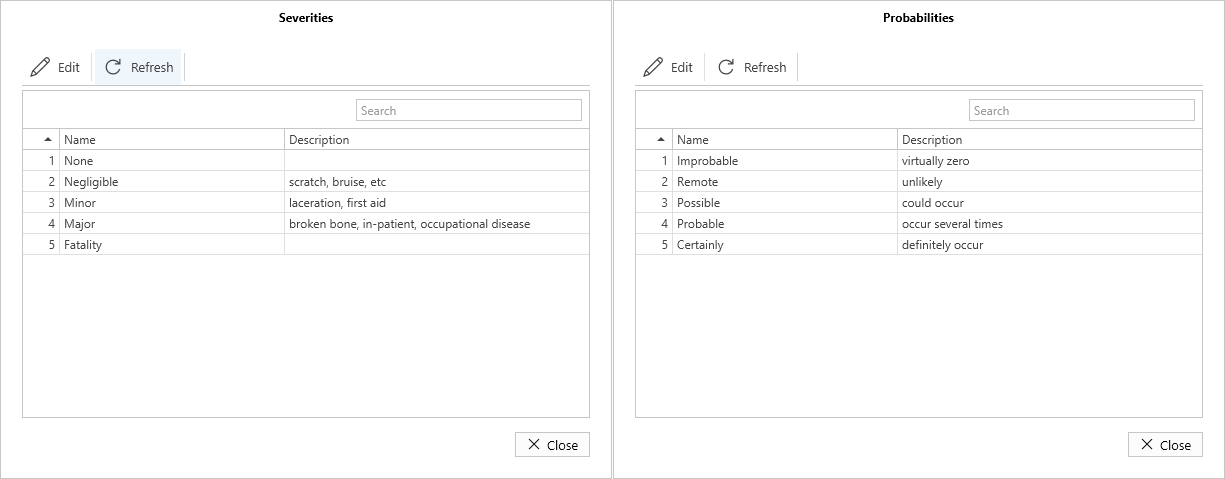
The next bit is to add persons at risk, seventies, and probabilities. When you are completing a Safety document for a scaffold you can select from the items provided here who is at risk, it’s severrity, and the possibility of it happening
Click Persons at Risk
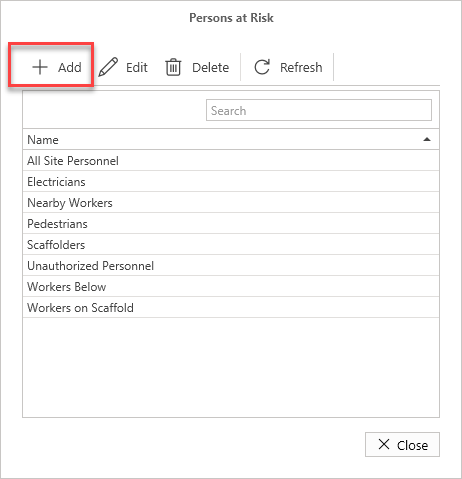
Add any personnel by clicking the Add button.
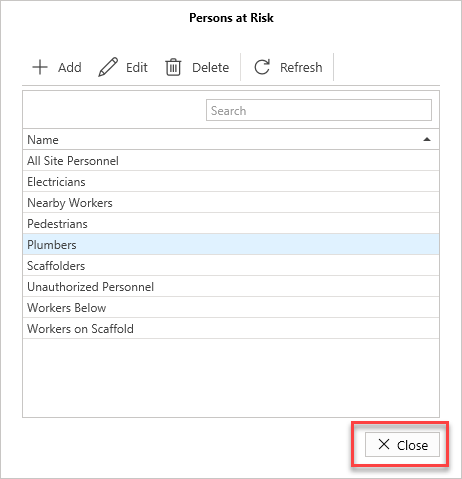
Click Close when done
Edit the Severities and Probabilities to make them relevant to your site.
You can then add the Safety Document to the required Scaffold.
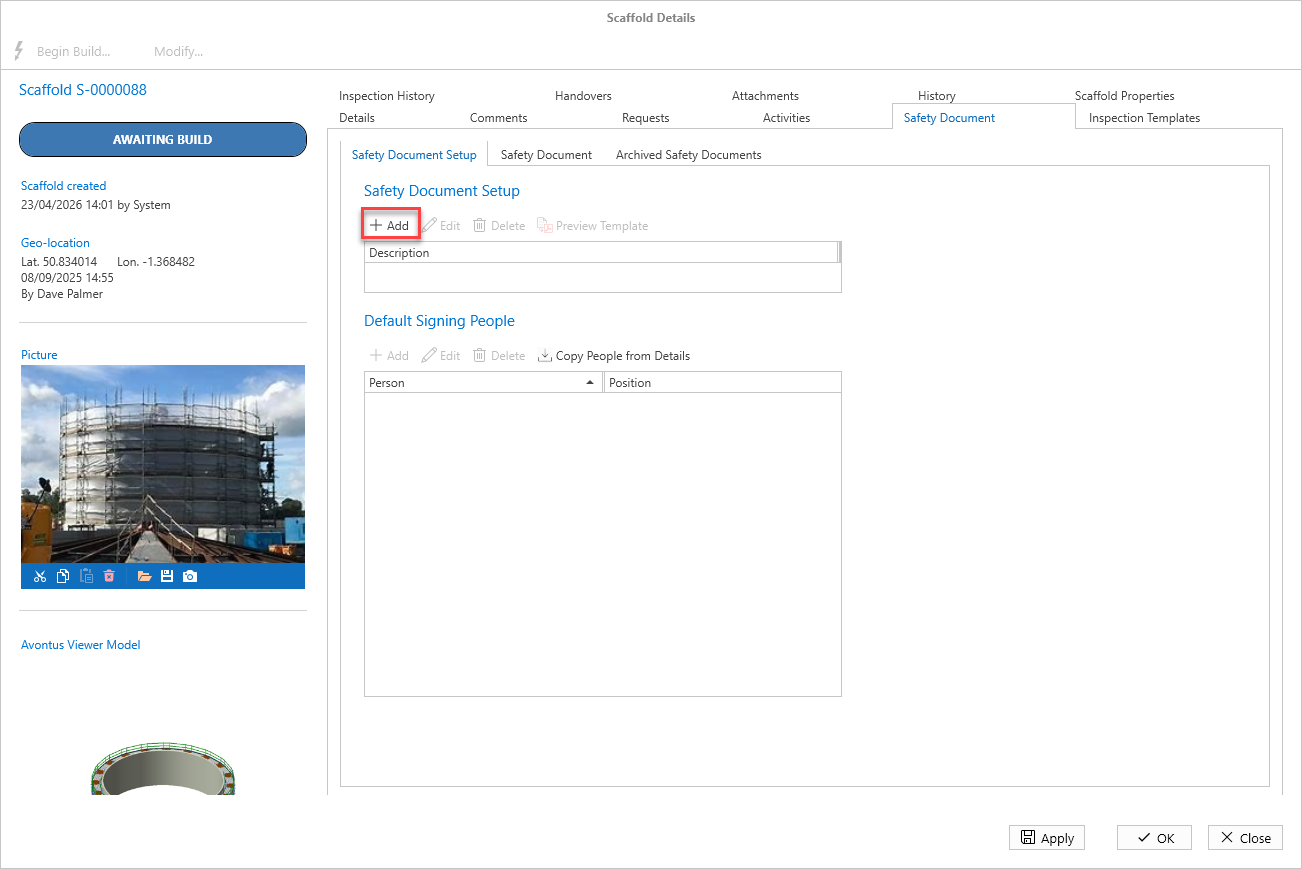
Then tailor the document so it’s relevant for the selected scaffold - please see Safety Documents or Assigning Safety Document Templates.