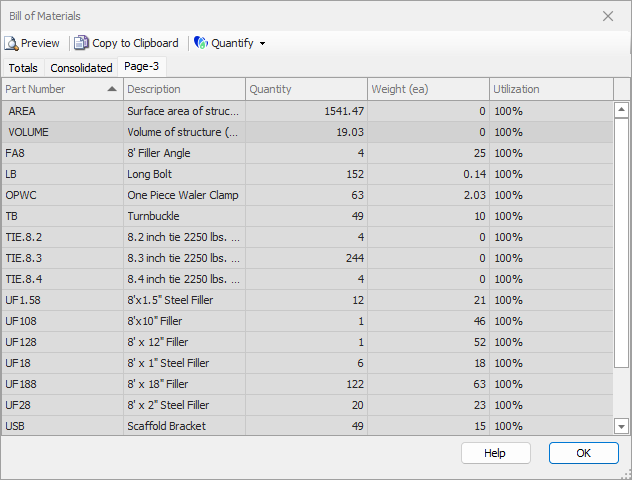
Handset Designer enables you to generate a Bill of Materials for each drawing you create with one click. Material lists contain all Formwork Panels, Fillers, corners, accessories, connecting hardware, volume and surface area of the structure. Once complete, you can print it or export it to Quantify to create an Estimate. You can also copy and paste the contents of the Bill of Materials into a Drawing Page. Finally, Handset Designer provides an accurate measure or count of various building metrics, including the structure's surface area and volume, wall length, and parts such as corners, braces, bolts and ties.
WARNING: Once you paste the Bill of Materials image onto the drawing, Handset Designer will not change the materials in the image as you make changes to the drawing itself. To include these changes, delete the Bill of Materials image and use the procedures In Copying the Bill of Materials to a Drawing in Handset Designer to create a new image.