Utilization reports are available for stocking locations: Branch Offices, Sub-Branches and Staging Areas.
Excluding Parts from Utilization Reports
By default, Utilization reports will include all Products stocked at, and under, the selected location.
To exclude one or more parts from being reported in Utilization reports, edit the Utilization column in the Product Catalog.
- Click Product Catalog.
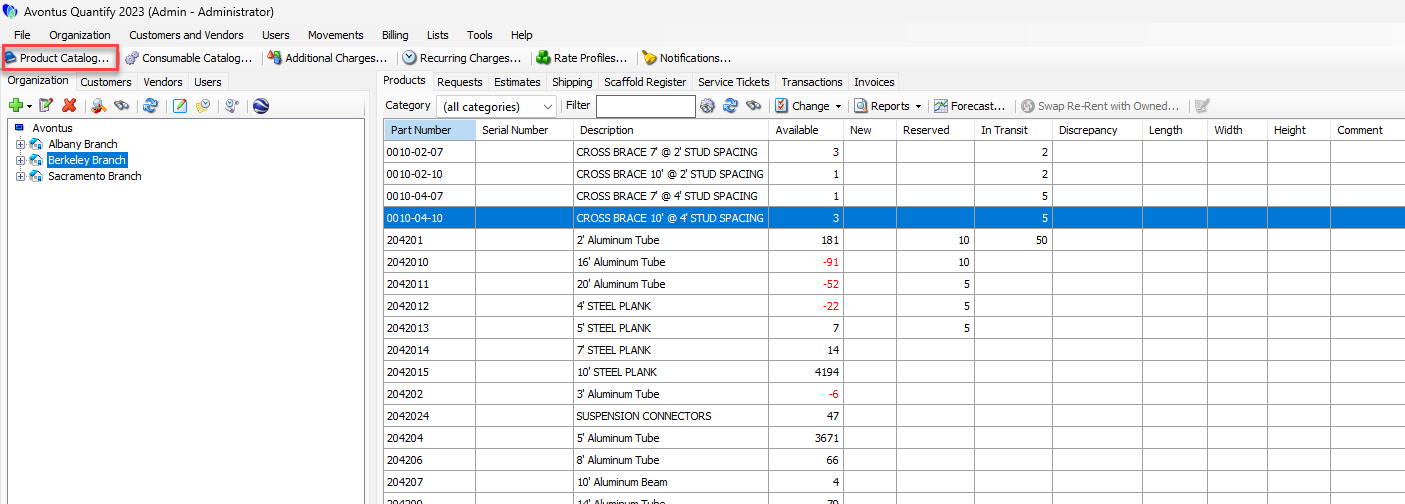
The Product Catalog appears. - Select the Part that should not be included in Utilization pivot reports.
- Scroll the horizontal scroll bar to the left, until the Utilization checkbox is visible.
- Click to uncheck the Utilization checkbox.
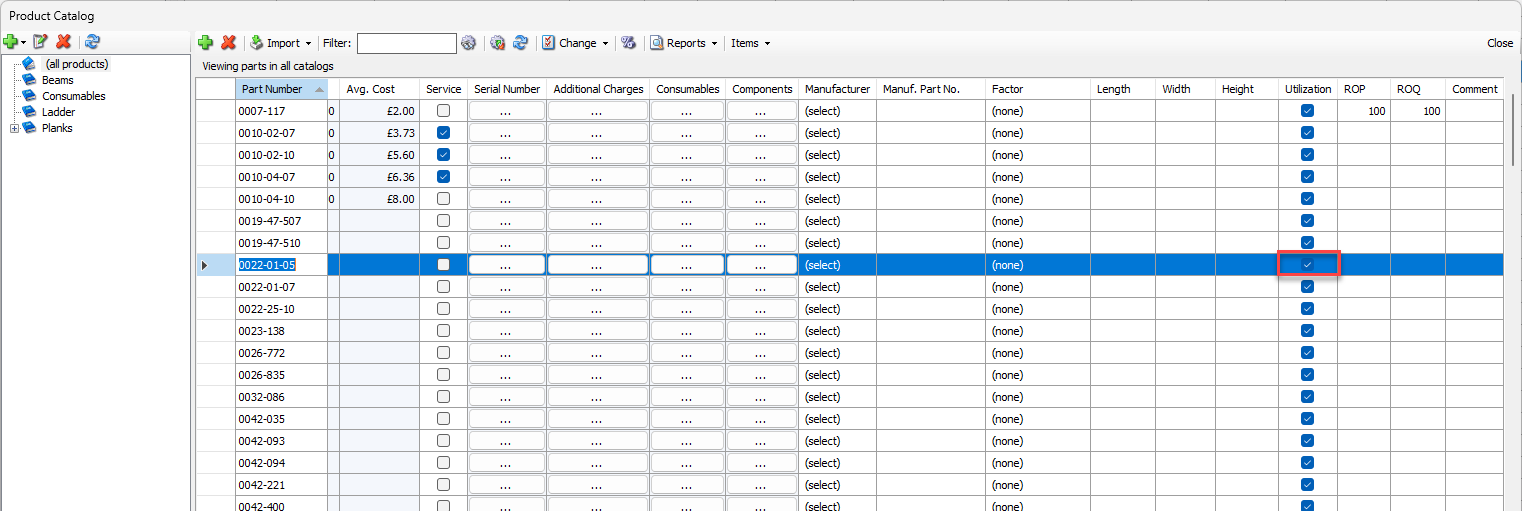
- Repeat for all Parts that should not be included in Utilization pivot reports.