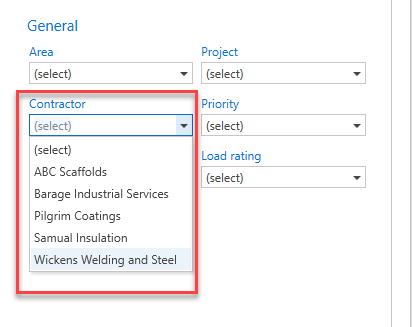
You can access the Contractors screen from the Global Settings screen. Contractors can then be assigned to Requests or Scaffolds
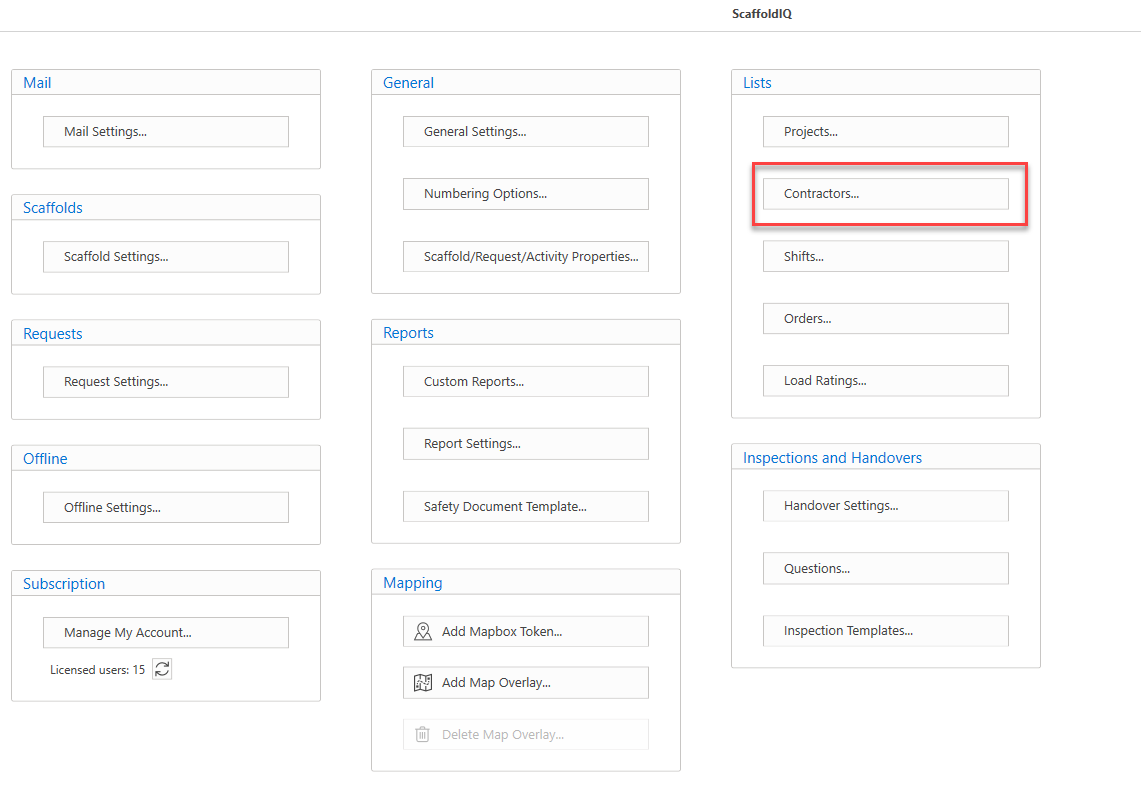
The Contractors screen is for the managing of the contractors within your ScaffoldIQ.
In this screen you can add, edit, delete contractors.
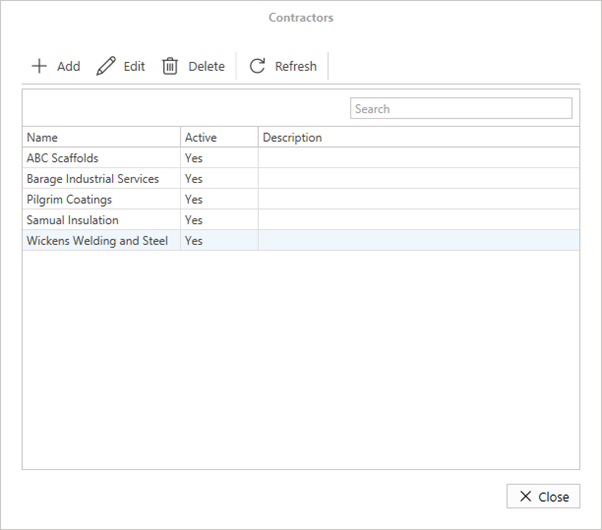
Add
Click this button to add a new contractor.

For more information on adding a new contractor, please visit the Adding a Contractor guide.
Edit
Click this button to edit a contractor.

For more information on Editing a contractor, please visit the Editing a Contractor guide.
Delete
Click this button to delete a contractor.

For more information on deleting a contractor, please visit the Deleting a Contractor guide.
Refresh
Reload the data within the table.

These contractors can then be assigned to a request or scaffold.