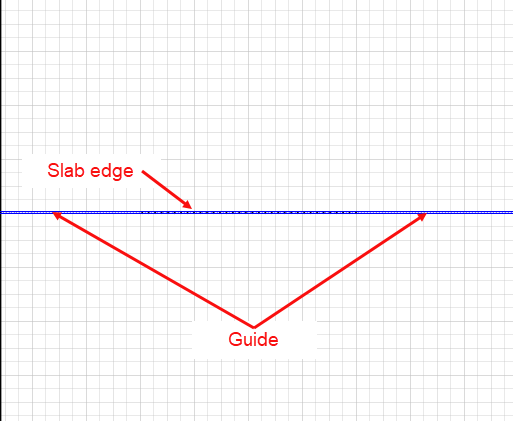
Adding a guide to a Slab Edge is helpful for placing and aligning the Slab Edge on the Drawing Page and for aligning other Stencil shapes in relation to the Slab Edge.
To add a guide to a Slab Edge:
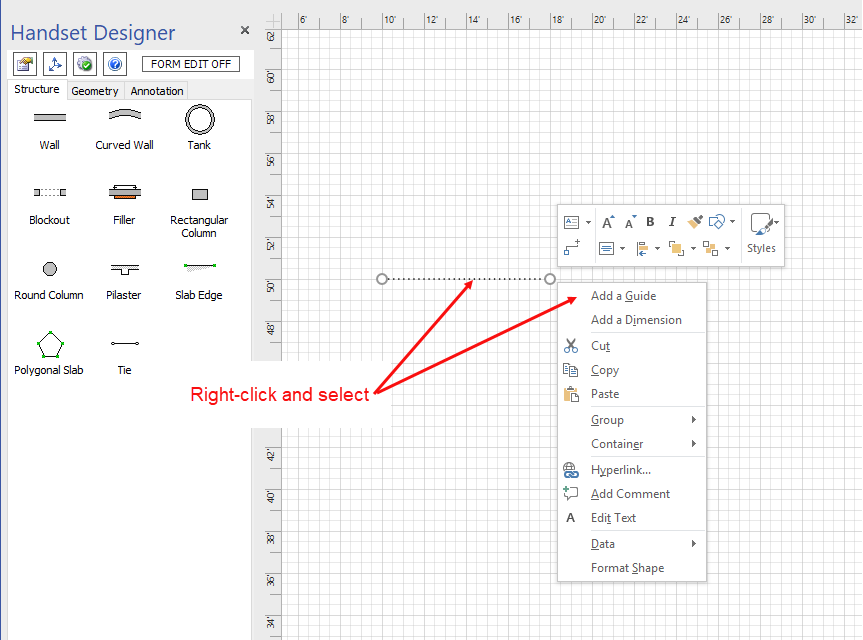
- Right-click the Slab Edge shape
- Select Add a Guide from the menu that appears.
The guide appears along line of the Slab Edge: