You can add new users to ScaffoldIQ. These users can be given a varying level of access in the system, allowing some users to create Requests and Scaffolds whilst other users can only view them.
Subscriber users are assigned to Subscriber Roles, and Viewer users are assigned Viewer Roles. If you want to create a Viewer user, you must select a Viewer-only role.
You will need to create User Roles before you can add a person. This includes Viewer Roles - the first user is the Administrator and they do not need to be assigned to a role.
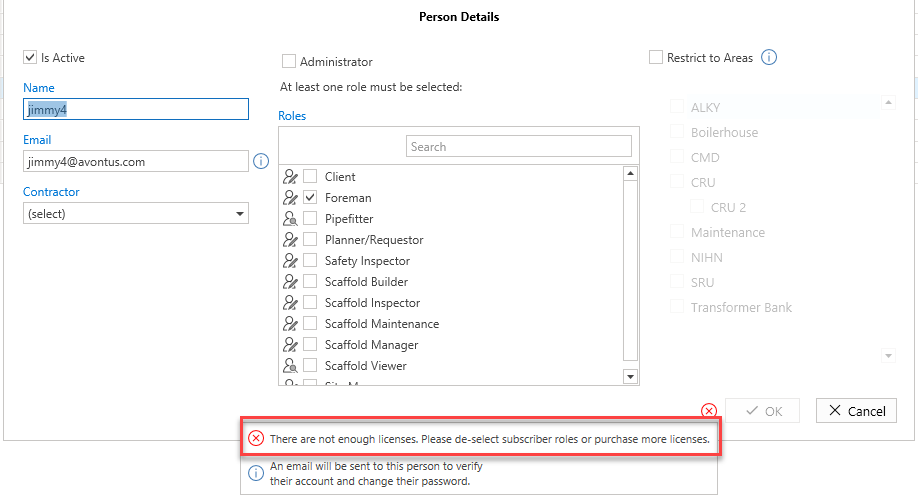
Note that the number of users you have will be impacted by the number of licences you have. Viewer users do not count to your subcriber count.
To add a new Person:
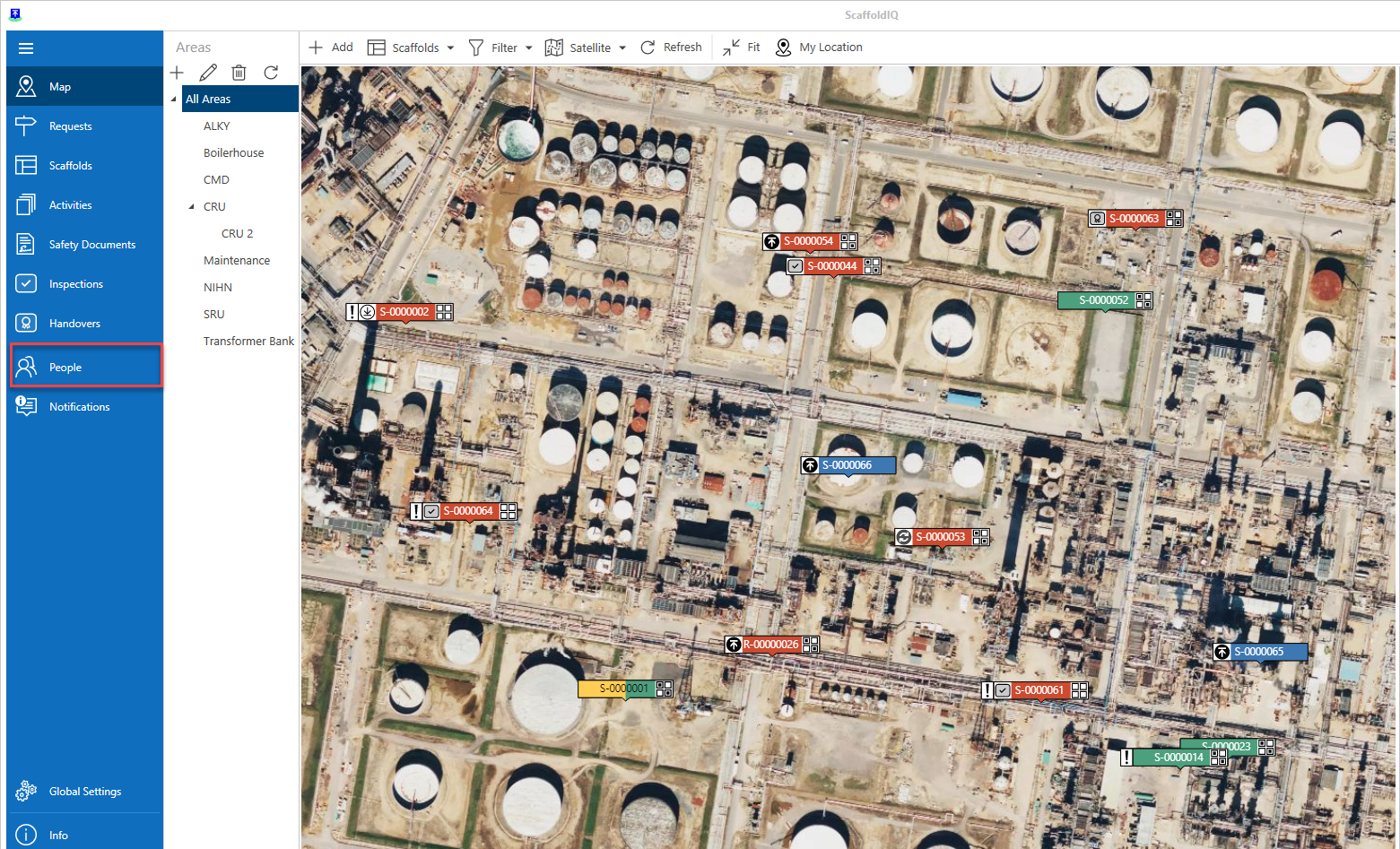
From the Map screen, click People in the left-hand menu
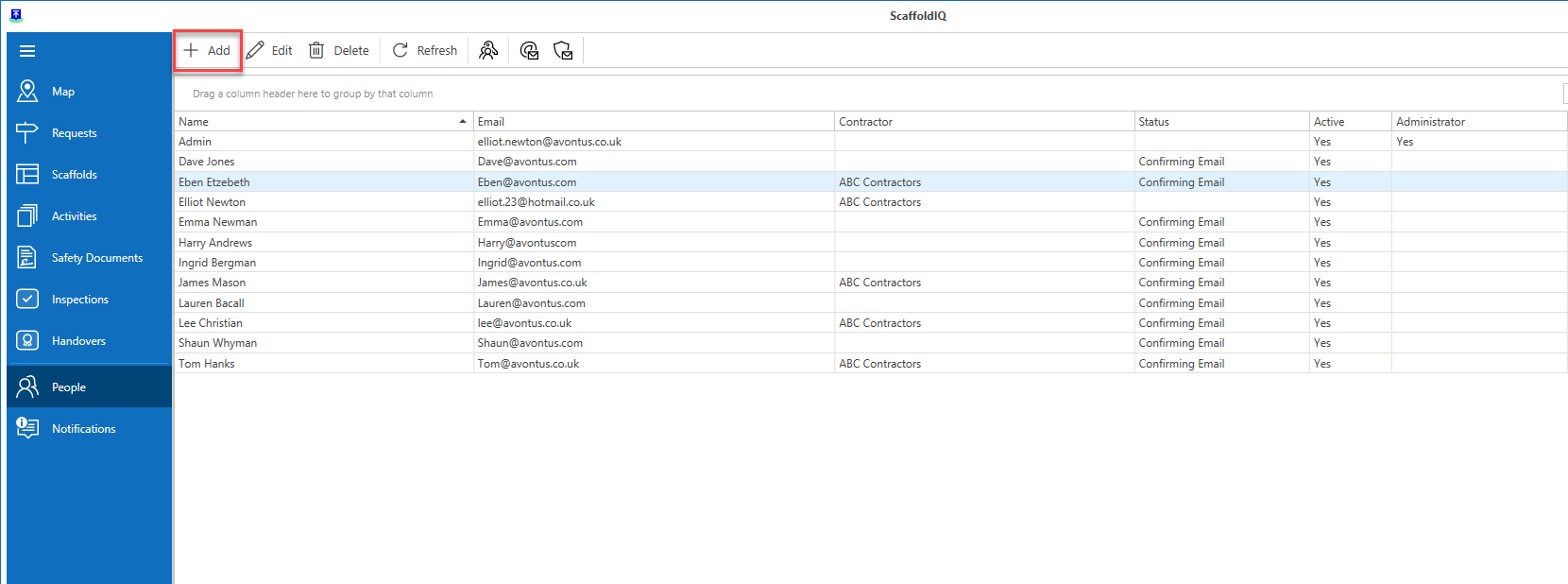
Click Add
Add the person's details, such as their name and email.
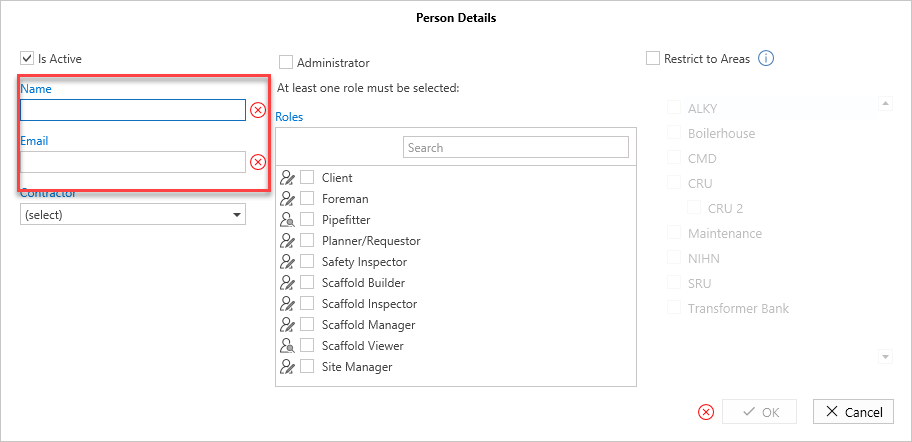
Note: Optionally, you can select a Contractor
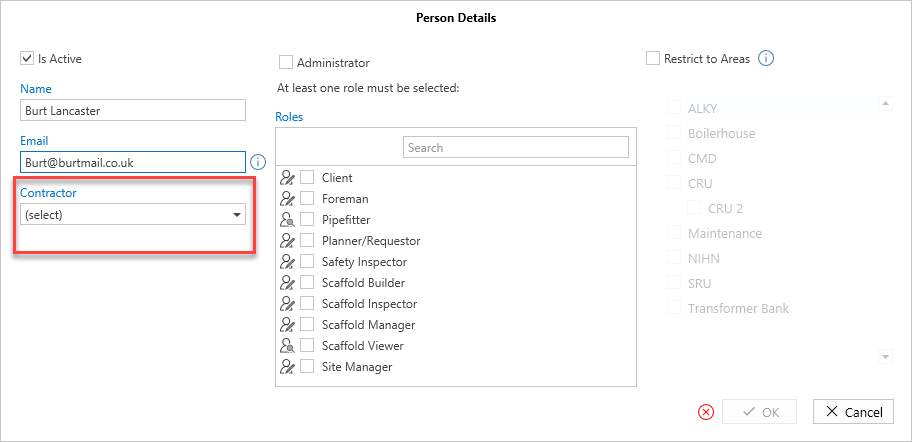
Select the role to assign this user to. To create a Viewer User, you must select a Viewer-only role.
Note: More roles can be created. See Adding a User Role for more information.
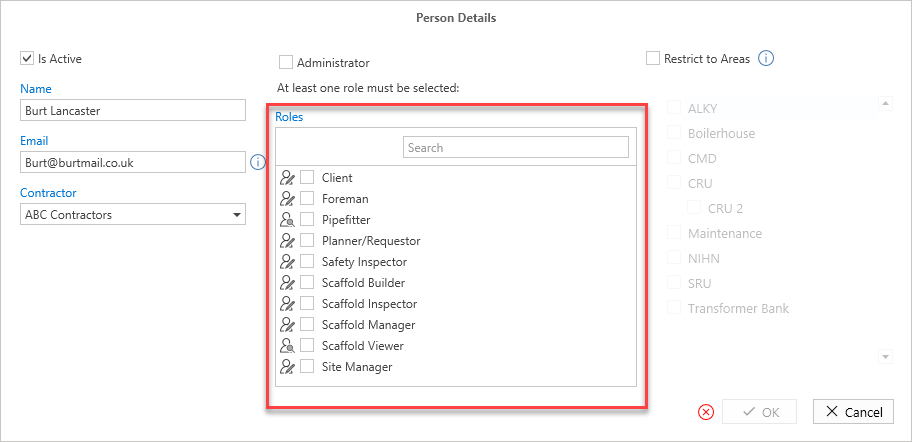
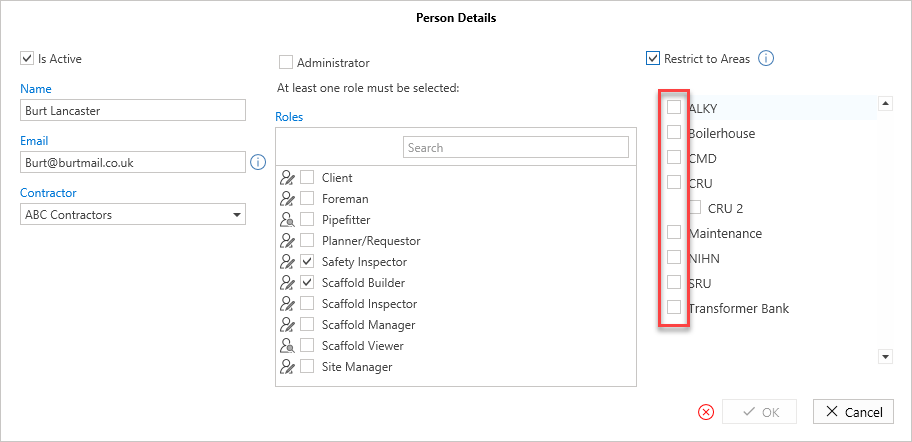
Optionally, you can restrict the person to an area
Click the Restrict to Areas checkbox
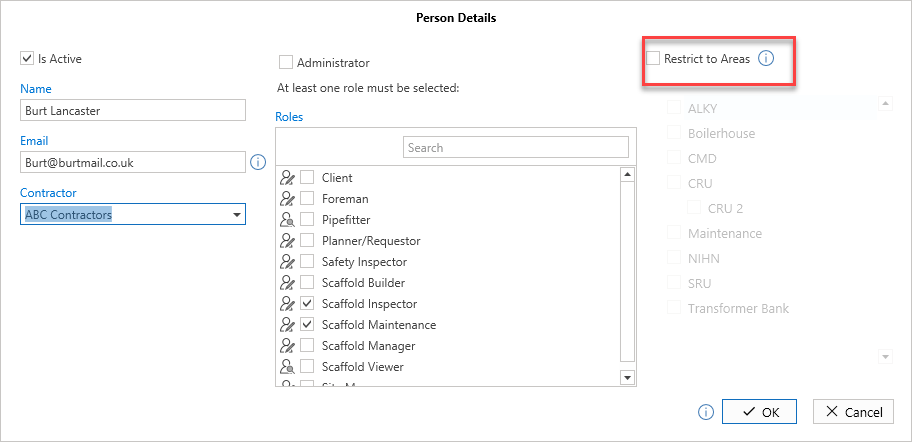
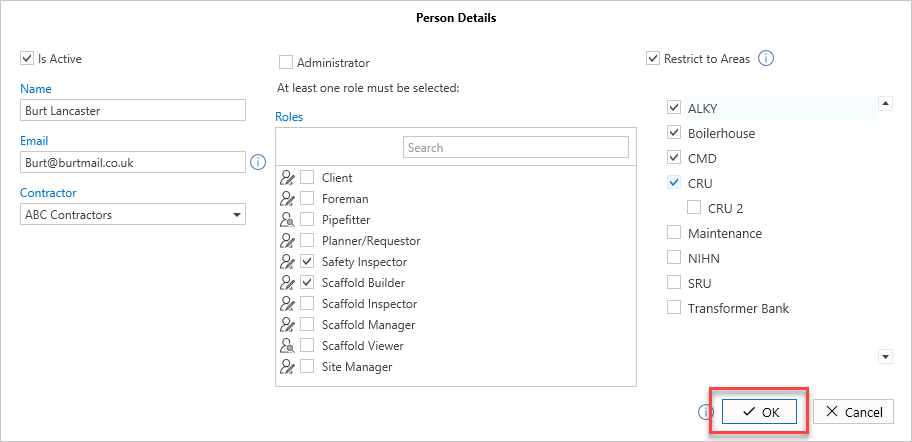
Select the areas you want to restrict the user to
Click OK
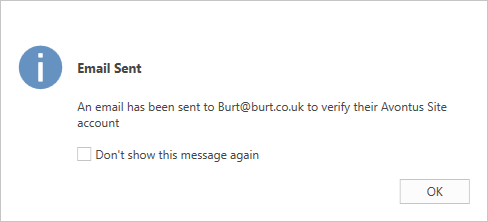
An Email will be automatically sent to the person’s email address for them to verify their account.