Avontus Designer enables you to add a boiler without a Scaffold. However, you may decide later to add Scaffolding. To do this, you simply access the Boiler Scaffold dialog and configure then add the Scaffolding. Avontus Designer makes it easy edit the characteristics of existing boiler Scaffolding. To do this, you simply access the Boiler Scaffold dialog and reconfigure.
Adding Scaffolding to a Boiler
Once you add a Boiler structure to the Drawing Page, Avontus Designer automates the creation of Boiler Scaffolding, based on parameters you define.
To create a Boiler without an internal Scaffold:
Select the Boiler on the Drawing Page.
Click the Structure tab and then click Boiler Scaffold.
Note: You can also double-click the Boiler object itself.
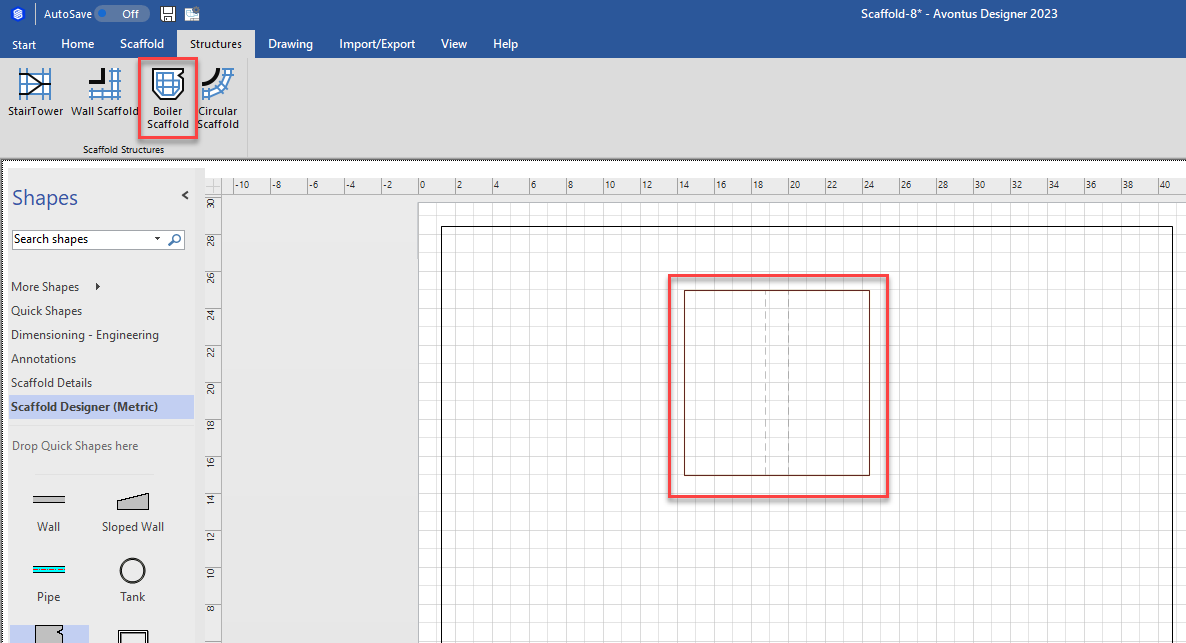
The Boiler Scaffold dialog appears.
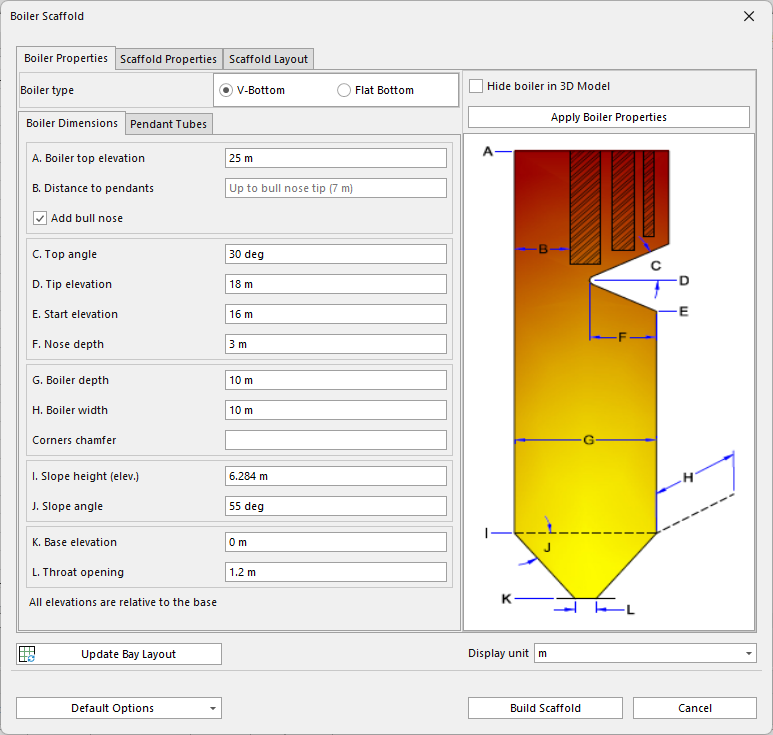
Configure the Boiler as necessary, then click Build Scaffold.
For a complete description of the features that the Boiler Scaffold dialog makes available, refer to About the Boiler Scaffold Dialog.
Editing an Existing Boiler Scaffolding
The Boiler Scaffold dialog provides access to all the features you need to customize any Boiler Scaffolding to suit any project.
To edit existing Boiler Scaffolding:
Select the Boiler on the Drawing Page.
Click the Structure tab and then click Boiler Scaffold.
Note: You can also double-click the Boiler object itself.
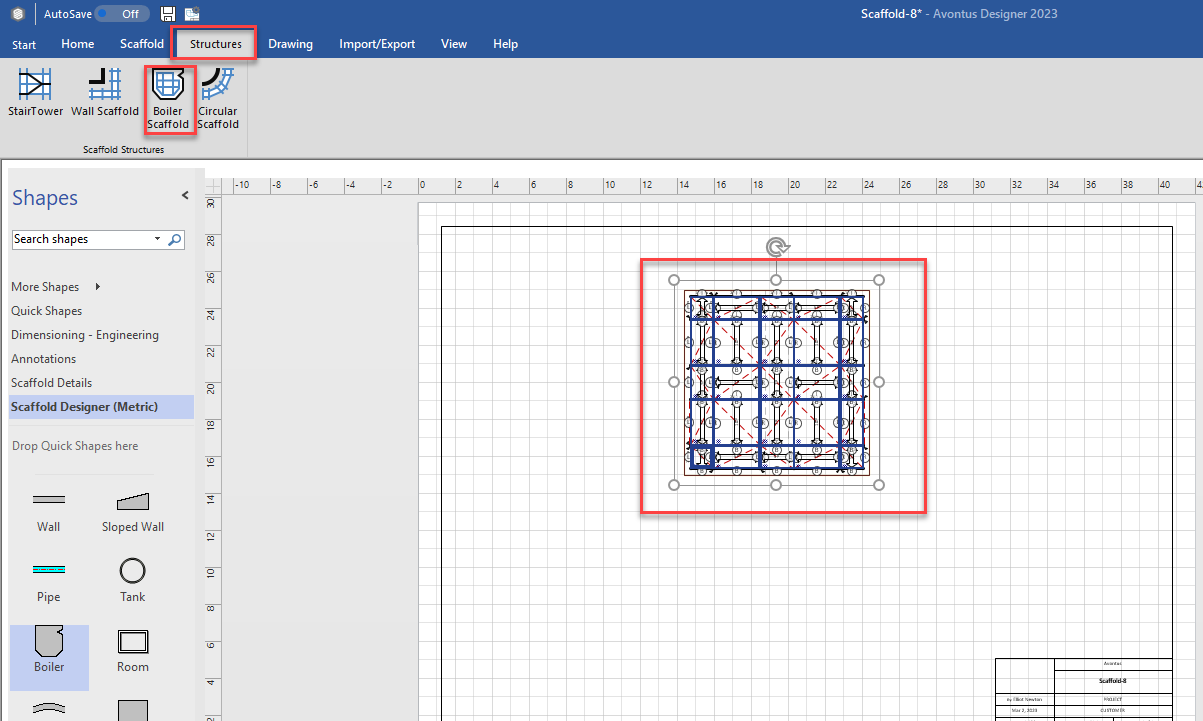
The Boiler Scaffold dialog appears.
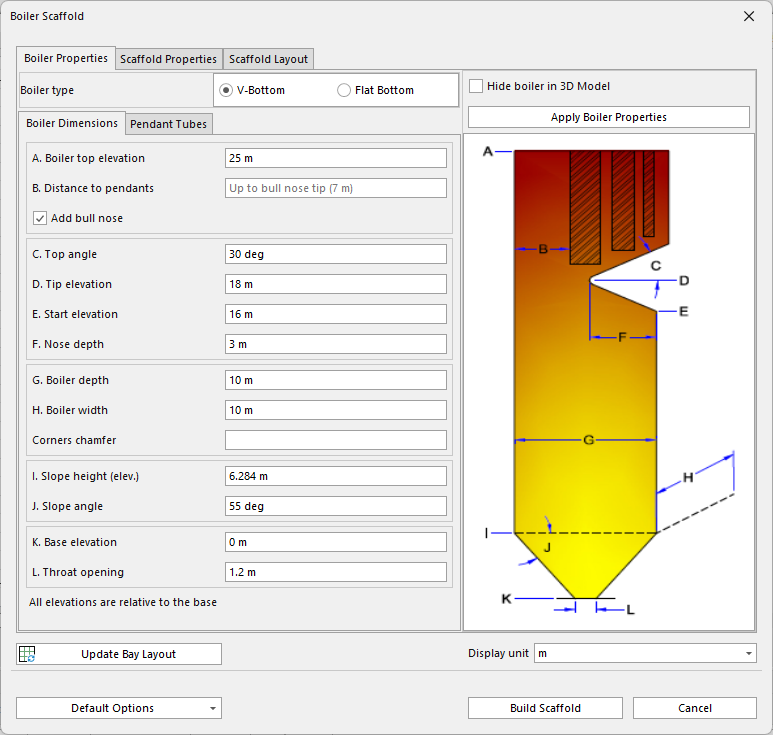
Use the Scaffold Properties and the Scaffold Layout tabs to edit the Boiler Scaffolding as necessary, then click Build Scaffold.
For a complete description of the features that the Boiler Scaffold dialog makes available, refer to About the Boiler Scaffold Dialog.