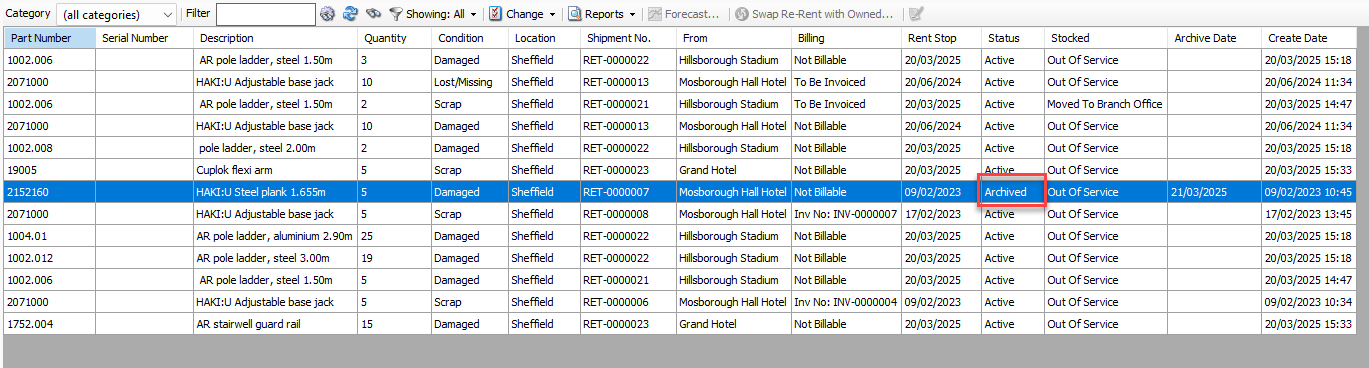
Once it has been determined that an Out of Service item will not be put back into service again, it can be archived. The procedures below show you how to do that.
Important: Once an item has been archived it cannot be removed from the archive.
To archive an Out of Service item:
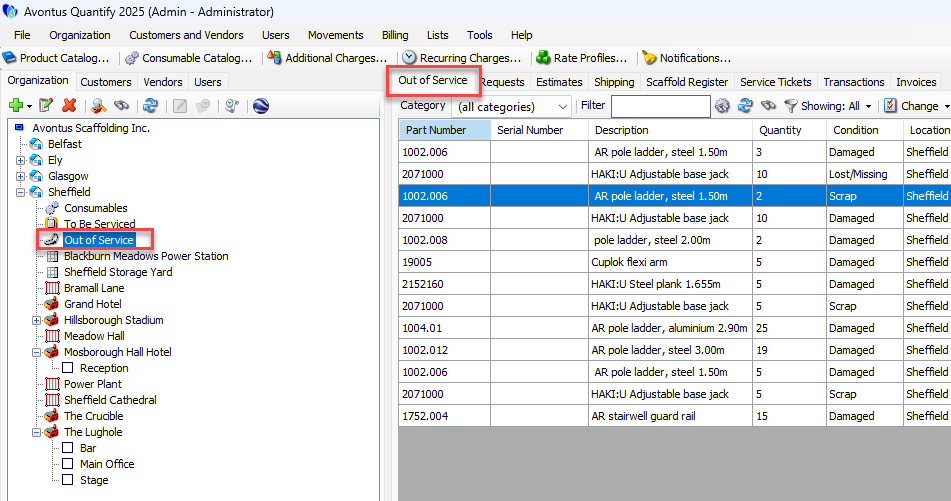
Locate and click the Out of Service node for the appropriate Branch Office, then click the Out of Service tab.
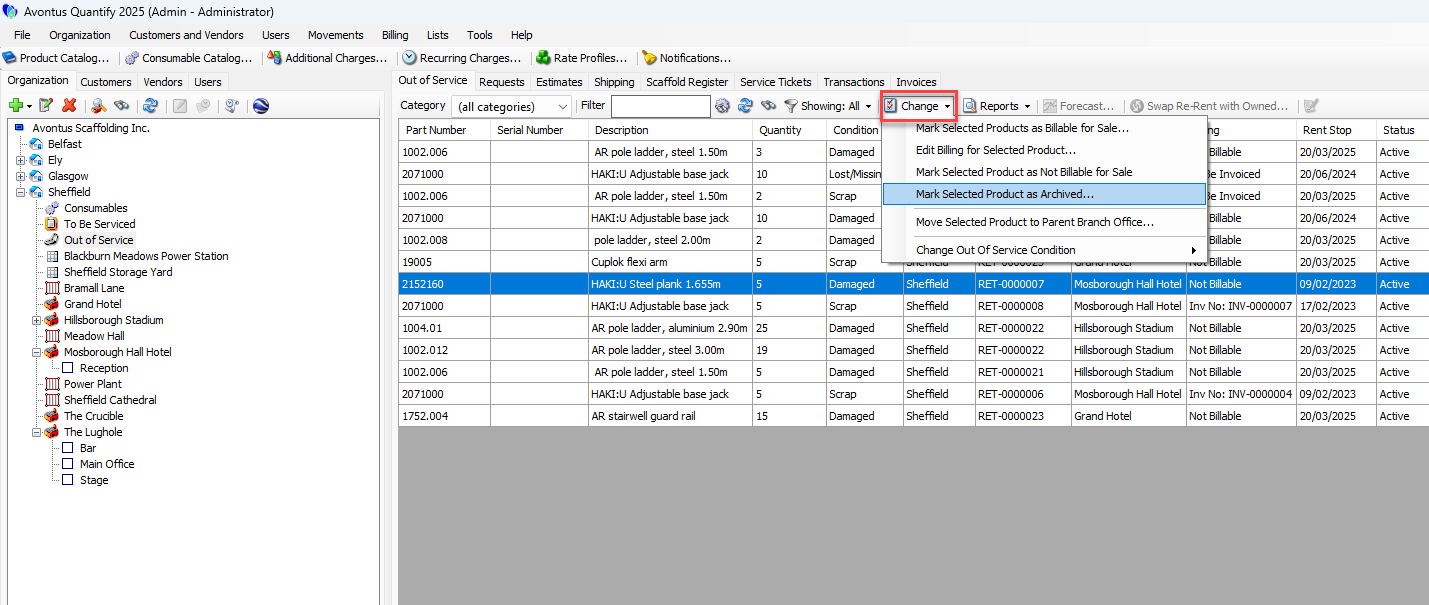
Click the Change dropdown and select Mark Selected Product as Archived.
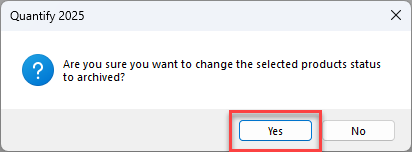
A confirmation message appears.
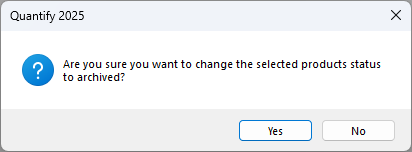
Click Yes.
Quantify changes the billing status to To Be Invoiced and populates the Archived Date column for the line item is populated with the date the item was archived.
Note: You cannot see the line item when the View filter is set to Showing: Active. Therefore, set the View filter to either Showing: All or Showing: Archived.