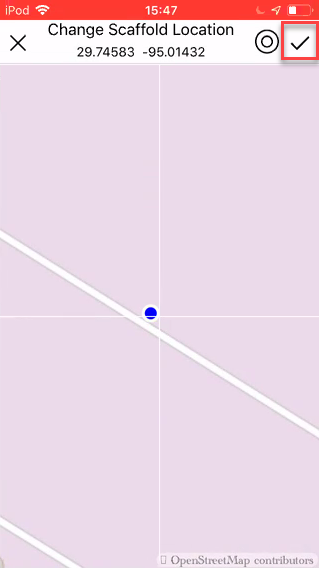
You can change the location of a Scaffold even when it has been erected. This could be because it was incorrectly placed on the application.
To change the location of a scaffold.
- Go to the Scaffolds screen.
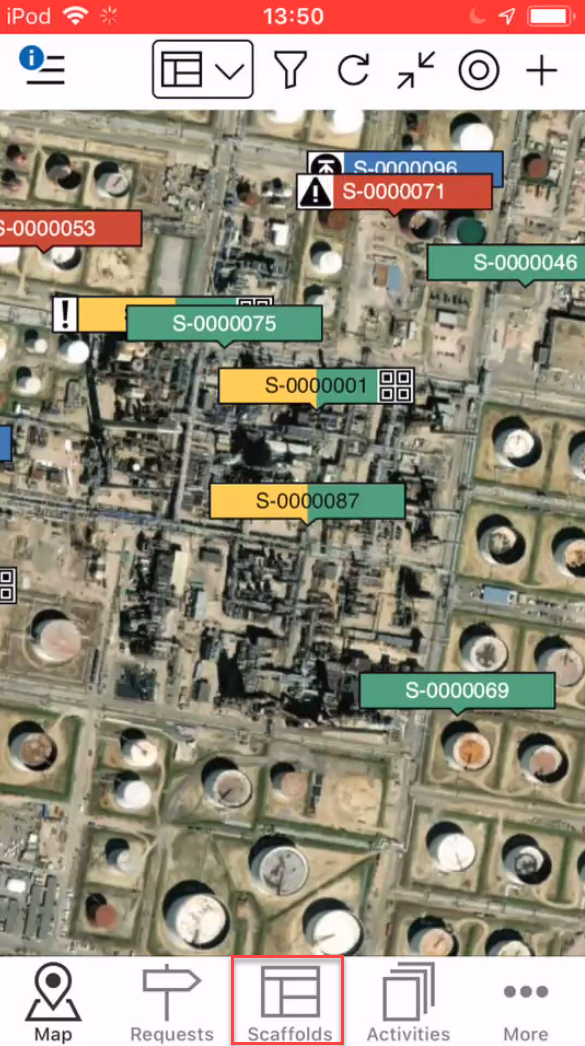
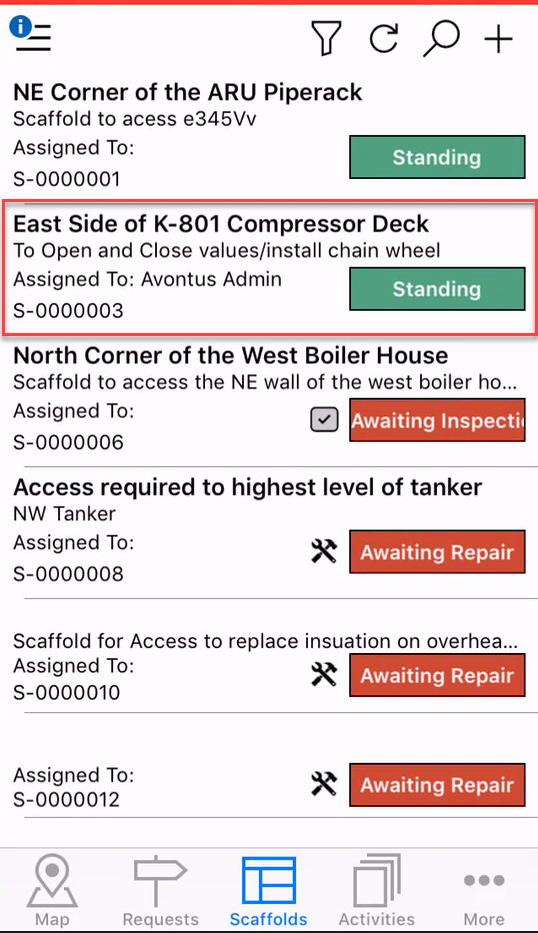
- Locate the scaffold you are looking for.
- Tap on the scaffold to open it.
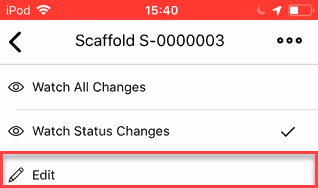
- In the Scaffold Details, tap the three dots in the top right.
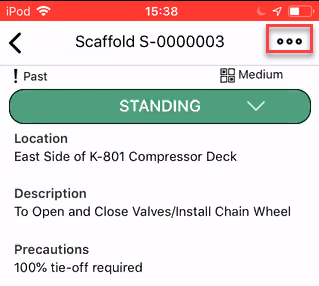
- Select Edit.
- Scroll down and tap the Location section.
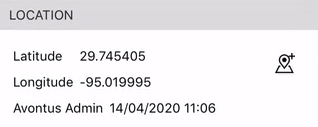
You will be taken to the Map screen where you can specify the new location of the scaffold. - Drag the screen so the crosshair pinpoints the new location of the request and tap the tick icon.
Note: You can tap the My Location icon (to the left if the tick icon) to be taken to your location.