Quantify makes it easy and fast to apply a new Rate Profile to Shipments to a Scaffold.
NOTE: The features mentioned in this article are only available in the Industrial Edition of Quantify.
To change/update the Rate Profile on Shipments to a Scaffold:
Click the appropriate location and click the Scaffold Register tab.
Click the Change dropdown and select Change/Update Rate Profile on Shipments to Selected Scaffold.
.gif)
A confirmation dialog appears.
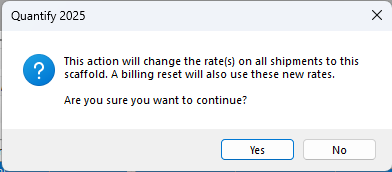
Click Yes to apply the Rate Profile change to all Shipments to the selected Scaffold.
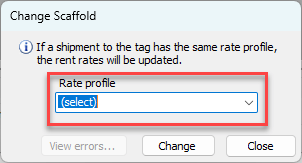
The Change Scaffold dialog appears.Click the Rate Profile dropdown and select the Rate Profile for the Scaffold.
Click Change.
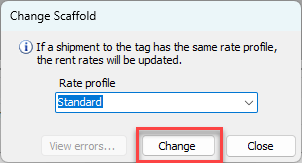
Note: If you select the same Rate Profile that was already in use for the associated Shipments, Quantify updates the rates for these Shipments to use the current rates associated with the Rate Profile. This overwrites any manual rate changes made when the items were shipped and adds rates for items that may not have had rates previously.
Quantify applies the selected Rate Profile to all the appropriate Shipments associated with the Scaffold and displays a confirmation dialog.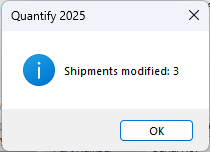
Click OK.