Use the Consumables tab to add Consumables to the Estimate and configure them. Enter counts of Consumable items in the Quantity column. The bottom of the Consumables tab displays total sell amount of Consumable items in the Status Bar.
Note: For information on calculating Consumable sell prices using the Discount, Markup, and Profit Margin calculator, see New-Working with Consumables.
Note: For an explanation of all the fields in this tab, refer to About the Estimate Dialog Consumables Tab.
To configure the new Estimate's Consumables tab:
Click the Consumables tab.
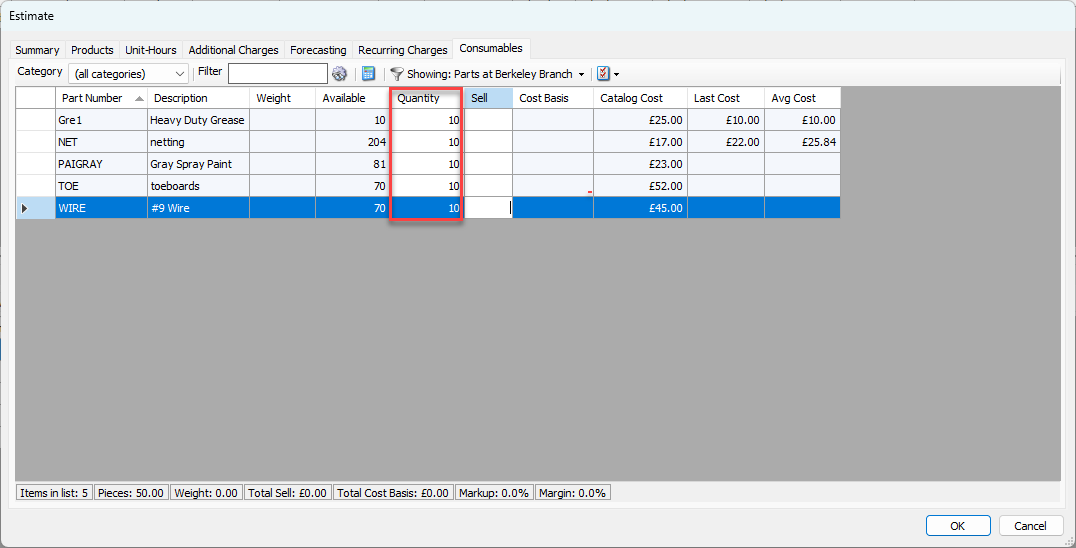
The Estimate dialog refreshes.Locate the Consumable you want to add to the Estimate, click in the cell Quantity column and enter the appropriate amount.
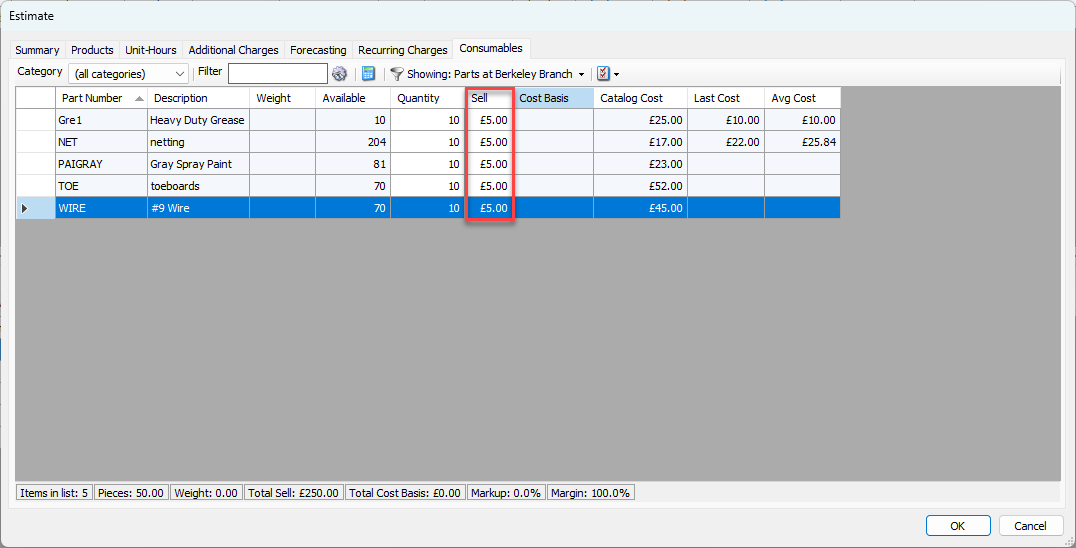
If you are selling the Consumables to the customer, click in the Sell column cell and enter the appropriate sell amount.
Note: To apply sell rates from a Rate Profile, perform the steps detailed in the Applying One or More Rate Profiles to the New Estimate section of Configuring the New Estimate's Products Tab.
Repeat the above step as many times as necessary.
Click OK if you are done or go to the next tab
Quantify displays the total sell amount of Consumable in the Status Bar at the bottom of the Consumables tab.
For information on calculating Consumable sell prices using the Discount, Markup, and Profit Margin calculator, refer to Working with Consumables.