You can import a file containing customer data into Quantify as long you use a specific Excel template and save it as a tab-separated text file. You should be able to find the required Excel template here: C:\Program Files\Avontus\Quantify Client\Catalogs\CustomerVendorTemplate.xls. If you do not have it, contact support@Avontus.com and we will be happy to provide it.
To import customers:
Click the Tools menu and select either Import Customers or Import Vendors (as appropriate) from the Import sub-menu.
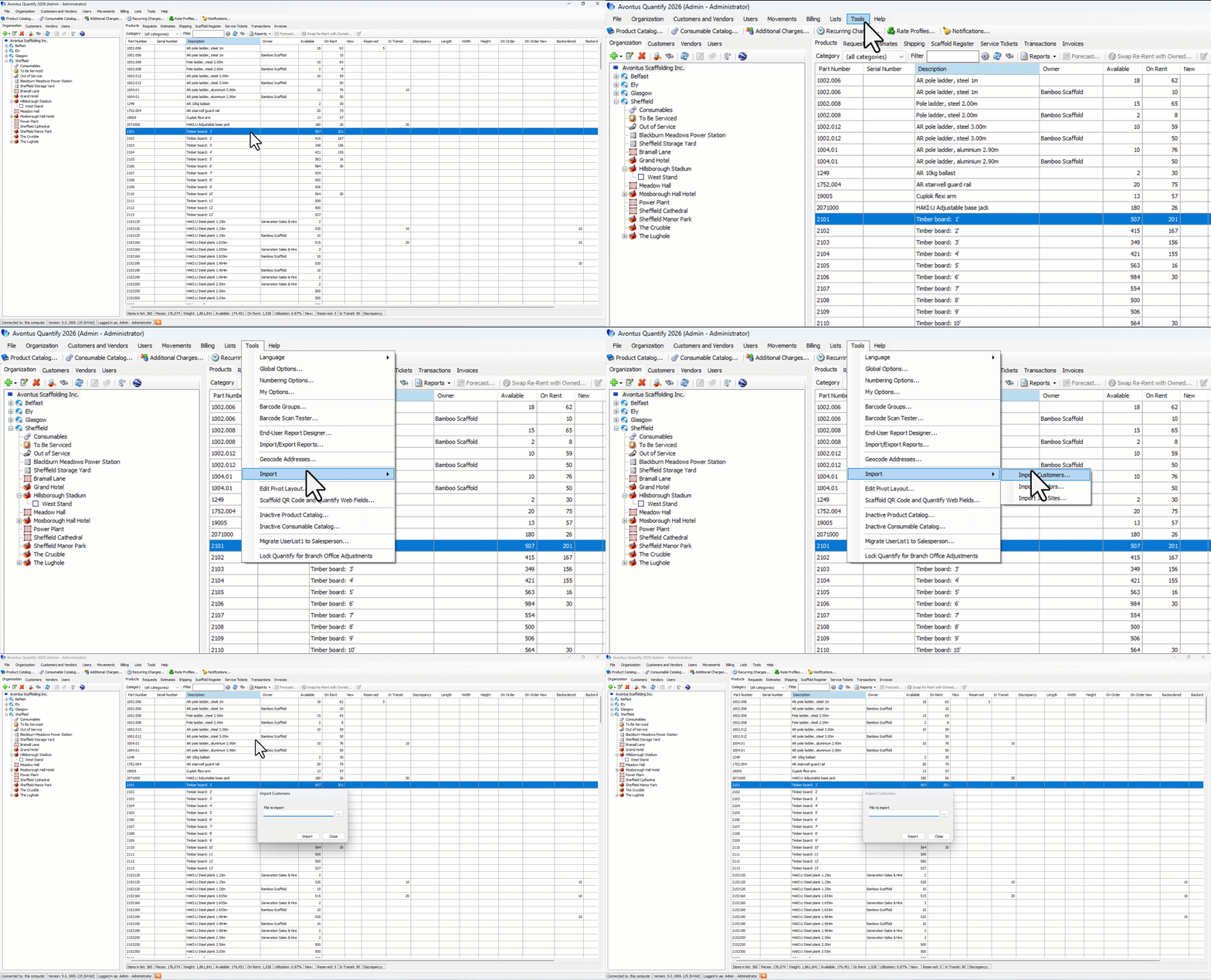
The Import Customers dialog appears.
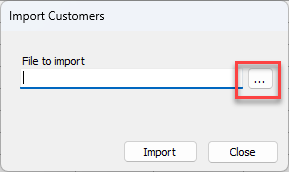
Click the File to Import button (
 ).
).
The Import from Tab Delimited File dialog appears.
Navigate to and select the text document to import and click Open.
The Import Customers dialog returns.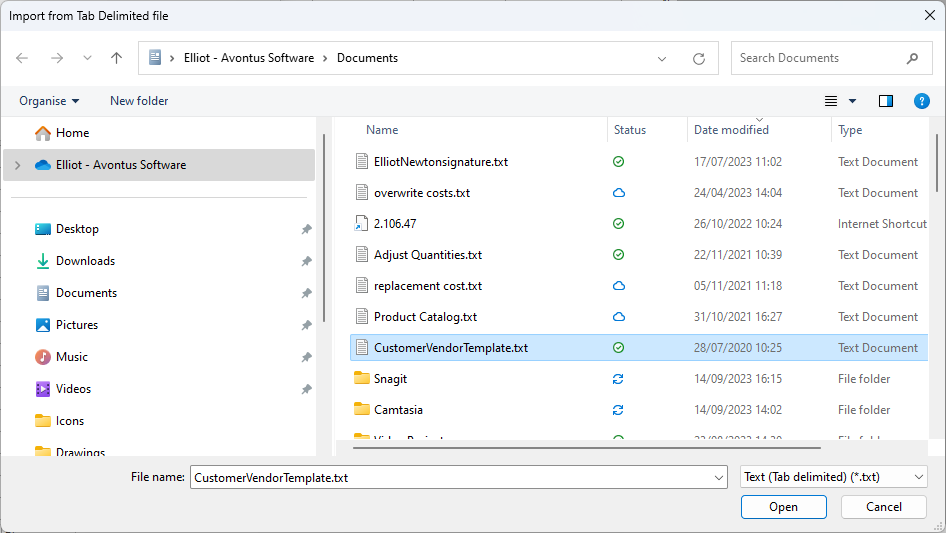
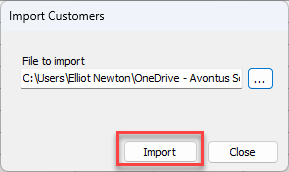
Click Import.