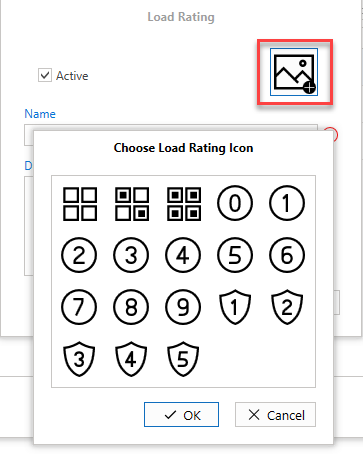
Load Ratings indicate the amount of weight the scaffold can endure. The icons vary from region to region. Load Ratings can be added, edited, or deleted in the Global Settings section.
You can access the Load Ratings screen from the Global Settings
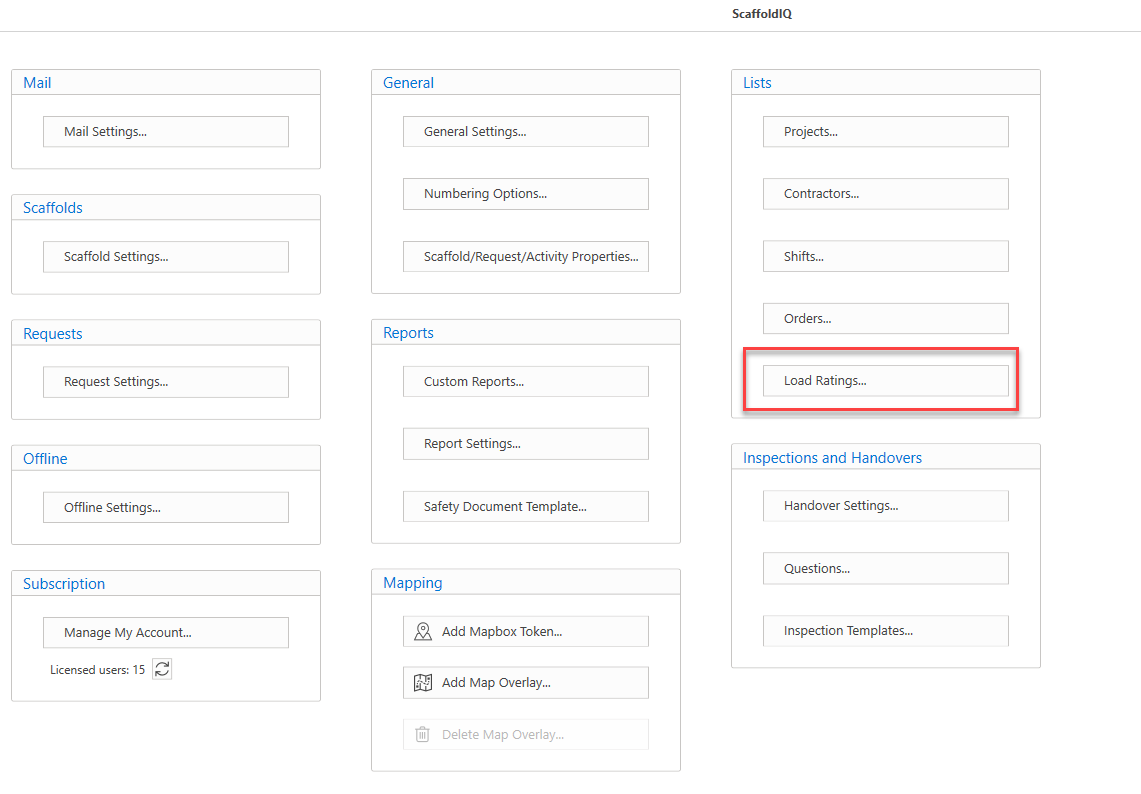
Load Ratings can be assigned to requests or scaffolds.
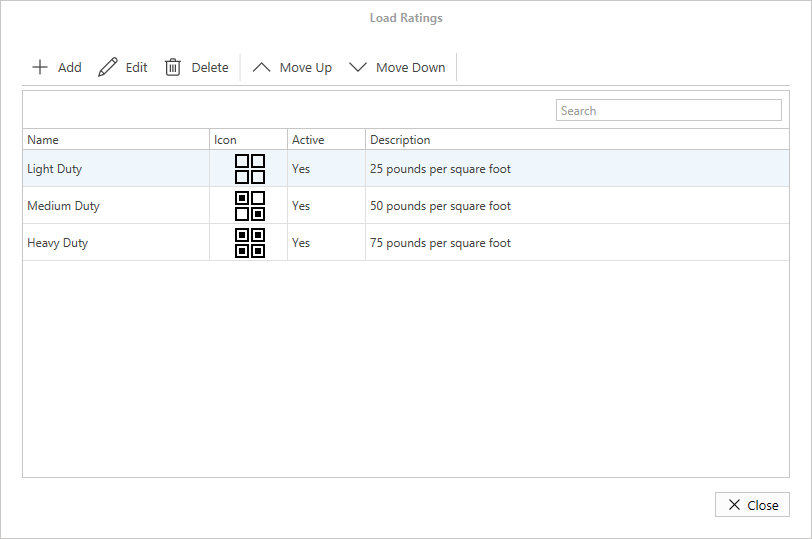
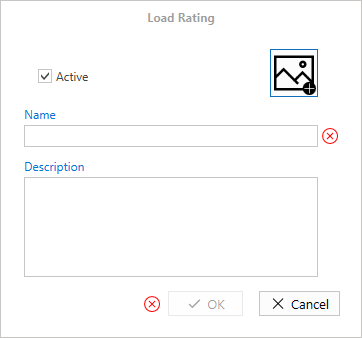
Load Rating dialog
When adding or editing a Load Rating, you will see the Load Rating dialog where you can specify the name and description. You can set the load rating as active or inactive by enabling or disabling the Active checkbox.
If the Load Rating is inactive, then the inactive Load Rating cannot be assigned to a Request or Scaffold.
Click the Load Rating icon image to modify the icon.