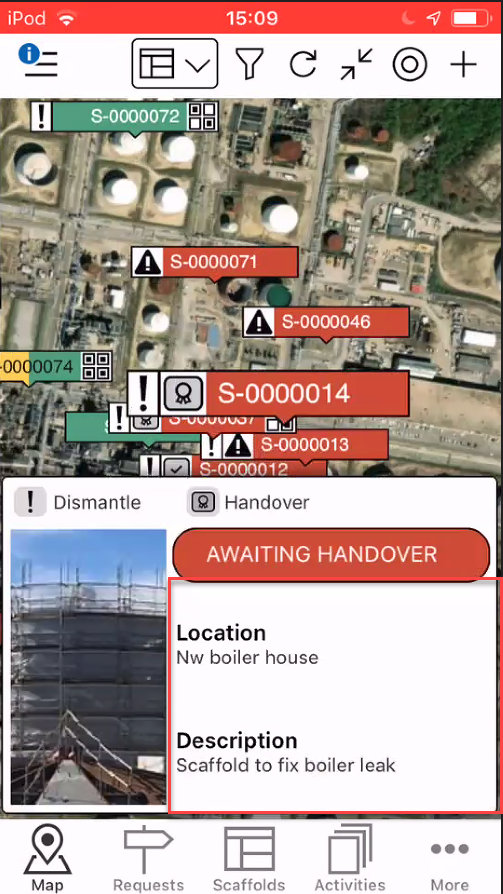
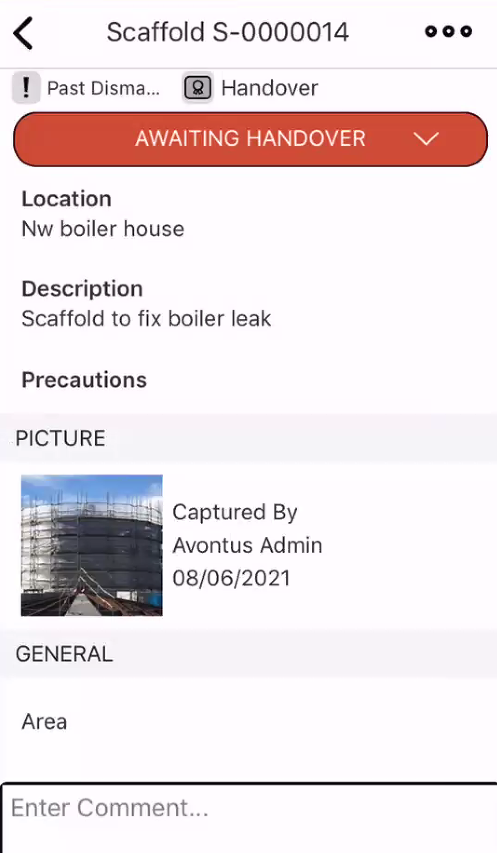
Click on a request or scaffold pin to display its details. Here you can view the status of the request and its purpose, You can also see the location of the scaffold and a description of its purpose. Tap on the details section to open the Request or Scaffold Details screen
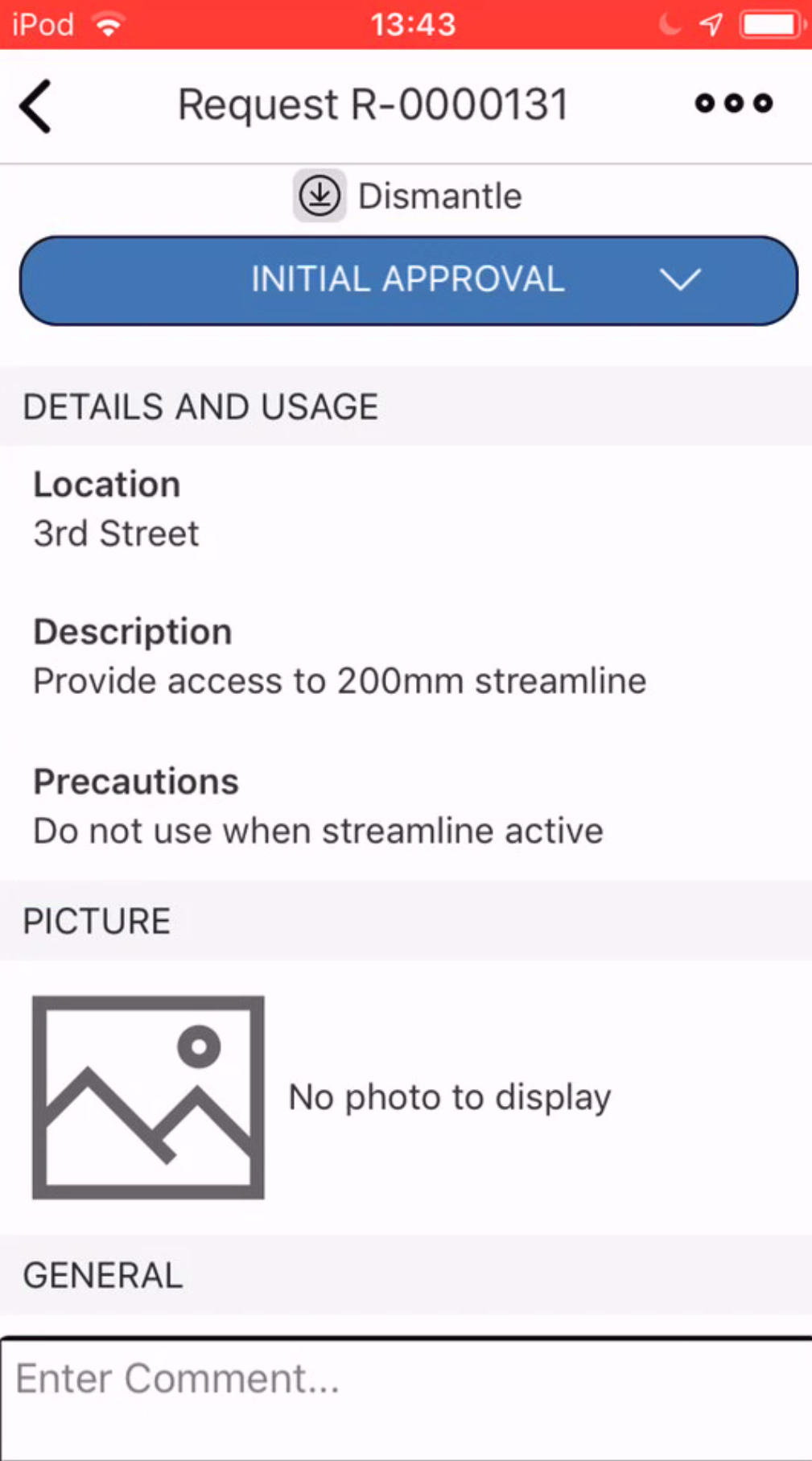
The Request Details screen will be displayed (see below).
For more information, please visit the Request Details screen.
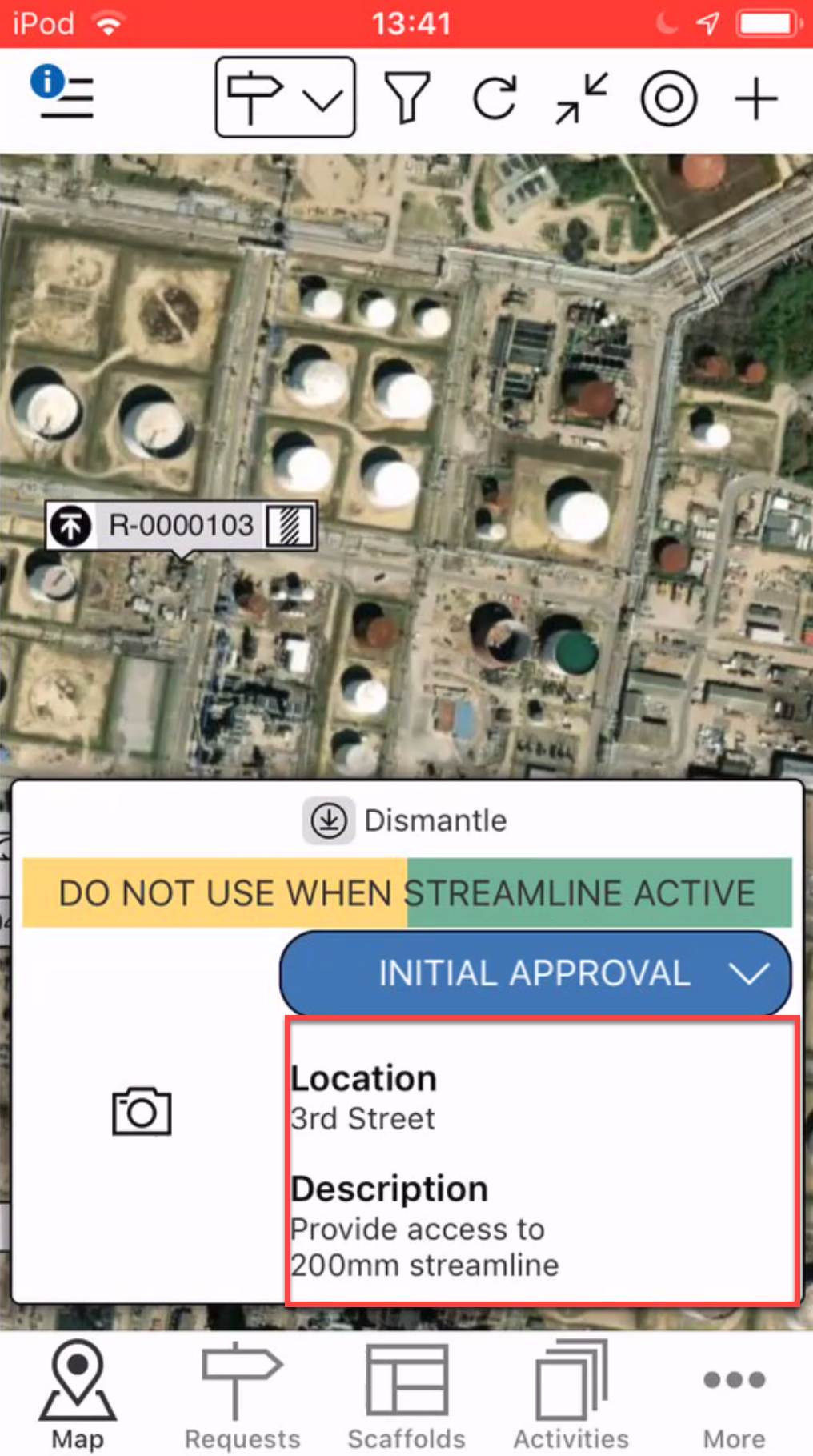
For Requests, tap on the Request pin and tap the details section.
This will display the Requests' details.