To ensure an onsite worker does not mistakenly identify the wrong scaffold, a picture can be uploaded to ensure correct identification.
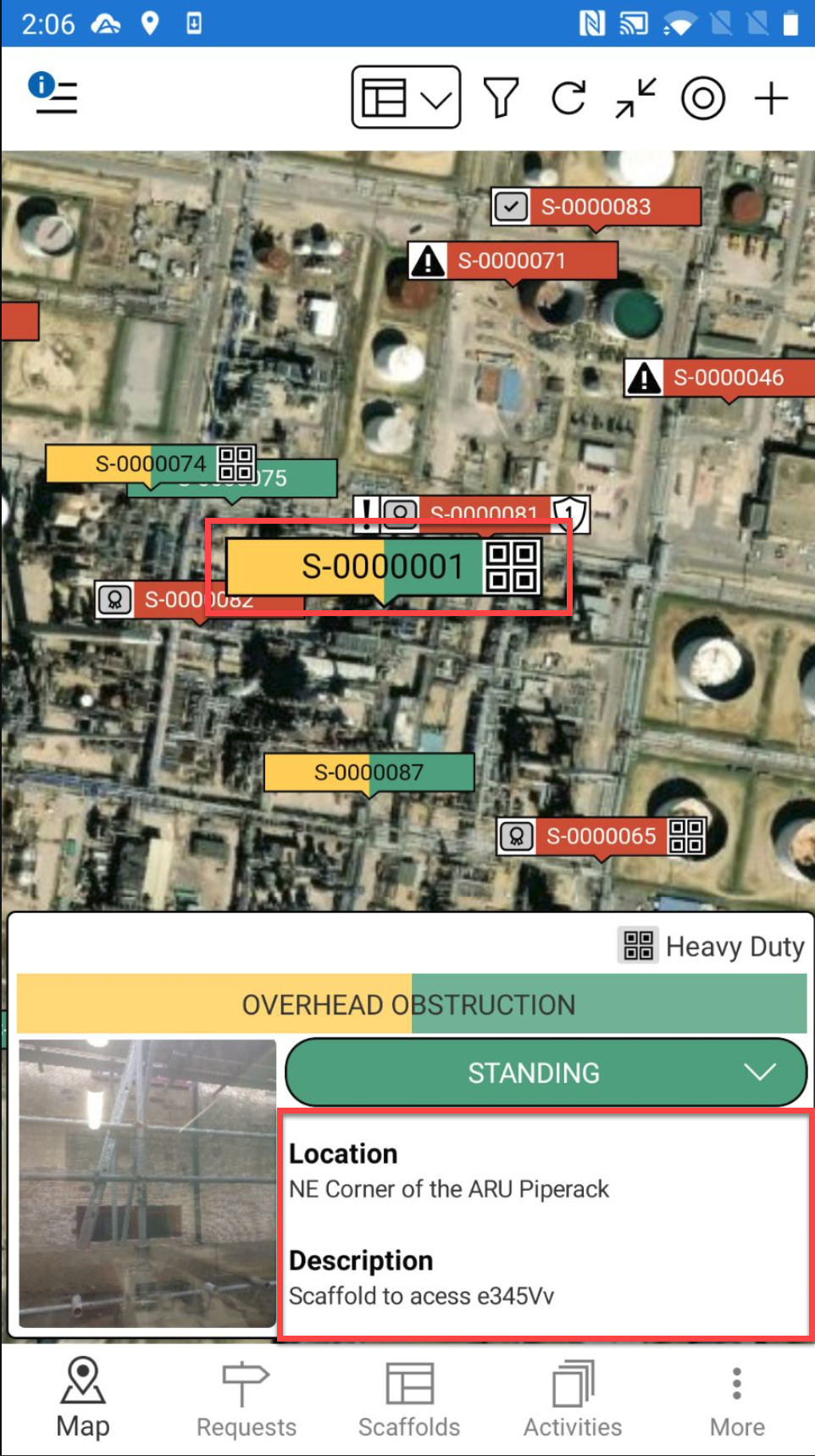
From the Map screen, tap the Scaffold pin you want to upload a 3D model to.
Tap the detail section of the Scaffold
Note: You can also access the Scaffold Details from the Scaffolds screen
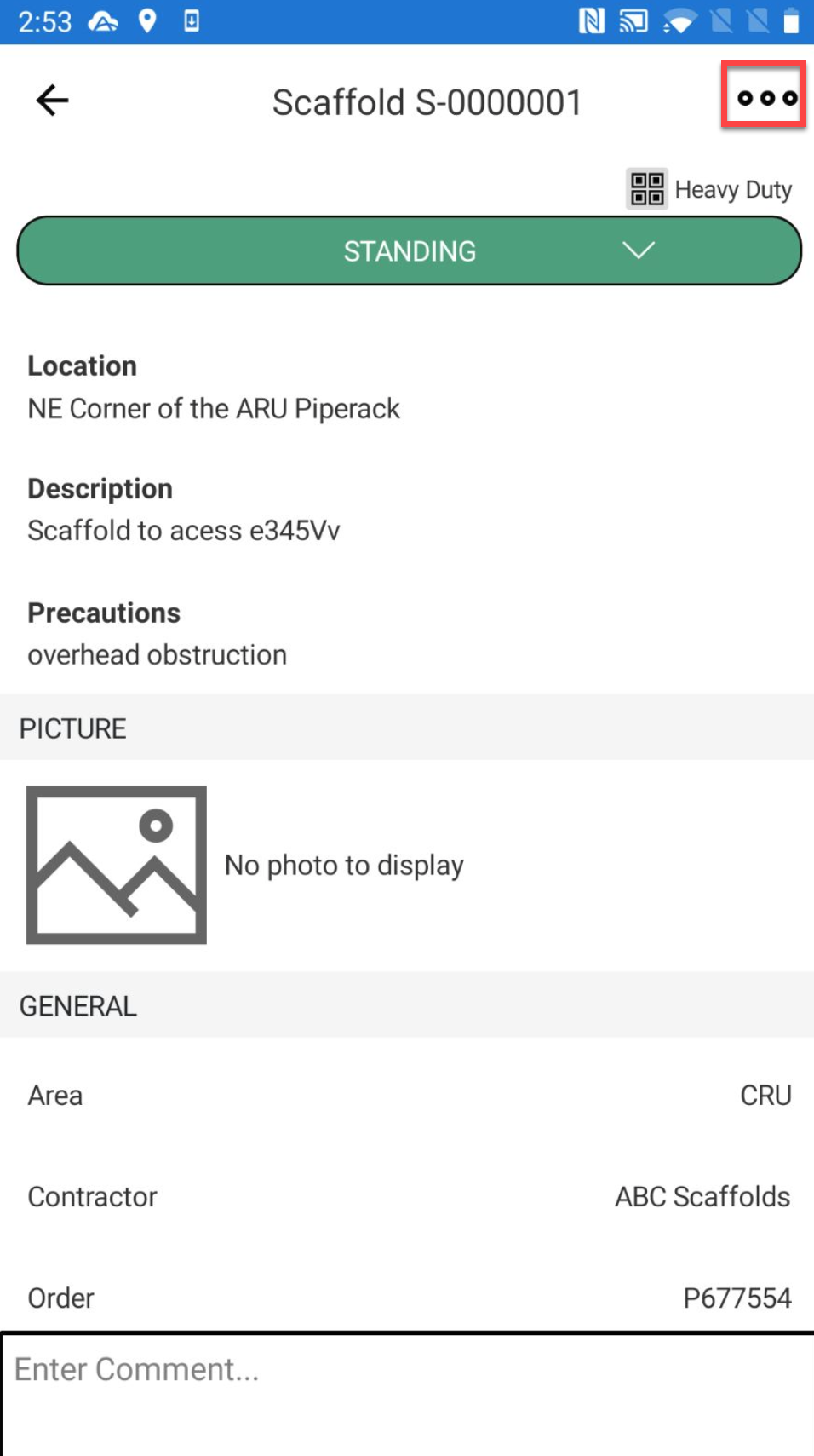
Tap ... in the top right
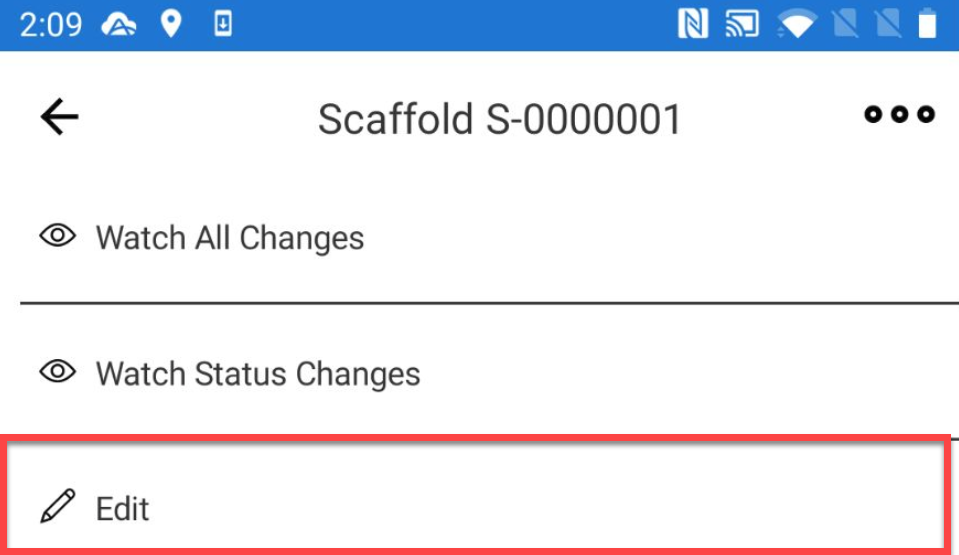
Tap Edit
Tap the Scaffold Image section.
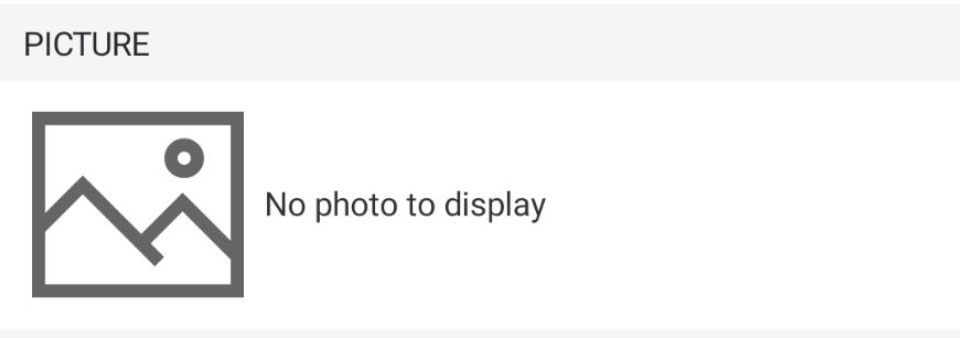
Select to take a new photo or choose a photo from your library.

Take Photo
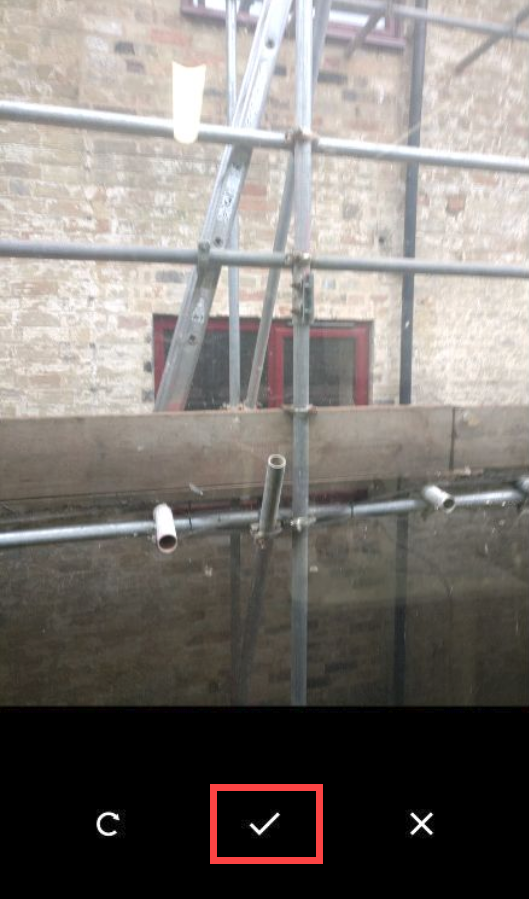
Take the photo and tap Use Photo.
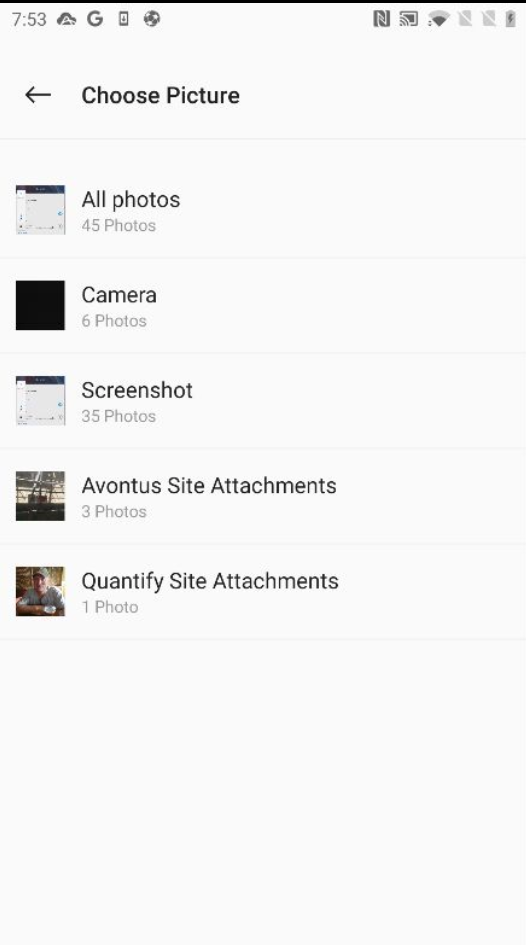
Choose PhotoSelect your image from your image library.
Tap the tick icon
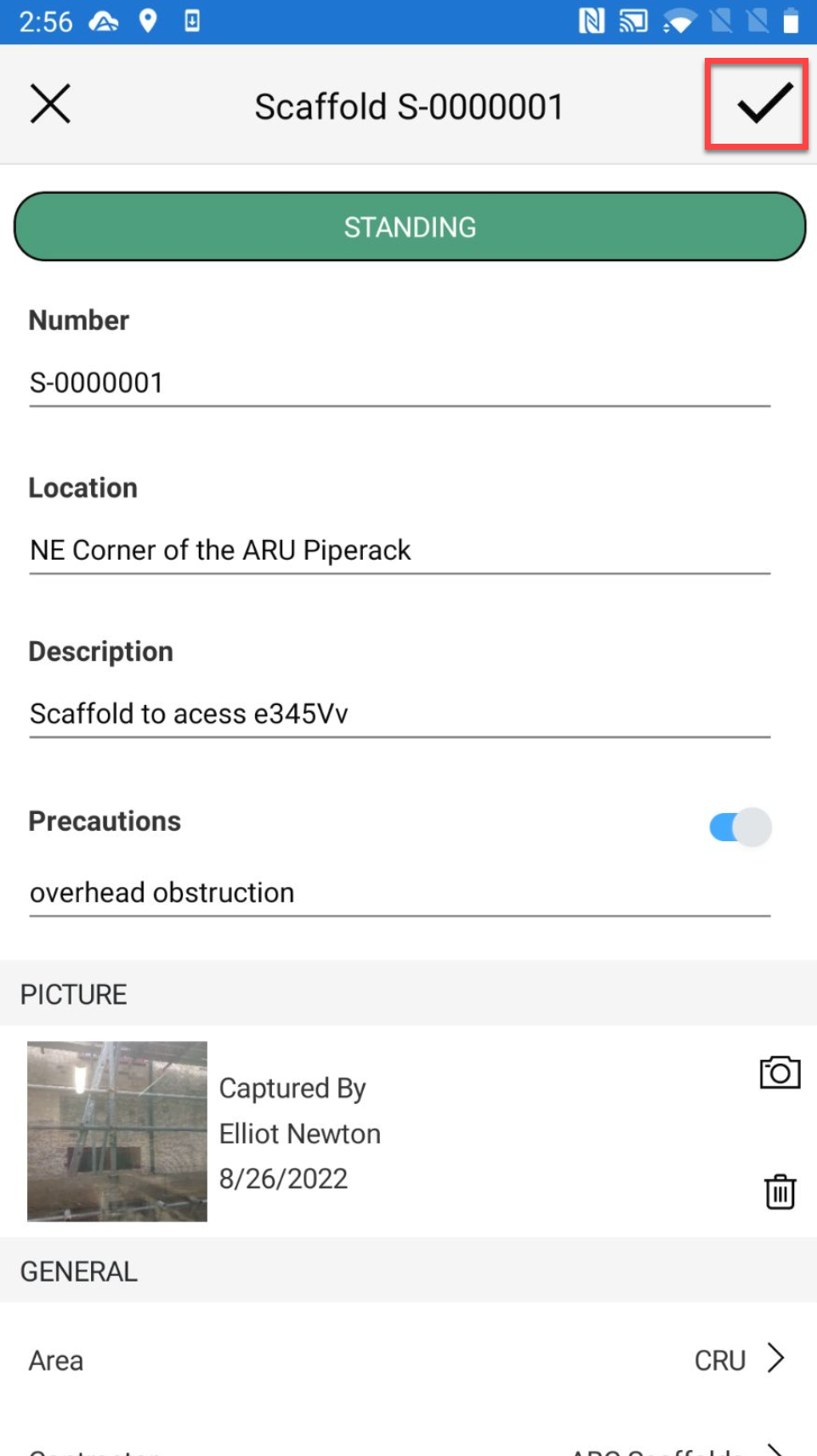
The attachment will be added to the scaffold or request.