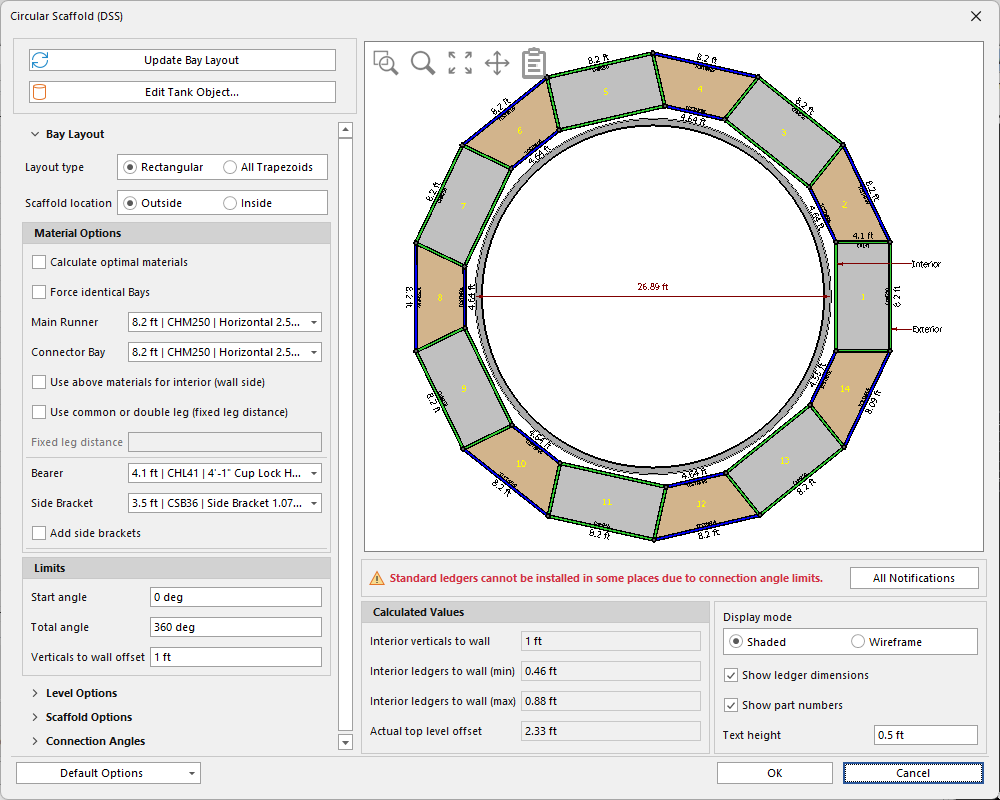
The Circular Scaffold feature automates the layout of scaffolding around and within tanks. When you select the tank to which you want to add Scaffolding and click Circular Scaffold, the Circular Scaffold dialog appears. Use it to determine the best options for the design. After you click OK, Avontus Designer builds the Scaffolding. You can use features like Bay Layout, Level Options, Scaffold Options, and Connection angles to customize individual bays.