Use Activities to record activities related to a specific Scaffold, including erection, dismantle or other tasks. You can also use Inspection records to maintain Inspection history, including the date of inspection, whether the scaffold passed or failed inspection, the inspector, etc. While adding Inspection records, you can increment the next inspection date of a Scaffold to update notifications and reports. (For information about tracking Inspection-related activities, refer to Working with Servicing.)
NOTE: The features mentioned in these articles are only available in the Industrial Edition of Quantify.
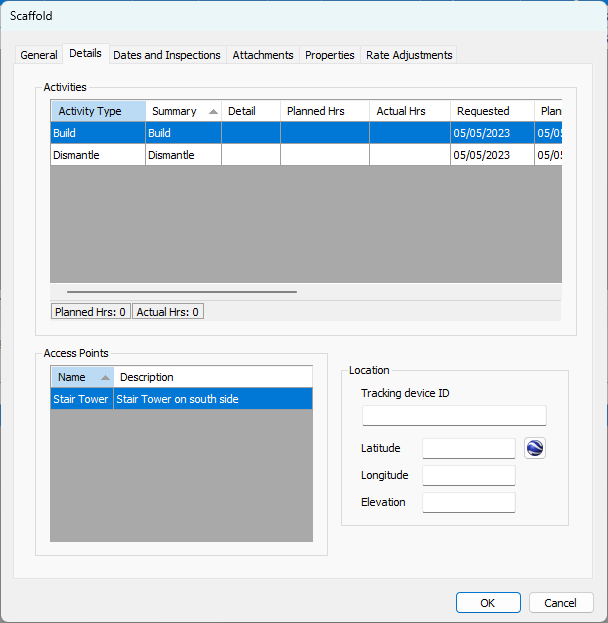
Use Activity Types to categorize or label the different types of Activities generally related to a Scaffold. You can customize Activity Types and there is no limit to the number of custom types you can create. A list of custom Activity Types is unique to each Scaffold Job Site.
When Activities are enabled on a Job Site, an Activity must be assigned to each delivery or return Shipment created for a Scaffold assigned to the Job Site. For this reason, you must create the Activity before creating the Shipment.
Viewing the List of Activity Types
NOTE: The features mentioned in this article are only available in the Industrial Edition of Quantify.
Quantify enables you to easily view a list of Activity Types.
To view the list of Activity Types:
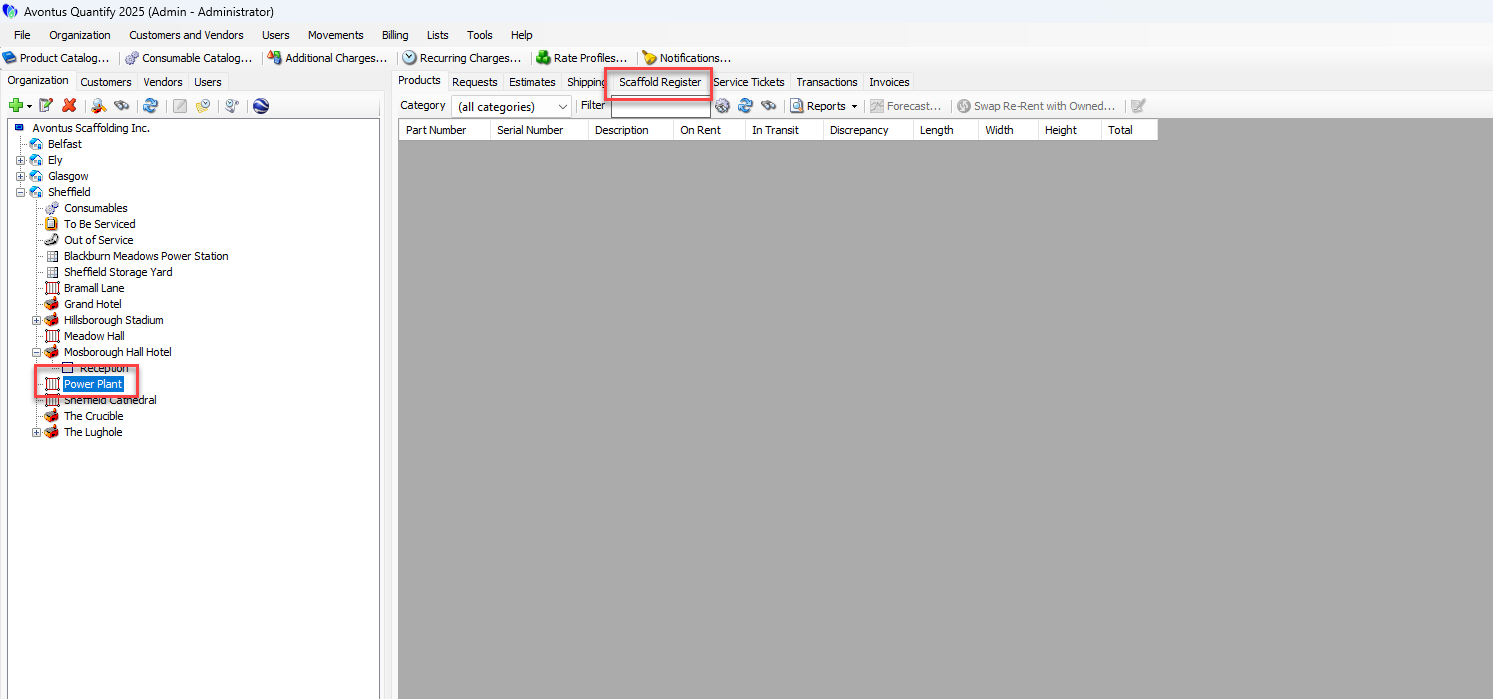
Locate and click the appropriate Job Site and click Scaffold Register
Click the Scaffold, then click the Activities sub-tab.
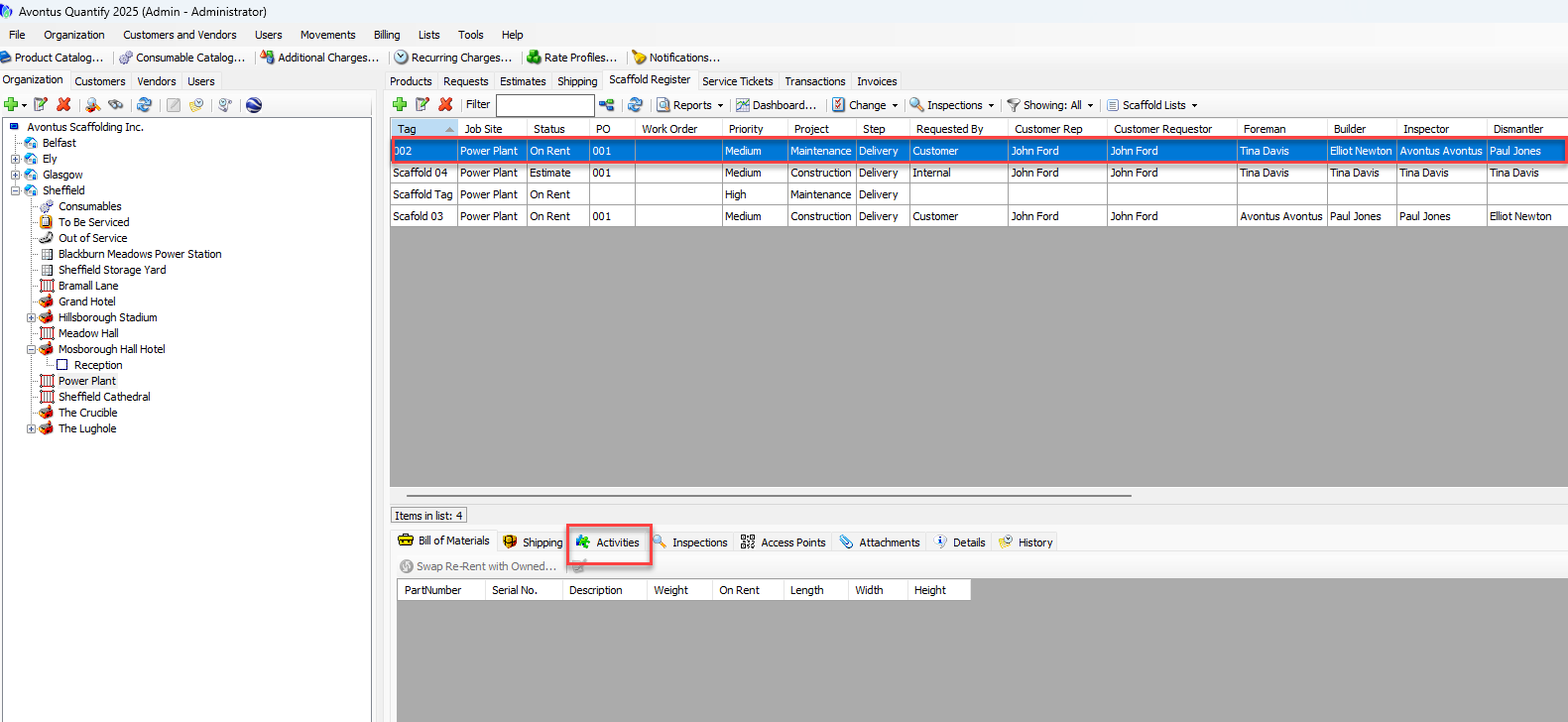
The sub-tab displays the current list of Activities.
