The Formwork Options dialog (available on the Formwork menu and stencil window) enables you to control various Handset Designer options, through the dialog's four tabs.
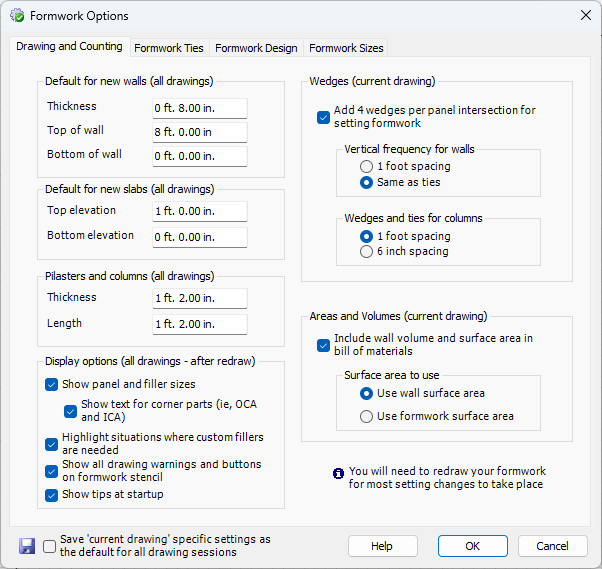 Any changes you make in the Drawing and Counting tab will stay in effect each time you use Handset Designer. This is called a session or a drawing session and happens from the time you start Visio to the time you end it. When you restart Visio, you are in a new drawing session. If you make a change to any of the items that are labelled current drawing, the settings will persist in the current drawing. If you want these settings to apply every time you use Handset Designer, check the Save current drawing specific settings as the default for all drawing sessions checkbox in the lower left corner before clicking OK. After doing this, each drawing you create will inherit the current settings. This enables you to have different Formwork sizes and Ties for different drawings and ensures that all of your drawings have a default that you want. Note that the pages within each drawing inherit these settings in options. If you have a project that needs different size and/or Tie options, you must use two different drawings.

After making changes in the Formwork Options dialog you will likely need to redraw your Formwork.
You can view the below video for more information on Formwork Options.