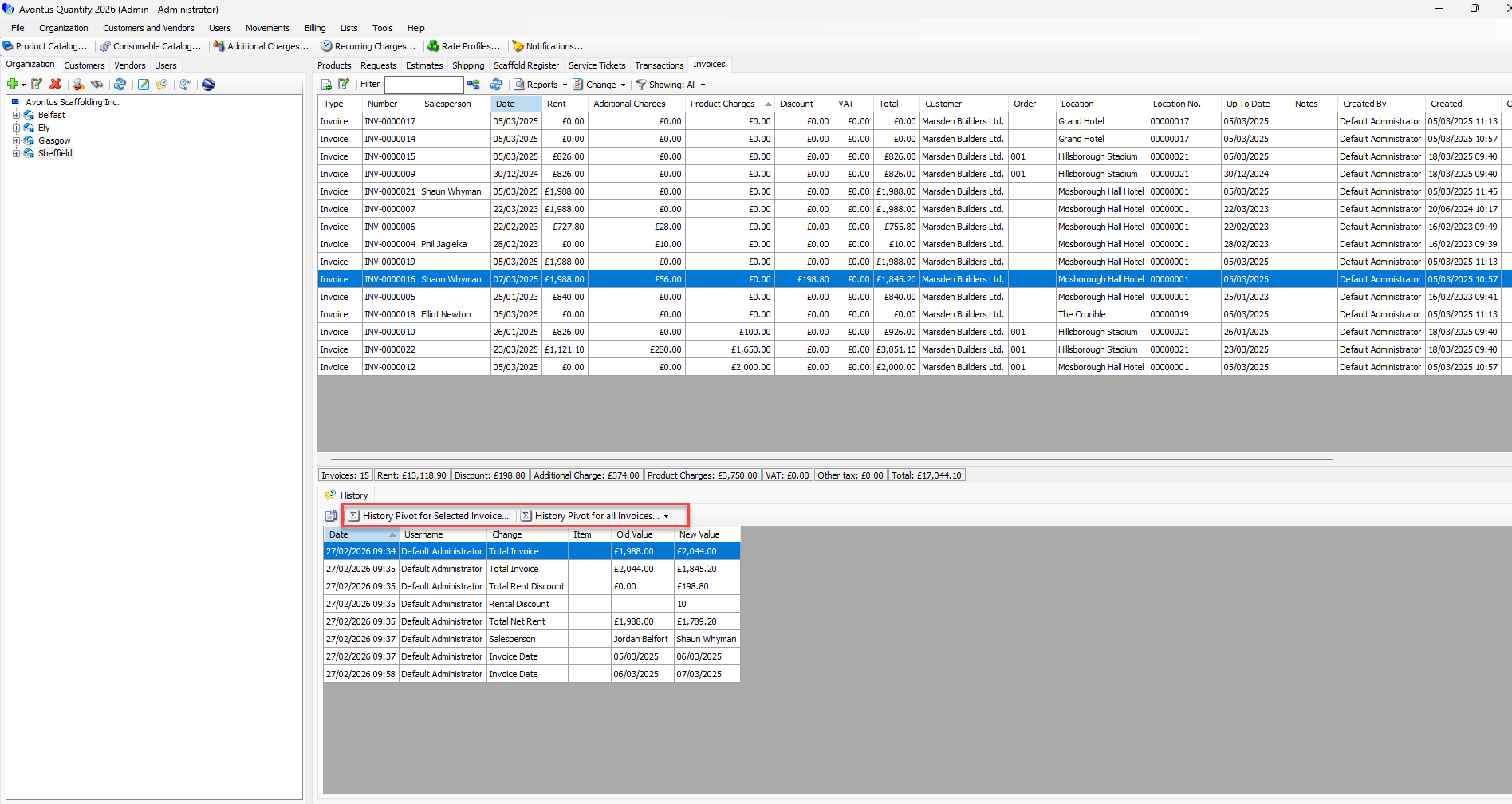
Invoice History Tracking enables users to monitor changes made to invoices over time. This feature improves transparency, accountability, and auditability across the invoicing process. Users can also copy invoice history details and generate History Pivot reports for further analysis.
To view an invoice’s history
Select Invoices
Select an invoice
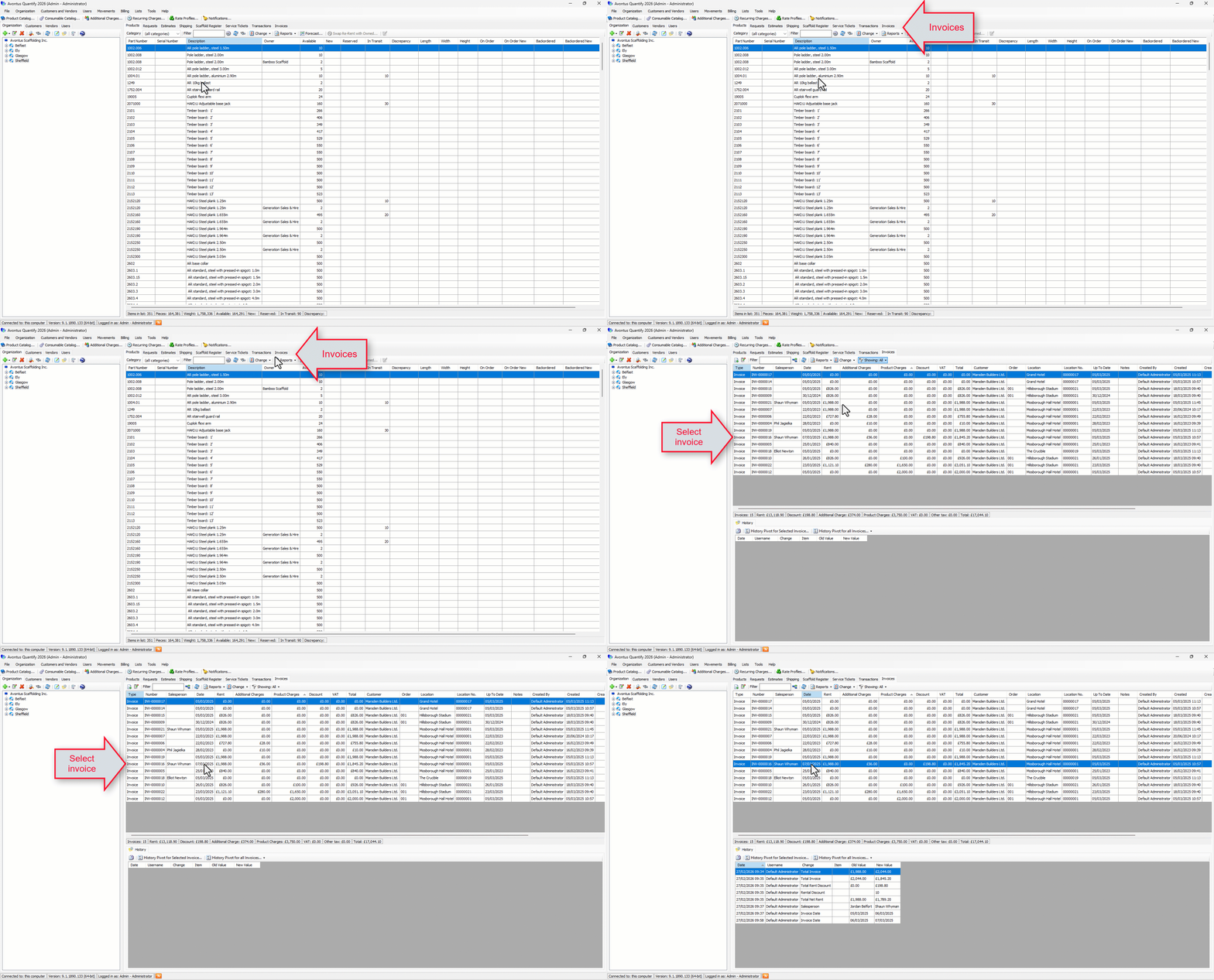
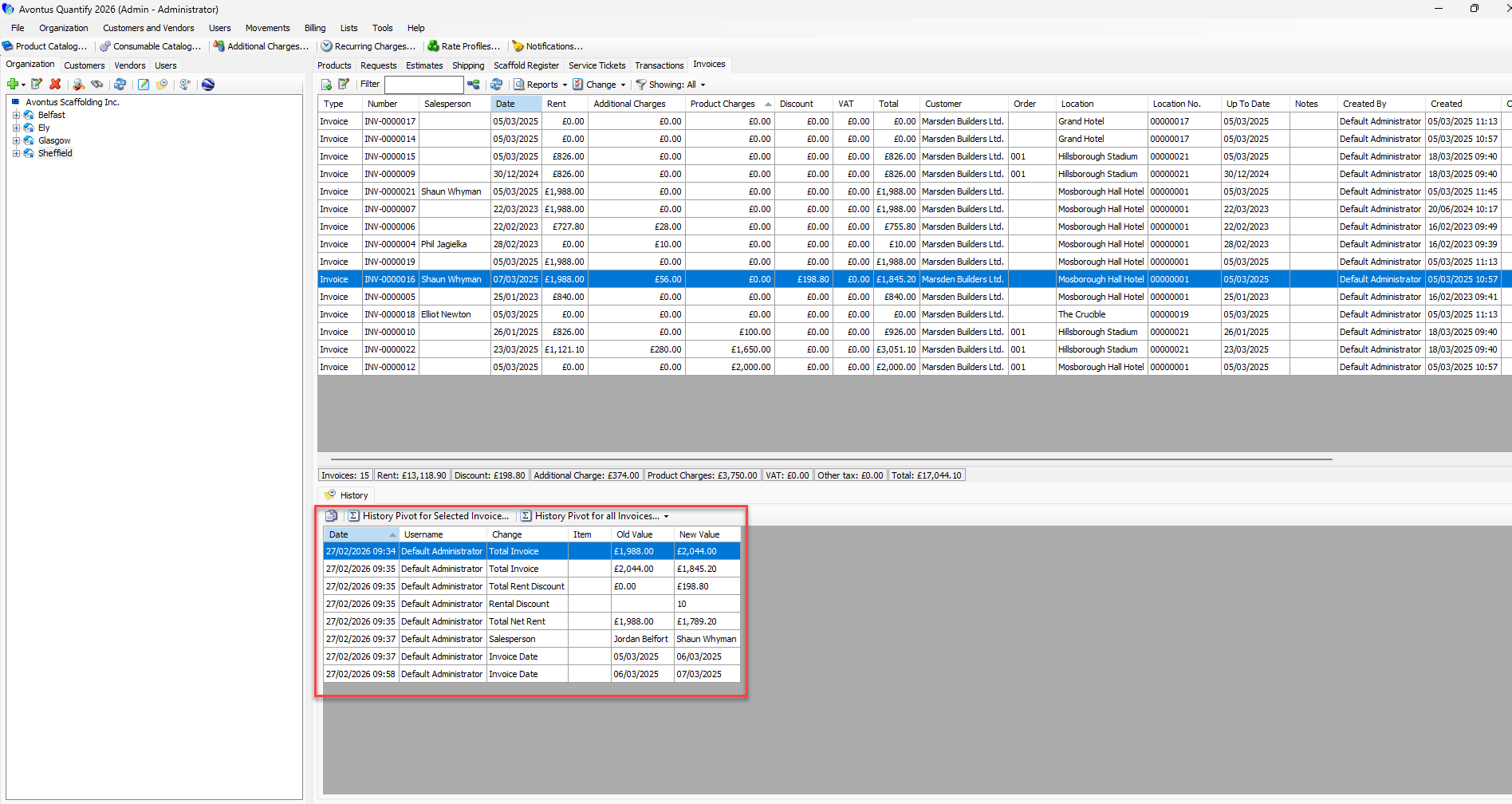
The invoice’s history will appear at the bottom of the screen. Any edits made to the invoice will appear here. You will see:
The change that was made
Who made the change
The field that was changed
The value it was originally, and the value it was changed to
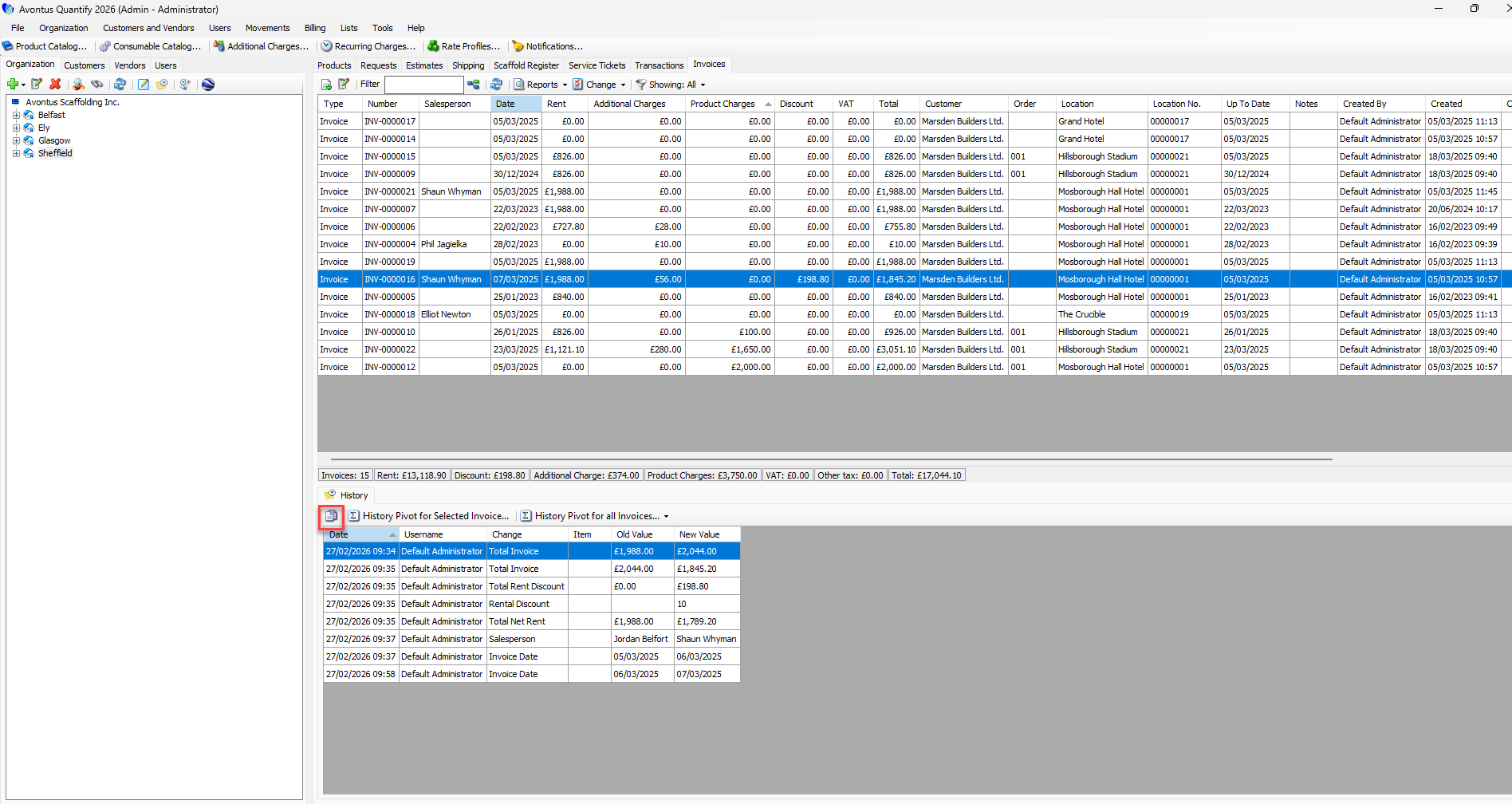
You can copy the invoice’s history by clicking the copy button.
You can also view the History Pivot table for the selected invoice or all invoices (this month or last month) for further anaylsis.