NOTE: The features mentioned in these articles are only available in the Industrial Edition of Quantify.
The procedures below show you how to select the data that Quantify will include in QR codes and in the popup that Quantify Web displays when a user clicks on the Job Site's icon.
Note: In order to perform the procedures below, Quantify Web must be installed and available.
To select the fields to include in QR codes:
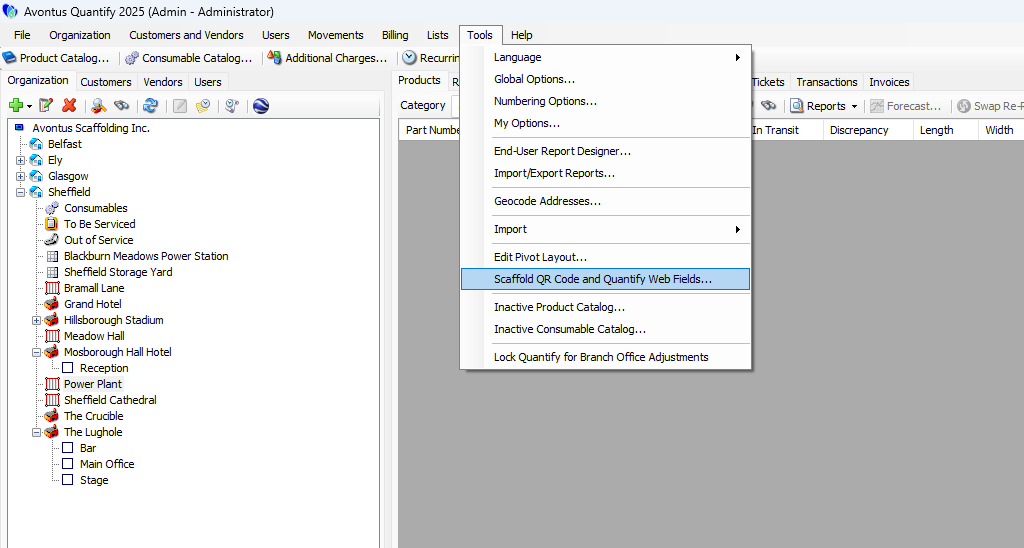
Click the Tools menu and select Scaffold QR Code and Quantify Web Fields.
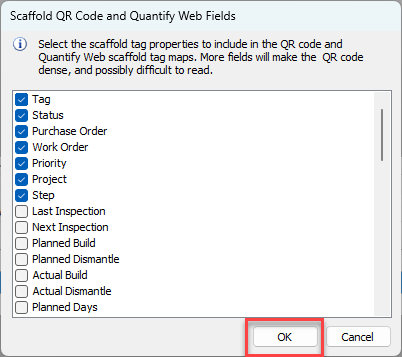
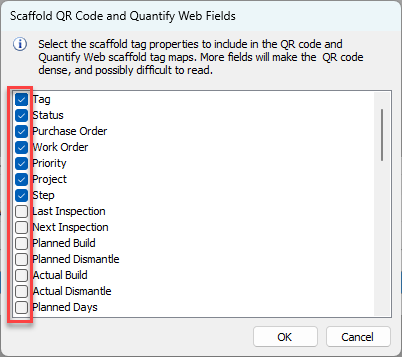
The Scaffold QR Code and Quantify Web Fields dialog appears.Click the checkbox beside each field you want to include in QR codes.
Click OK.