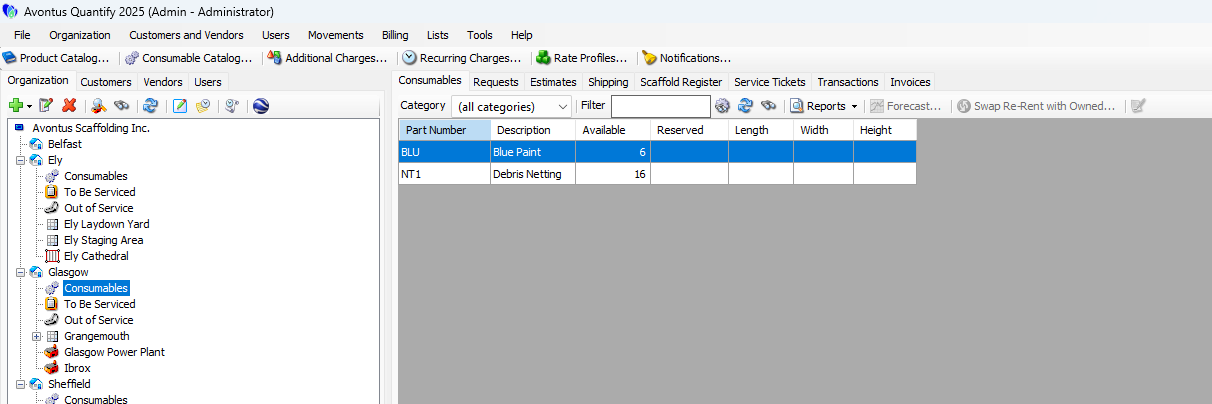
Consumables are items that leave inventory when they are used (consumed). Quantify enables you to track Consumable items separately from Products in inventory. Set up Consumable items in the Consumable Catalog, which makes them available for you to add to Shipments. When a Consumable item is shipped, Quantify removes the appropriate quantity from inventory at the Branch Office, but does not show it at the Job Site. Quantify enables you to bill Consumables to a customer and they appear on an invoice in the Product Charges section. You can track Consumables at the Branch Office level and enable them for individual Branch Offices.
Consumable Tracking
To set up Consumable tracking in your Quantify database, follow these basic steps, which are detailed in the next sections.
Set up the Consumable Catalog: refer to Working with the Consumable Catalog
Update Rate Profiles with consumables pricing: refer to Updating Rate Profiles with Consumables Pricing
Enable Consumable tracking for individual Branch Offices: refer to the General Tab section of Adding a Branch Office/Sub-Branch
Establish initial consumable inventory counts: refer to Adjusting Consumables Inventory for a Branch Office