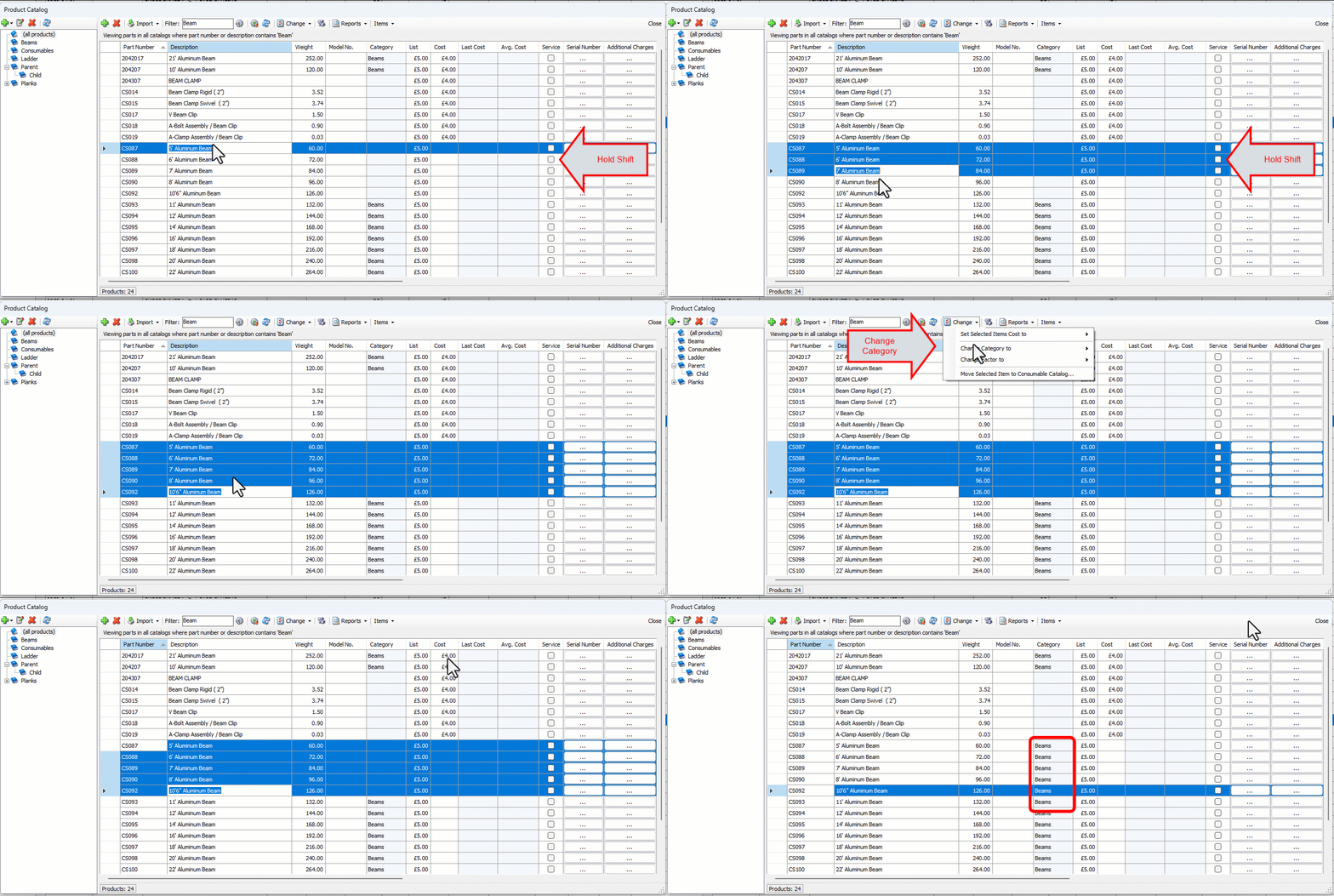
You can add Products to existing Categories one at a time or many at a time. For information about creating Product Categories, refer to Adding a Product Category.
To assign a product to a product category:
Click Product Catalog.
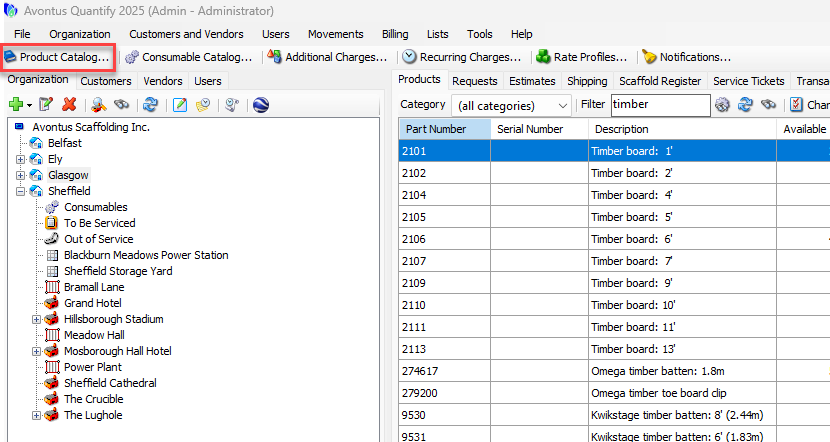
The Product Catalog appears.Highlight the Products you want to assign.
Note: Hold shift to select multiple products
Click the Change menu and select the appropriate category from the Change Category to sub-menu.
Quantify updates the entries in the Category column of the selected Products to show the new Category.