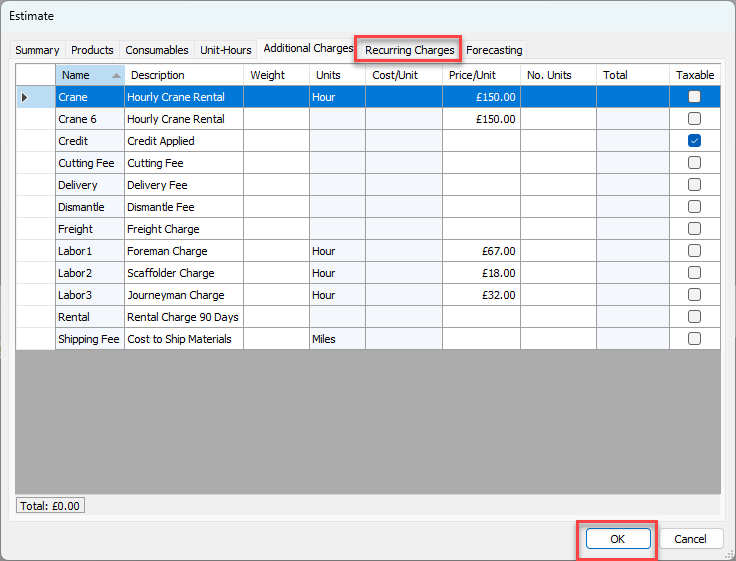
Use the Additional Charges tab to add any additional fees required, e.g. freight charges.
Note: For an explanation of all the fields, refer to About the Estimate Dialog Additional Charges Tab.
To configure the new Estimate's Additional Charges tab:
Click the Additional Charges tab.
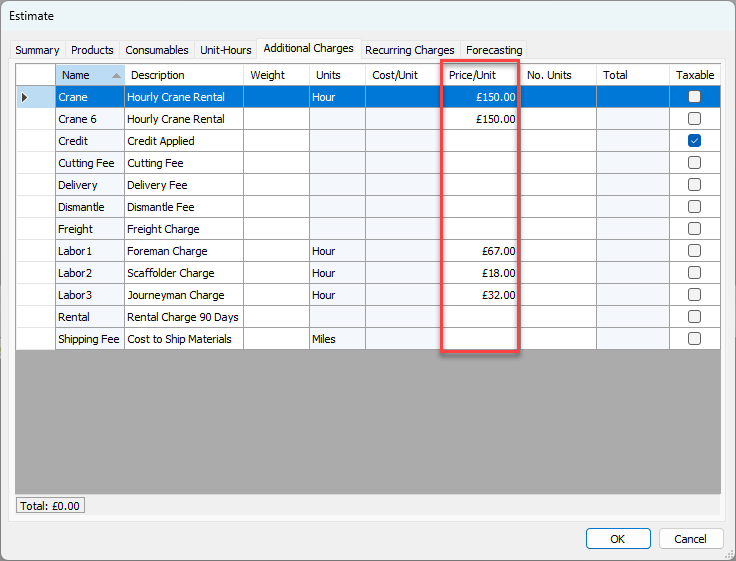
The Estimate dialog refreshes.Locate the item you want to add to the Estimate, click in the Price/Unit cell and enter the appropriate amount.
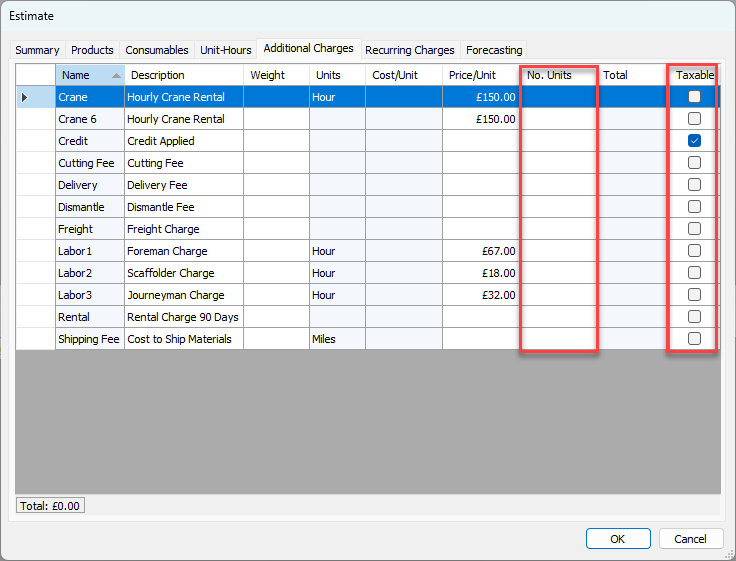
Click in the cell for the No Units and enter the appropriate amount.
If the additional charge is taxable, click in the Taxable checkbox to add a check, as necessary.
Repeat the above steps as many times as necessary.
Quantify displays the total additional charges in the lower left of the dialog.Click OK or select the next tab