Handset Designer makes it easy for you to save a Bill of Materials in a file that can be sued to create a Quantify Estimate. To learn how to create a Quantify Estimate from a Handset Designer BOM, refer to Old-Importing Product Quantities from Another Avontus Program.
To save the Bill of Materials as as a Quantify File:
Click the Handset Designer tab, then click Bill of Materials in the Application group.

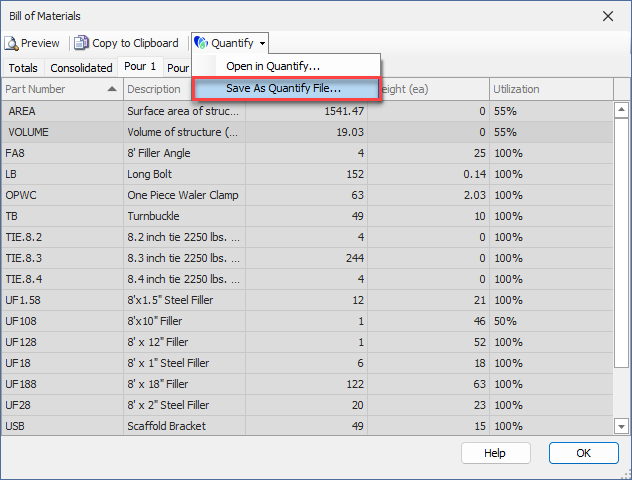
The Bill of Materials dialog appears.Click the Quantify dropdown and select Save as Quantify File.
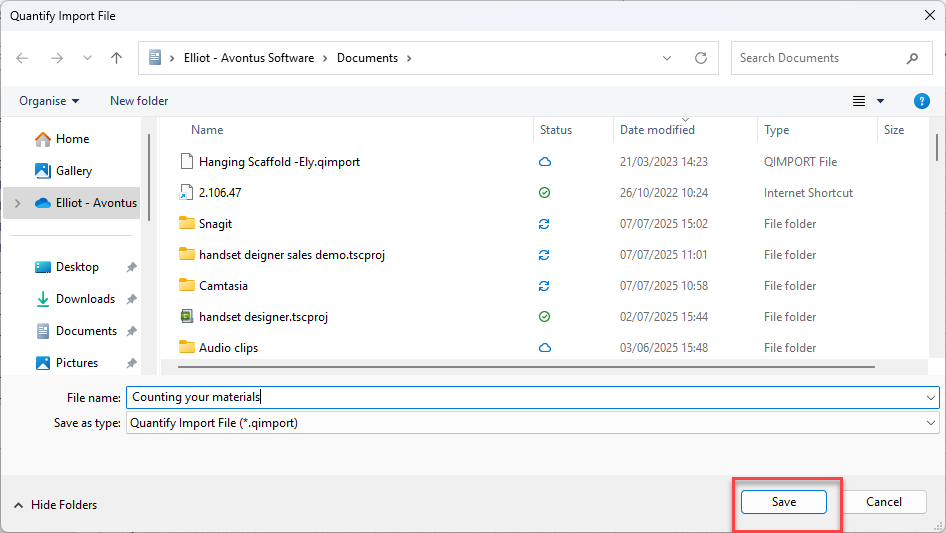
The Quantify Import File dialog appears.
Navigate to the folder into which you want to save the Quantify file and click Save.
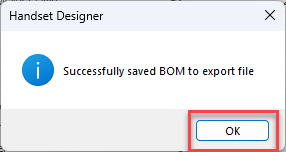
A confirmation dialog appears.
Click OK.