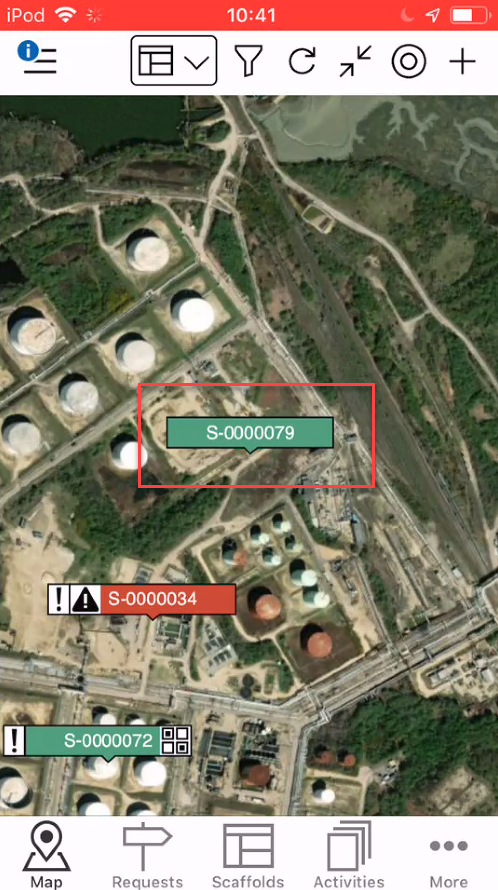
It is possible to add a request or a scaffold. If you are viewing Requests in the Map screen, you will add a request. If you are viewing Scaffolds in the Map screen, you will add a scaffold. In this example, we will add a Scaffold.
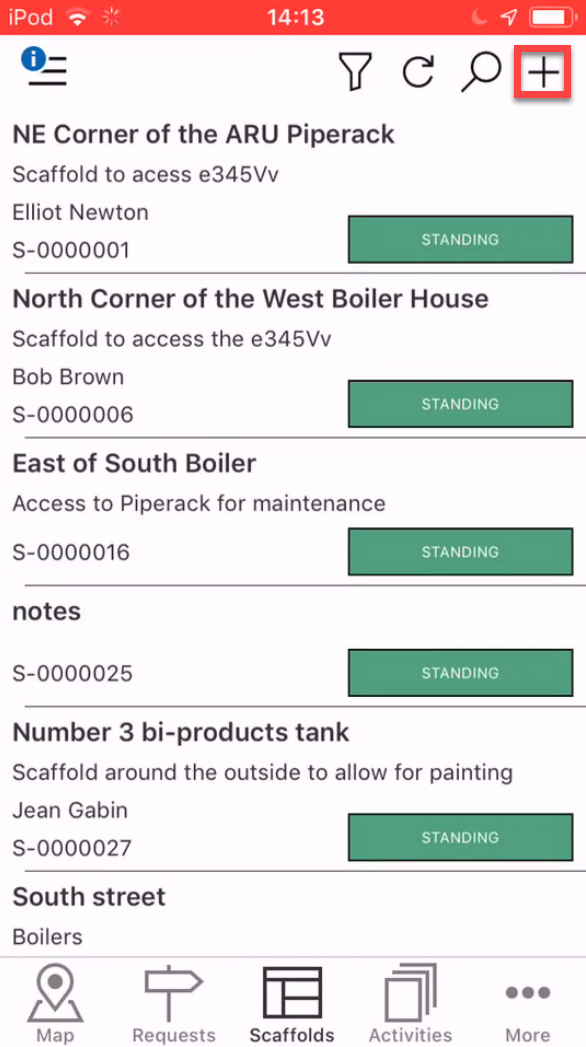
In the Map screen tap the +.
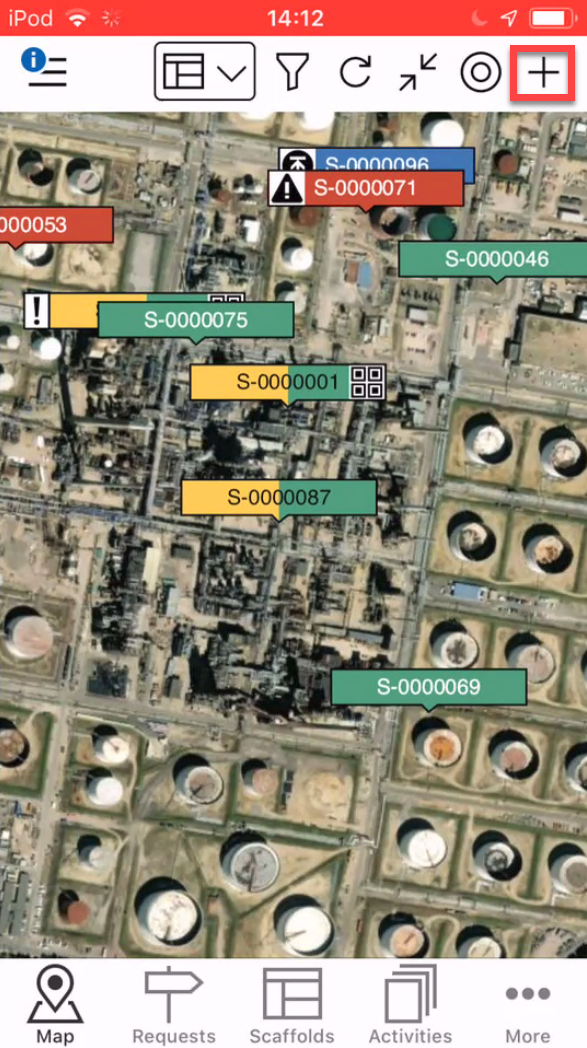
Note: You can also add a Scaffold via the Scaffolds screen.
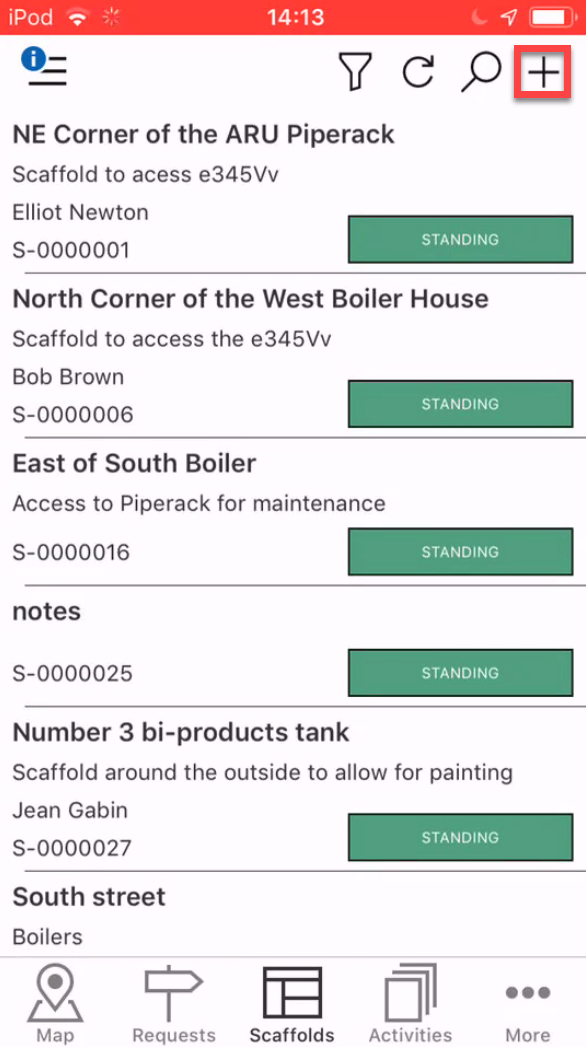
If adding a request from the Scaffold screen this will open the Map screen where you can choose the location of the Scaffold.Choose the location of the Scaffold and tap the tick icon.
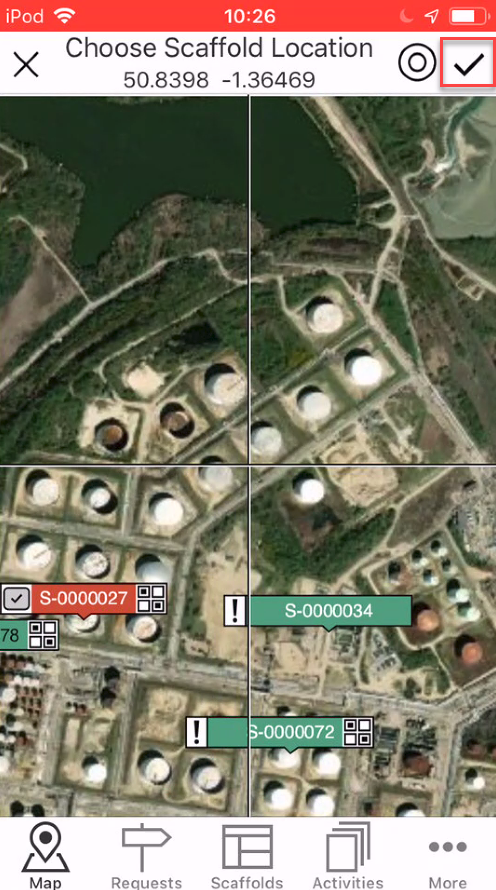
Note: You can also add Scaffolds via the Scaffolds screen
Note: Tap the radar icon to be taken to your locationEnter the details of the Scaffold and tap the tick icon.
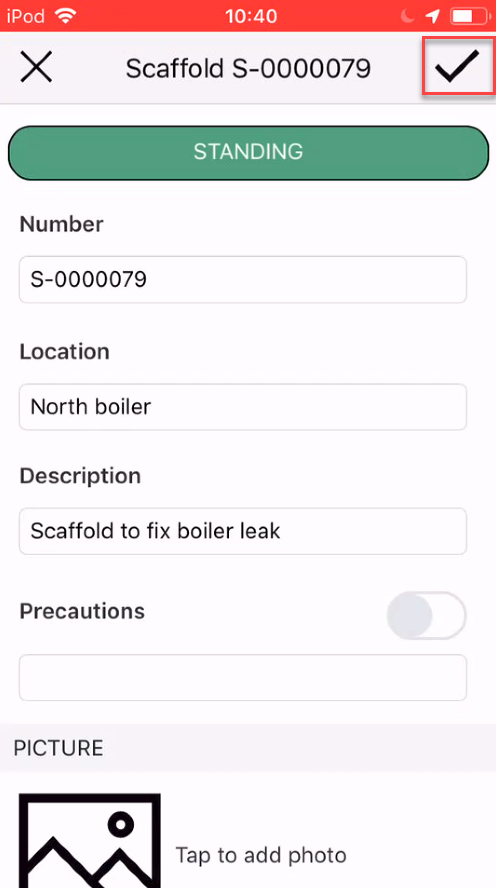
The Scaffold will be created in the Standing status unless you have modified the Scaffold Settings workflow in the Global Settings.