You can delete a Branch Office or Sub-Branch, however, a Branch Office or Sub-Branch cannot be deleted if it’s in use. Branches are in use if they own any products or have been assigned to any Shipments (in a status other than Complete), Transactions, Invoices, etc. If you wish to delete a Branch or Sub-Branch that has been used, you will need to contact Support.
To remove a Branch or Sub-Branch, the user will need to ensure:
No Job Sites under a disused Branch (you can move these to the remaining active branches).
No shipments in any status other than “Complete”.
No inventory or consumables at the disused Branch.
All Out of Service items archived.
All Transactions need to be in the Completed status.
Provide a Back Up of the database
Once all this is done, Avontus Support can remove the branch,
If the Branch Office has not been used, follow these steps:
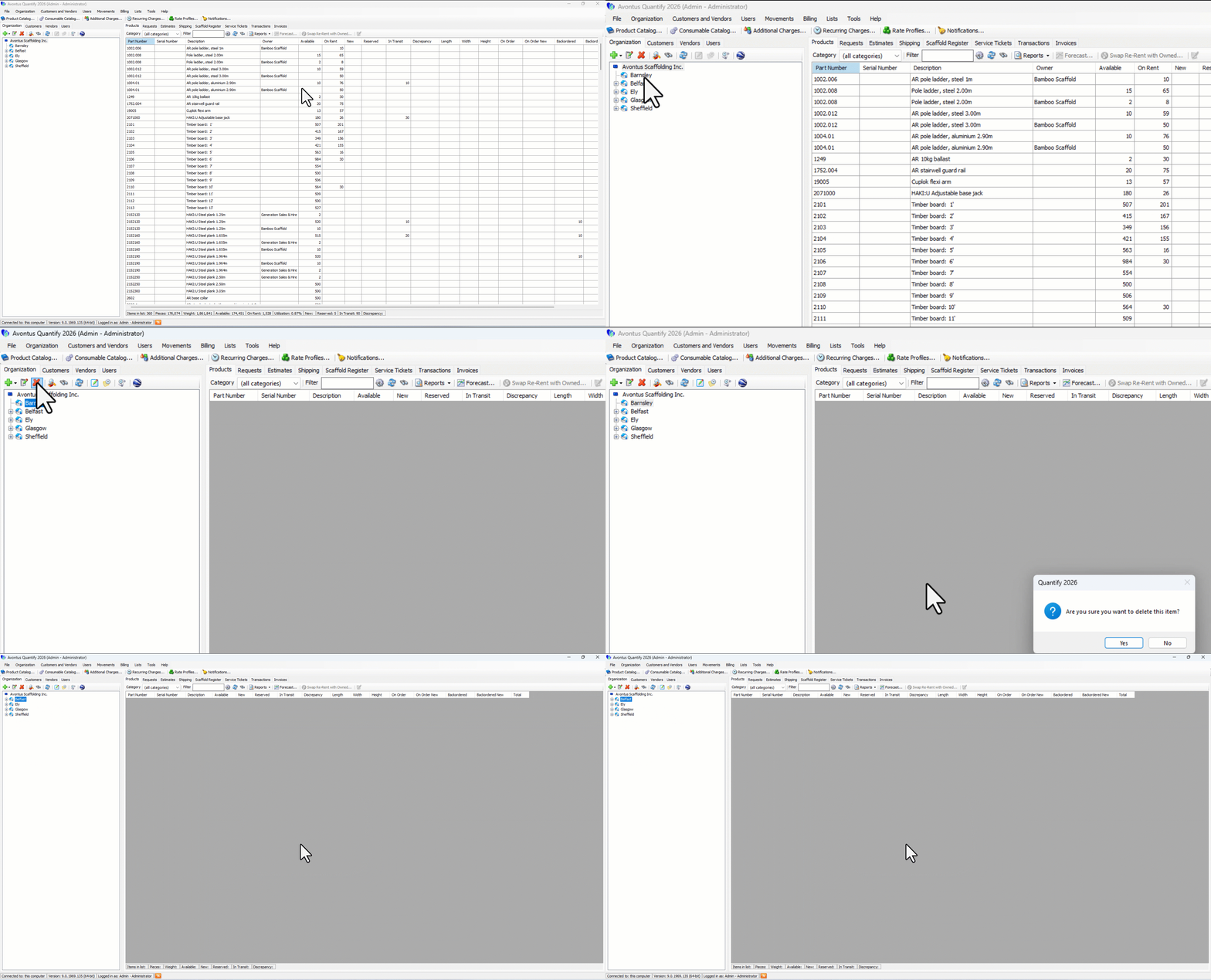
To delete a Branch Office
Select the Branch Office to be deleted
Click the red X button
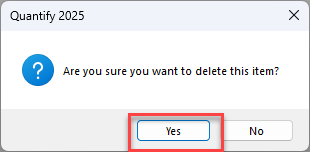
Click Yes to delete the Branch Office
To delete a Sub-Branch
Select the Branch Office
Click on the Sub-Branch to be deleted
Click the red X button
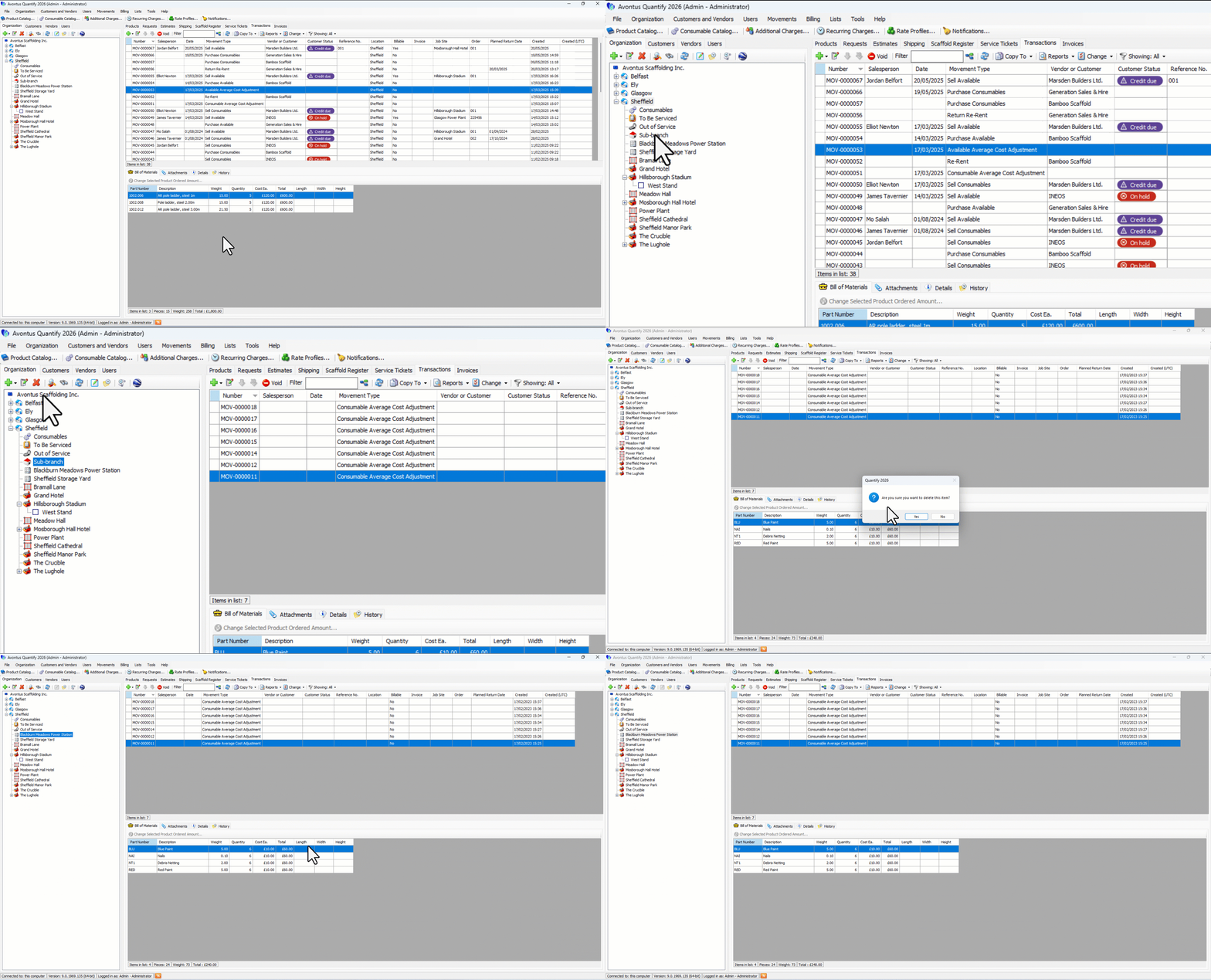
4, Click Yes to delete the Sub-Branch.