Quantify's Re-Rent feature enables you to track the movement of equipment rented from other companies (re-rent equipment). When another company owns equipment in inventory (re-rent), Quantify adds an Owner column in the Product Grid. This column indicates the company from which the equipment was rented.
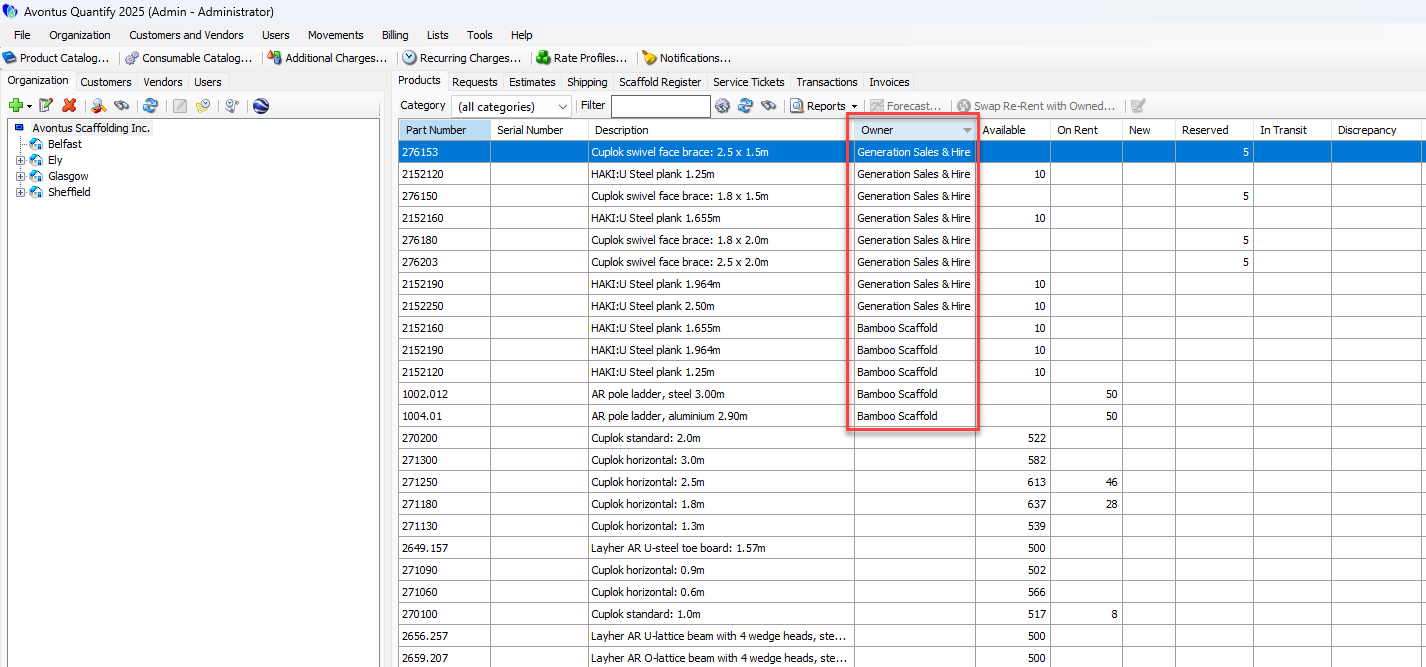
Note: In order to stock re-rented materials, they must be Rented with a transaction.
To add re-rent material to inventory or remove it from inventory, refer to:
Adding Re-Rent Material to Inventory
Removing Re-Rent Equipment from Inventory - Return Re-Rent
Swapping Re-Rented Materials at the Job Site Level
Quantify enables you to easily swap re-rented products with owned products on a job site.
To swap material at the Job Site level:
Locate and click the appropriate Job Site.
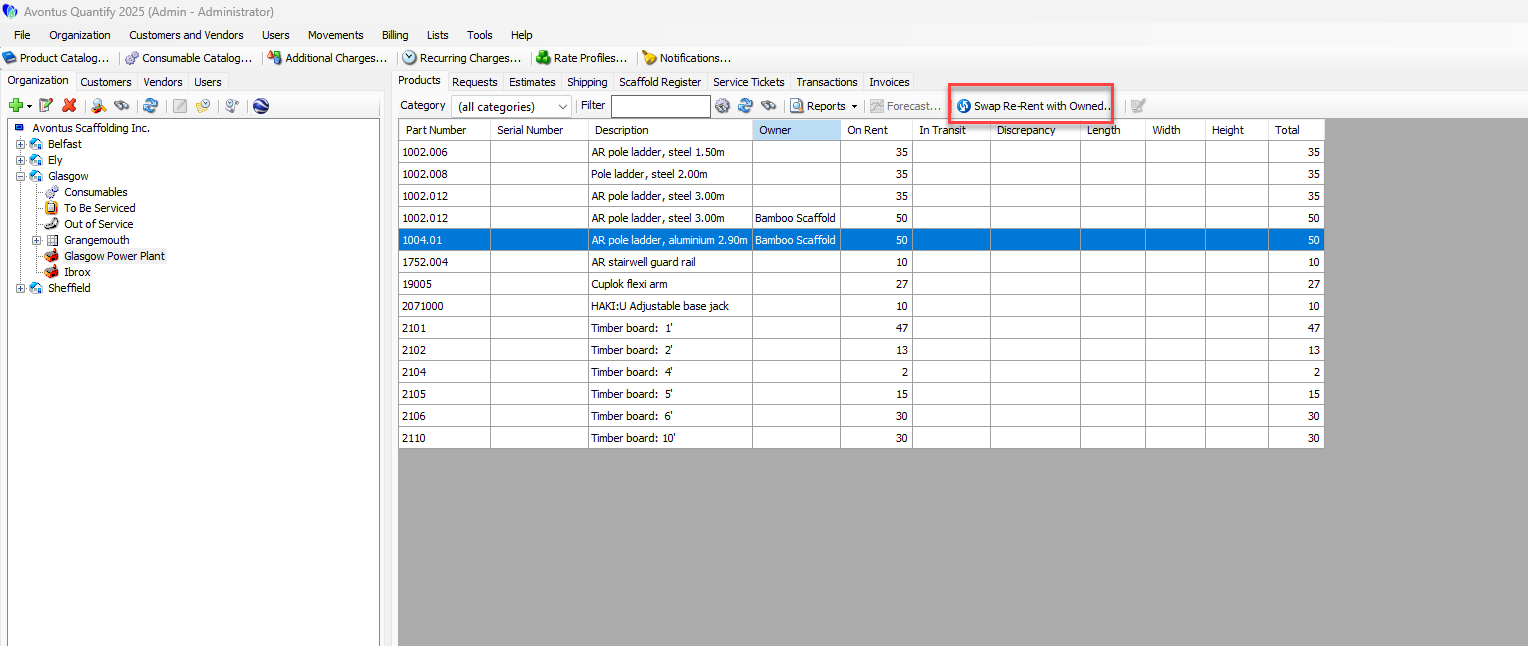
Click the Products tab, then click Swap Re-Rent with Owned.
An confirmation dialog appears.
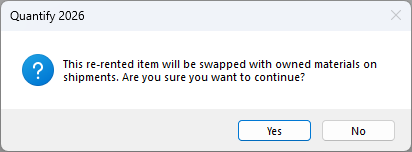
Click Yes.
Quantify moves swapped re-rented products to the Branch Office and replaces them with the same products that are company owned.Note: Once you click Yes, the material swap is permanent.
Swapping Re-Rented Materials from the Shipment Level
Quantify enables you to swap re-rented products with owned products in a shipment.
To swap material at the Job Site level:
Locate and click the appropriate Job Site.
Click the Shipping tab, then click Swap Re-Rent with Owned.
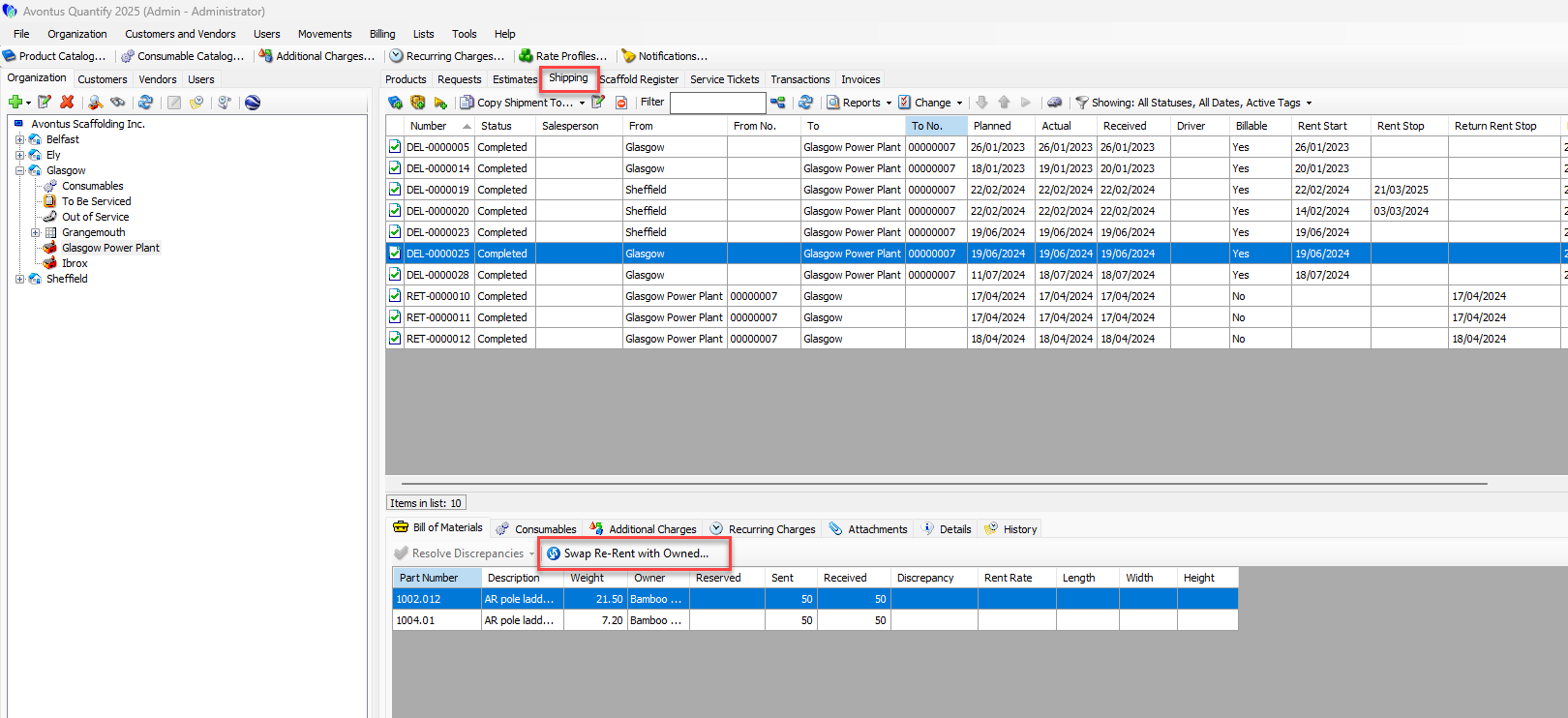
An confirmation dialog appears.
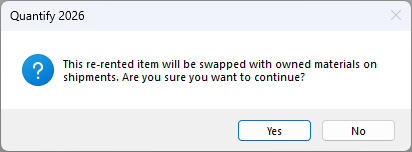
Click Yes.
Quantify moves swapped re-rented products to the Branch Office and replaces them with the same products that are company owned.Note: Once you click Yes, the material swap is permanent.