This article will explain how to create an Estimate. It will only explain how to start the process of creating an Estimate. If you want to see more information on the individual tabs, please visit the pages listed below
You assign Estimates to Branch Offices. When you edit Estimates, quantify enables you to:
To create an Estimate:
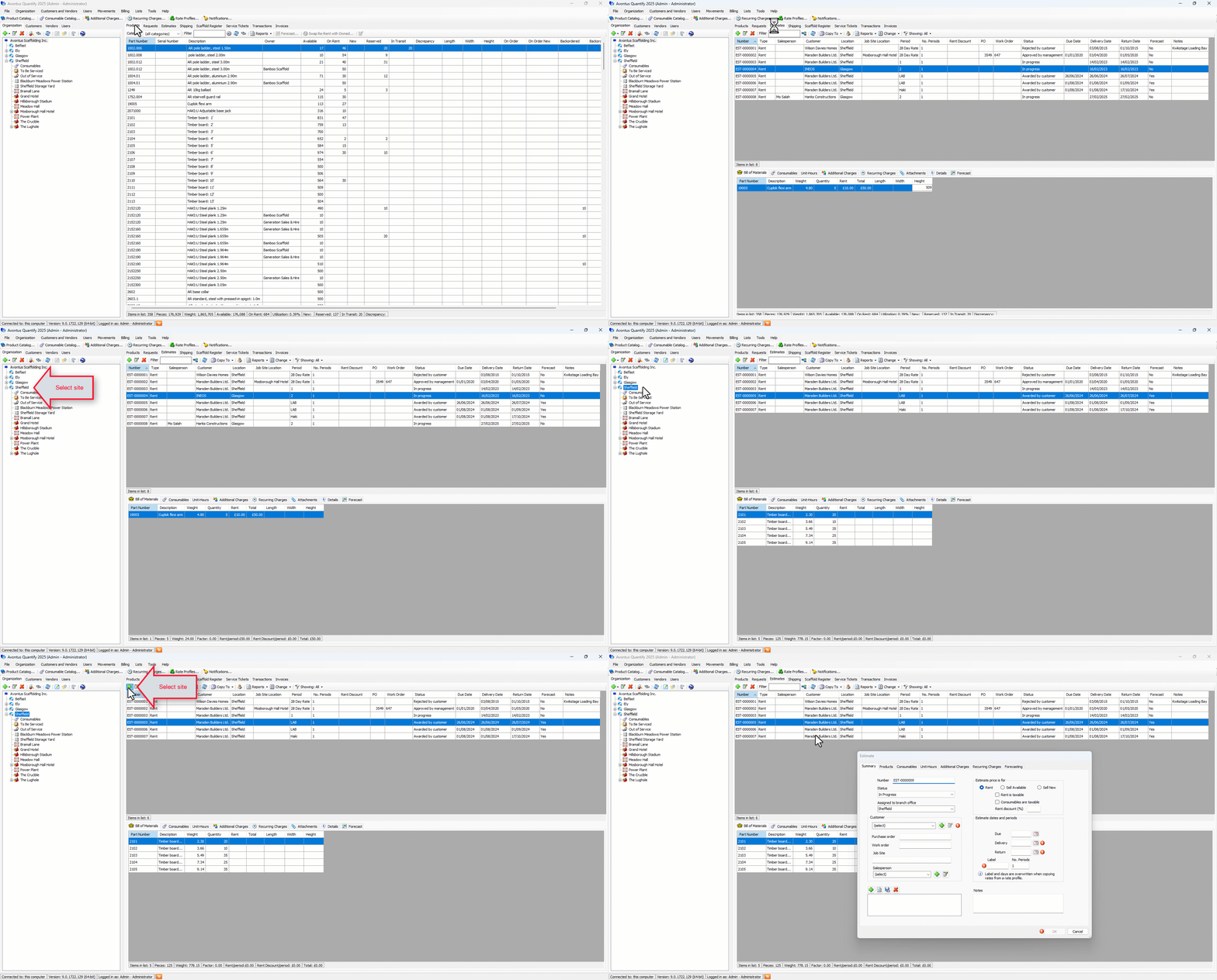
Click the appropriate Branch Office, click the Estimates tab and click the Add Estimate button (
 ).
).
Editing an Estimate
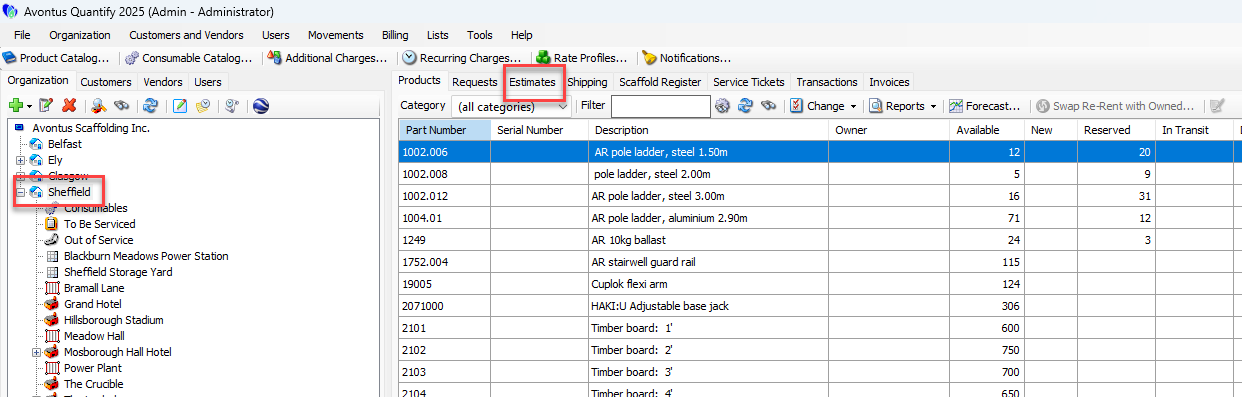
Click the appropriate location in the Organization Tree, then click the Estimates tab
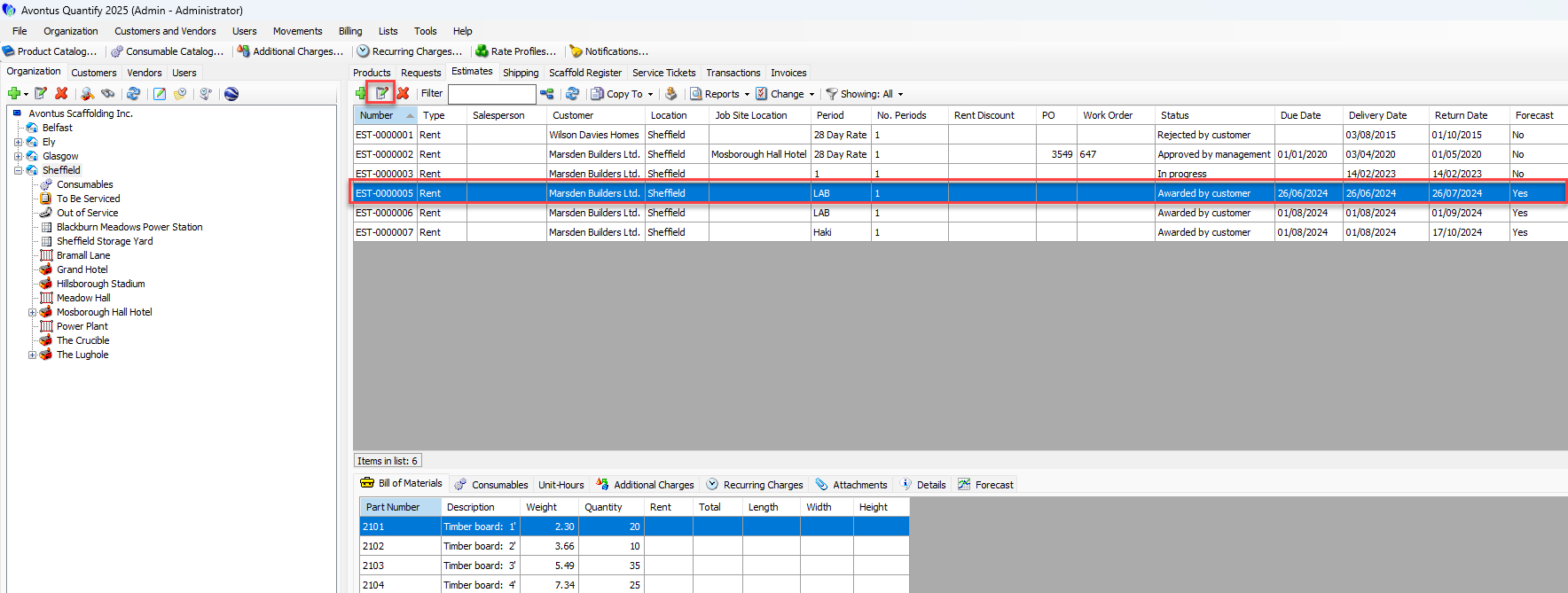
Click the Edit button.
In either case, the Estimate dialog appears.
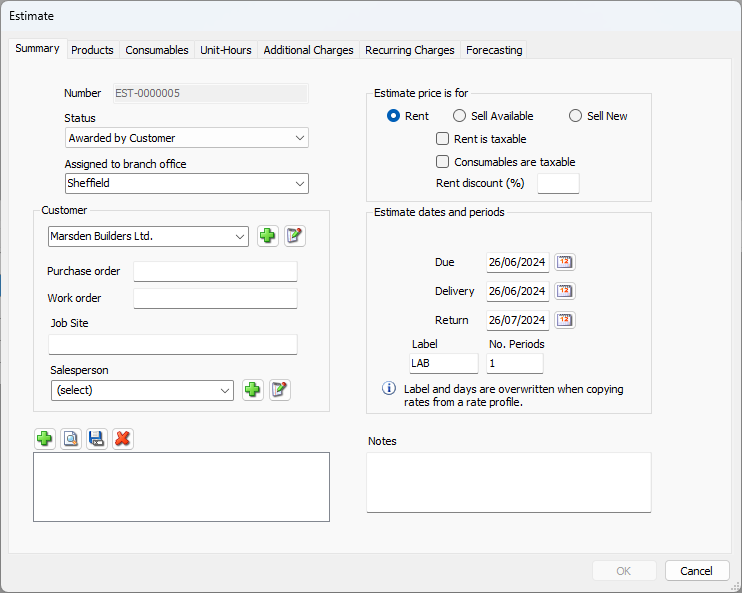
The Estimate dialog has seven tabs. Use them to enter detailed information into your Estimate.
Summary Tab