Quantify Web enables remote access to Quantify data, giving you access to data from anywhere in the world. For example, with Quantify Web you can use a browser to:
- View Quantify Product data.
- Create and save Scaffold Register and Shipment pivot reports.
- View Avontus Designer drawings that have been attached to a Job Site.
- Access the Quantify Request Portal, with which you can use mobile devices to request materials and/or project requirements.
Quantify Web also provides back-end features that enable you to:
- Connect your Quantify desktop client to a remote database, using a remote server connection.
- Access advanced Scaffold features, including Viewing Scaffold Locations in Google Earth, viewing Scaffold data in scaffold tag micro sites, scan QR codes to retrieve scaffold data, and enter scaffold inspection results remotely.
When Administrative users log in to Quantify Web, they can view and use all data available to Quantify Web: all locations and all functions in the Products, Scaffold Tags, Shipment Pivot, Drawings and Map tabs.
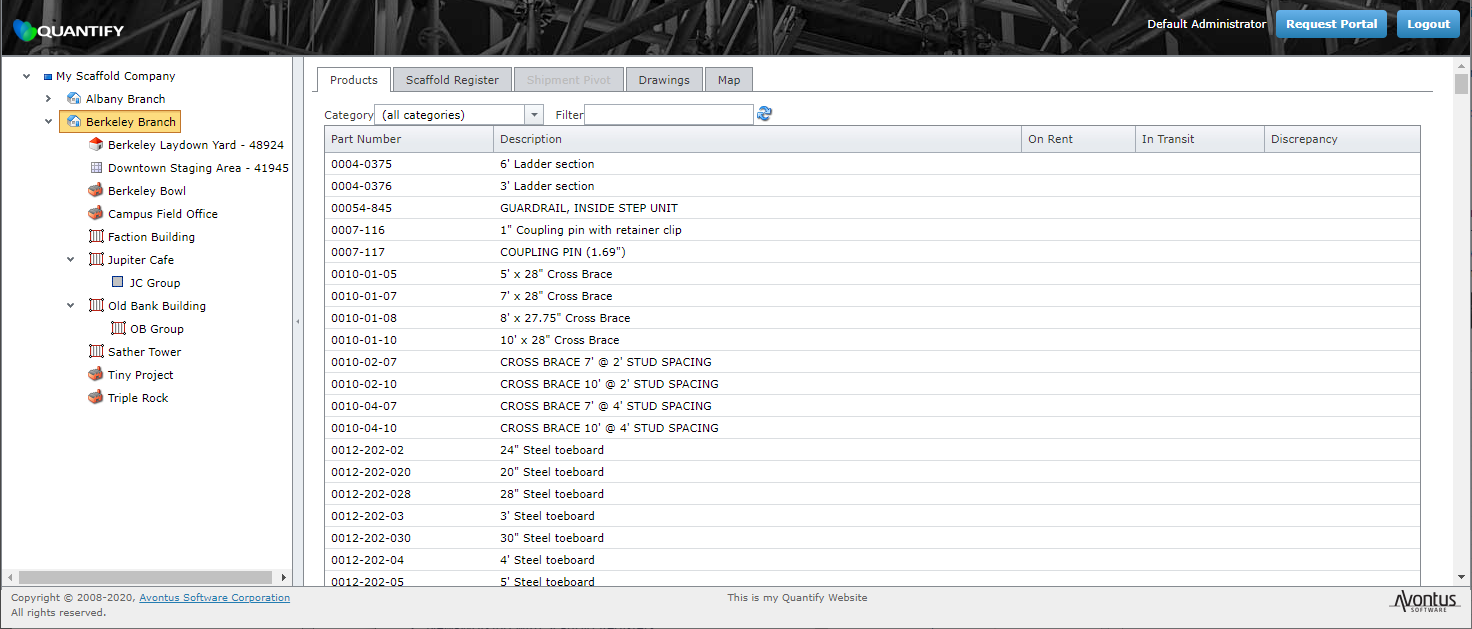
When Customer Users log in, their view is restricted to include only their data. The Organization Tree will display only their jobs, product balances, scaffolds and shipments.
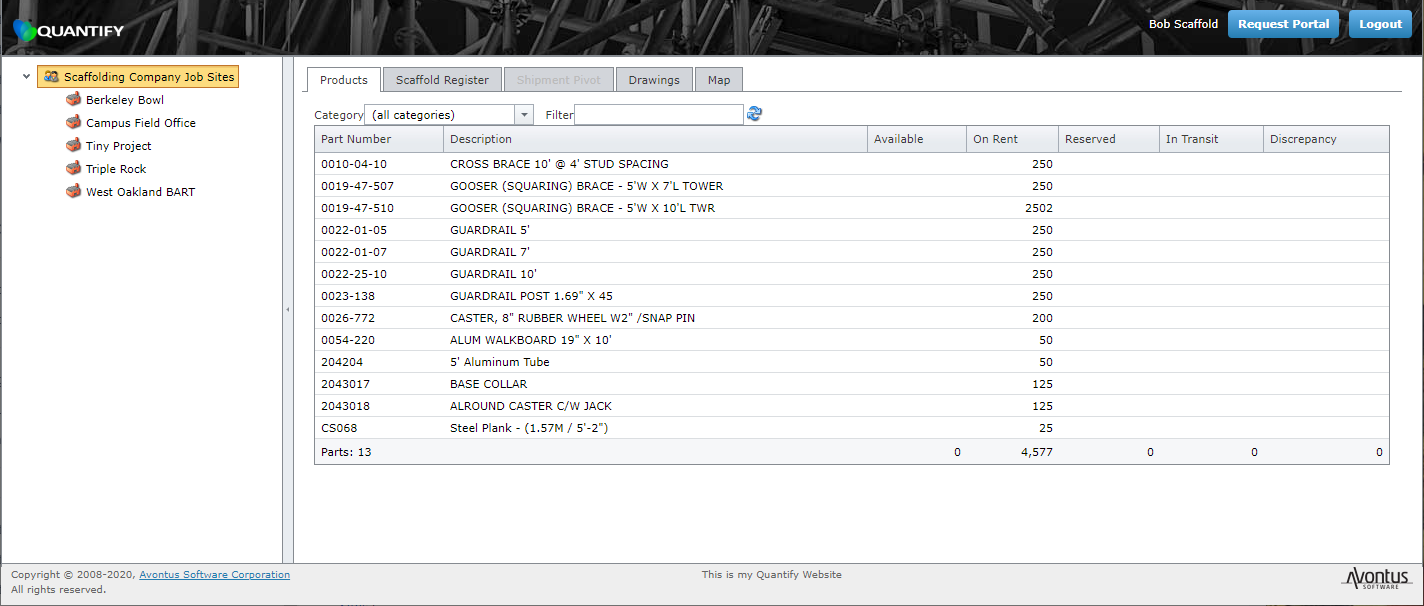
If you have appropriate permissions, you can control which customers can log in by creating Customer User accounts that are username- and password-protected. (Refer to the Creating a Customer User Account section of Working with Customers and Assigning a Customer Contact/User to Multiple Job Sites.) Additionally, you can limit which Job Sites customers will be able to view by choosing which Job Sites are associated with the Customer User.
For installation details, please see Installing and Setting Up Quantify Web.